If you pay for a marketing app only to display one newsletter signup popup, Shopify Forms deserves a look. If that same app sends campaigns, runs automations and manages your audience, replacing its popup alone will not remove the subscription.
This guide scopes the replacement to a simple email signup on a Shopify storefront. AI helps write and review the offer; Shopify Forms handles the form. The prompt and cost scenario are original editorial examples, not results from a live merchant migration.
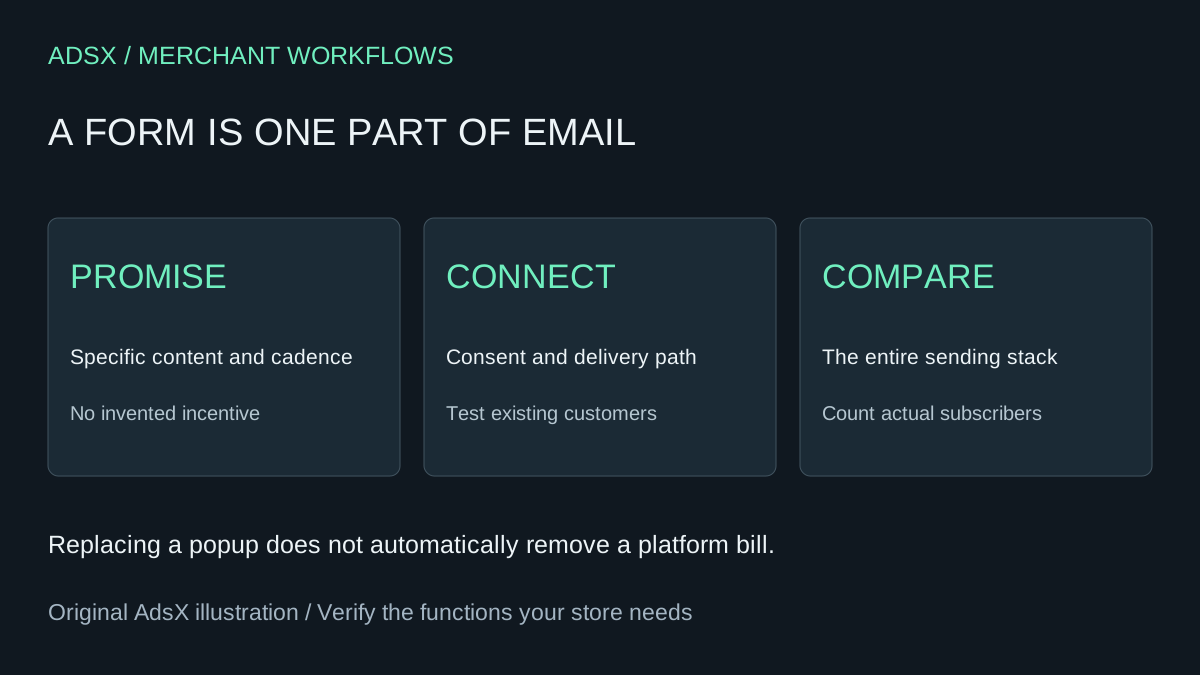
Original AdsX illustration.
Check what the free app covers
The Shopify Forms listing describes a free app with popup and inline forms. Shopify's creation guide documents a 25-form limit and says multi-step forms and conditional logic are unsupported. Inline placement needs a compatible theme; check the app embed and activation state before diagnosing a missing form.
That is enough to investigate a straightforward newsletter signup. It is not enough to assume parity with every paid popup workflow. Write down the behavior you actually use: placement, device rules, suppression, language, incentive, destination list and welcome sequence. Test each required behavior rather than matching screenshots.
Start with a promise you can deliver
For a fictional gardening store, “One seasonal growing tip each Friday” is a concrete promise. “Unlock exclusive secrets and massive savings” creates expectations without explaining what arrives. If no discount exists, do not let AI invent one just to improve the headline.
The shared form settings include marketing consent options, a success state, customer tags and workflow connections. They also specify a 50-character title, 100-character content field and 25-character button label. Keep the promise inside those constraints and review the actual consent settings separately from the copy.
Try this illustrative prompt in a general assistant:
Draft three email signup options for [store and audience].
Our real promise is [content], sent [frequency]. The incentive is [none or exact offer].
For each option return a title up to 50 characters, content up to 100,
a button label up to 25, and a clear success message.
Count characters, including spaces, but do not claim legal approval.
Do not invent discounts, deadlines, subscriber counts or benefits.
List the consent, confirmation and delivery settings a person must verify.
Do not publish the form or send email.
Check the counts yourself before pasting. An assistant can give a confident but incorrect character count. Treat the success text as a description of the next real step: if confirmation is required, “Check your inbox to confirm” is clearer than “You're subscribed.” Only use it after the confirmation process is configured and verified.
Test the path beyond the success message
Create a small acceptance table before activating the replacement. Use controlled test addresses you own and avoid submitting other people's contact details.
| Test | What to inspect | What does not prove success |
|---|---|---|
| New email with intended consent | Correct customer record and marketing state | A green success message alone |
| Submission without optional consent | The intended non-marketing state | Assuming every form submit is a subscriber |
| Existing customer | Actual saved record and consent outcome | Assuming every field is overwritten |
| Mobile popup | Readable copy, dismiss control and usable input | A desktop preview |
| Welcome or confirmation path | Correct message and final state | An automation merely being enabled |
| Unsubscribe | Suppression in the sending system | A preference page loading |
Shopify's creation guide notes that an existing customer's email and phone are not changed by a form submission and other fields, including consent, might not update. Include existing customers in your test cases instead of testing only a fresh address.
Document the source form and landing page in whatever attribution fields your tools actually support. Do not invent an integration or tracking parameter. Measure confirmed or otherwise eligible marketing subscribers according to your configured process, then compare their later engagement and purchases. Form submissions are not revenue.
Compare Shopify Forms with the part of Privy you pay for
Privy's current pricing page starts at $30 per month and includes email sending, popup features, automations, integrations and reporting. That starting price is not a quote for your audience size, and it is not a standalone popup price. Check your account's contact count and current bill.
If a merchant genuinely cancels a $30 monthly plan, 12 avoided payments total $360 before tax. In a hypothetical replacement, another sending service costs $15 monthly and additional setup takes two hours at $30/hour. First-year net saving would be $120: $360 minus $180 sending minus $60 setup, before ongoing maintenance or other fees. If Privy remains necessary for campaigns, the subscription saving from moving only the popup is $0.
Keep a paid platform when its workflows and support justify its full cost. Choose the free form when the simple acquisition task fits and the rest of the email stack is already accounted for. AI copy does not change that arithmetic.
Switch one form with a rollback plan
Save the old form's text, rules, incentive and destination. Test the replacement without displaying two competing signup offers to the same visitor. Keep a clear way to restore the previous configuration if records or messages do not arrive as expected.
Shopify's creation guide says to deactivate the form itself when preventing popup display; disabling the app embed has a documented exception on pages that also contain an inline form. Verify the actual page after changing visibility.
Use the merchant prompt library for the copy brief and the app replacement cost guide for the decision. For the sending workflow, continue with Shopify email automation planning. A useful signup promise and a reliable subscriber path matter more than generating twenty headline variants.