A small multilingual store may no longer need a paid app just to generate translations. But a translated product description is only one part of the buying journey. Before canceling langify or another translation subscription, check the language selector, app widgets, policies and the process for keeping approved wording current.
This guide evaluates a limited replacement: Shopify Translate & Adapt for supported store content, with an AI-assisted review brief and human language review. It is not a claim that the apps are equivalent. The prompt and cost example are illustrative; we did not run a merchant migration.
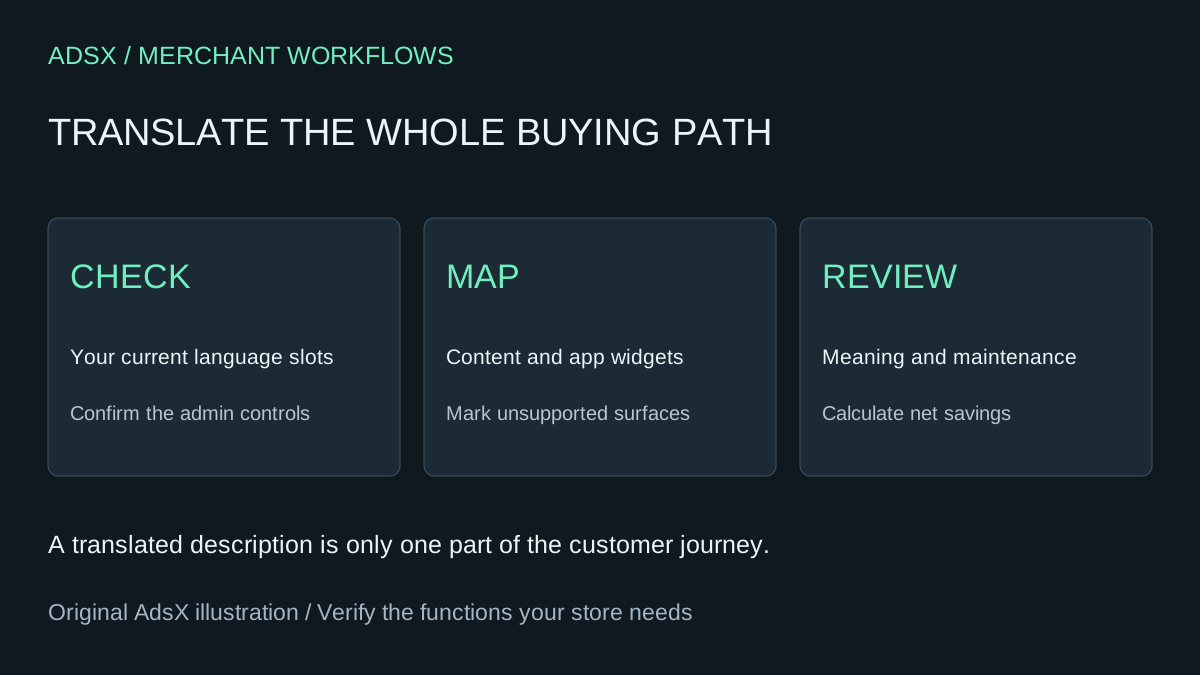
Original AdsX illustration.
Check your store's current translation allowance
The Translate & Adapt listing identifies it as a free Shopify app. Shopify's October 27 announcement introduced eight-language automatic translation and weekly Auto-sync for US and Canadian merchants. Do not use that announcement alone to determine today's availability elsewhere.
The current automatic translation documentation lists additional eligible countries. It says a store showing Translate now can use eight automatic languages and Auto-sync; other stores use Auto-translate, with two automatic languages. Check the control in your own admin. Removing a language does not reset the allowance. Manual edits are preserved, so they also need an explicit review process when the source changes. Auto-sync is weekly, not immediate, and is off by default.
Write down your store country, available control, required languages and languages already used. An eight-slot allowance does not help if your business needs ten automated languages or a language the app cannot translate.
Make a surface inventory before comparing bills
Shopify's requirements page identifies unsupported content including Shopify Forms, product images, tags and some third-party app content. A translated product page can therefore still contain an untranslated buying instruction. Policy pages need separate attention; Shopify does not automatically translate legal policies.
Use a small inventory like this original example:
| Surface | Required outcome | Replacement acceptance check |
|---|---|---|
| Product description | Accurate material and care wording | Bilingual reviewer checks against approved facts |
| Size widget | All labels readable in the target language | Test the actual app widget, not the surrounding page |
| Image with text | Important instructions available in translation | Review the asset and adjacent accessible text |
| Language selector | Shopper can change language on mobile | Follow the route from a product page |
| Refund policy | Approved localized policy | Assign qualified review; don't publish an AI legal draft |
Mark every row supported, unsupported or unverified. Unverified is a reason to keep investigating, not a pass.
Use AI to prepare the review, not certify it
Give the assistant a redacted content sample, approved glossary and target locale. Avoid customer data and private supplier information. A French translation for one market is not automatically appropriate for every French-speaking customer.
Review the source text and candidate translation below for [locale].
Use only the approved product fact sheet and glossary.
Return a table: source phrase, translated phrase, possible meaning change,
number or unit mismatch, glossary conflict, and question for a bilingual reviewer.
Flag missing content and promises about shipping, returns or performance.
Do not invent a replacement policy or certify accuracy.
Separate high-confidence discrepancies from uncertain language judgments.
Do not edit or publish anything.
This is an original, untested review prompt. A fluent reviewer should approve the final wording. If both the draft and its review come from the same model, agreement is not independent validation.
For a fictional linen towel, a translation that adds “machine washable at 60°C” fails if the approved care sheet says 30°C. The right fix is to preserve the documented care instruction, not make the copy sound more persuasive. Keep the original text, candidate and approved version together so future changes have a clear starting point.
What could you save compared with langify?
langify's pricing page lists a free plan and Basic at $17.50 monthly, with higher tiers and optional translation-word purchases. Its Shopify listing describes third-party app translation and language-switcher features. Those may be the reason you pay, even if first-party content translation is free elsewhere. Confirm your actual bill and required tier before making the decision.
At $17.50 for 12 monthly payments, the avoided subscription would be $210, before tax. That is a gross figure. In a hypothetical switch requiring two extra setup hours at $30/hour plus 15 extra minutes of review each month, incremental labor is $150 for the year: $60 setup plus $90 review. Net first-year savings would be $60, assuming no additional tools or translation costs. These are assumptions, not measured merchant savings.
Only count extra labor relative to the current workflow. You already need translation review with a paid app. If you are on a free plan, there is no subscription saving to claim.
Switch only after the whole buying path passes
Preserve approved translations and document how the current app stores custom content. Test a representative product, collection, cart, app widget and policy page in every required language. Check mobile switching and fallback text. Compare the live content with the inventory, and confirm how the next source-text update will be handled.
Do not uninstall first and hope to discover the missing pieces later. Keep the paid app when its supported surfaces, language coverage or operating workflow justify the fee. For a smaller supported catalog, the free route deserves a careful trial.
Use the merchant prompt library for the review brief and the app replacement cost worksheet to compare the full cost. These are existing-merchant decisions; buying another Shopify subscription is not a prerequisite.