If you pay for an upsell app only to show a few accessories on product pages, start by checking Shopify Search & Discovery. AI can help prepare the pairings; Shopify's existing app can handle their display in a compatible theme. You do not need to build a new recommendation engine for a small, manually curated catalog.
This is a limited alternative to one function of Selleasy, not a replacement for its cart funnels, checkout placements or campaign management. The prompts below are illustrative and have not been executed against a merchant store.
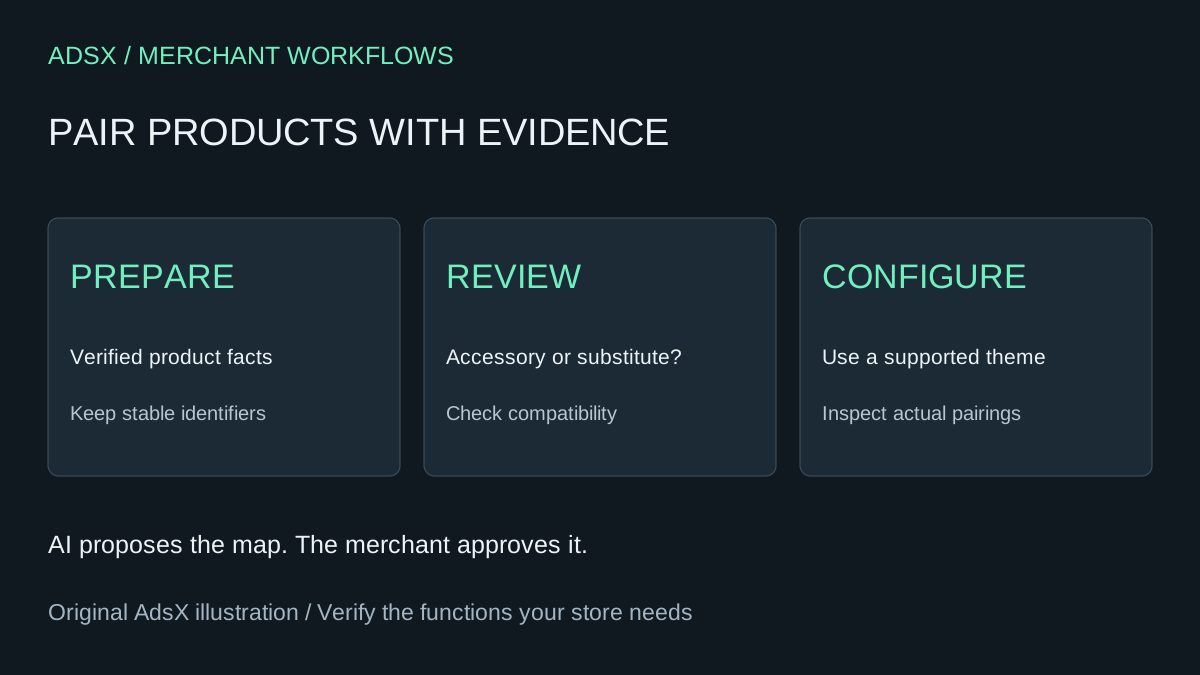
Original AdsX illustration.
First check the free options
Shopify Search & Discovery is free. Selleasy also lists a free plan with up to five campaigns, so paying nothing may be possible without migrating. Its Starter plan currently lists $9 per month or $91 per year. Check your approved subscription and required features before using either price in a savings estimate.
Shopify's recommendations documentation distinguishes complementary items, bought alongside a product, from related items that can be substitutes. Your theme must support the relevant section or block. Recommended products must satisfy availability and publication requirements; a complementary product with no stock will not display even when continued selling is enabled.
Those are configuration constraints, not problems to solve with a larger AI prompt. Preview your theme before deciding that code is necessary.
Create a pairing sheet from product facts
Consider an illustrative camera-accessory store. A travel tripod can complement a camera only if its mounting and weight requirements match. A similarly priced tripod might be an alternative instead. An assistant should not infer compatibility from attractive names or pictures.
| Main item | Candidate | Evidence to supply | Decision |
|---|---|---|---|
| Camera body | Tripod | Verified mount and supported load | Review as complementary |
| Travel tripod | Studio tripod | Different size and intended use | Review as related |
| Camera body | Battery | Exact supported model list | Reject when model is unknown |
Export only the product information needed: stable product identifier, title, URL, relevant specifications and merchant-approved compatibility notes. Customer records are unnecessary. Keep identifiers in the output so two similarly named products cannot be confused.
Prompt for a reviewable recommendation map
Using only this product table, propose up to three complementary products for each main product. Return the main identifier, candidate identifier, pairing reason, supporting source field and unresolved compatibility questions. Keep substitute products in a separate related-products table. Do not invent compatibility, purchase history, discounts or demand. If evidence is missing, mark the pairing needs review. Do not change the store. Start with ten products so I can inspect the reasoning.
Reject any row whose reason cannot be traced to supplied facts. The goal is to reduce clerical work while keeping merchandising judgment visible. A confident sentence is not compatibility evidence.
After review, configure the approved recommendations in Search & Discovery and enable their display in the theme. Preserve a copy of the previous setup. Do not import a large generated file until its identifiers and field mapping have been checked. Our AI app testing guide explains how to record evidence separately from an assistant's assurance.
Check the storefront before removing anything
Preview products with long names, multiple variants and no suitable pairing. Verify links and selected variants, phone layout, prices and the cart after adding an item. Remove or disable duplicate recommendation placements in a controlled way so shoppers do not see two competing widgets.
Also review a pairing when its accessory becomes unavailable. A recommendation list that looks sparse may reflect eligibility rules rather than a broken implementation. Keep a named owner responsible for new products, discontinued items and compatibility changes.
If your current app delivers bundles, discounts, cart offers or post-purchase offers, list those dependencies before uninstalling. A product-page list does not preserve them. Compare the broader responsibilities in when to keep a specialist app.
What could you save?
For twelve $9 Starter charges, the gross avoided charge is $108. In a hypothetical first year with two hours of setup and one hour of review at $40 per hour, labor is $120: the change costs $12 more before any incremental AI charge. Against a $91 annual subscription, it costs $29 more. An already-paid annual term may provide no immediate recoverable saving.
If the free plan covers the requirement, gross subscription savings are zero. If the replacement needs paid theme work, include it. Use the full-cost worksheet rather than treating the highest advertised app tier as your saving.
Keep the decision tied to the shopper's task
Use this workflow when a small set of checked accessory pairings is enough and the native display fits. Keep a maintained app when its additional placements, controls or support justify the cost. Evaluate changes over a comparable period using sales and margin, not merely clicks on the new widget. More recommendations do not establish more profit.
The merchant prompt library includes the pairing brief for reuse.