If you pay for an order-tagging app only to apply one fixed label when an order matches a clear rule, Shopify Flow may cover that job. Use AI to draft the rule and its test cases; let Flow execute the reviewed automation. You do not need an AI model making the same deterministic decision on every order.
This guide considers a limited alternative to SC AI Order Taggers, not a clone or a full replacement for its features. The prompt and examples are illustrative, not an automation we installed or tested in a merchant store.
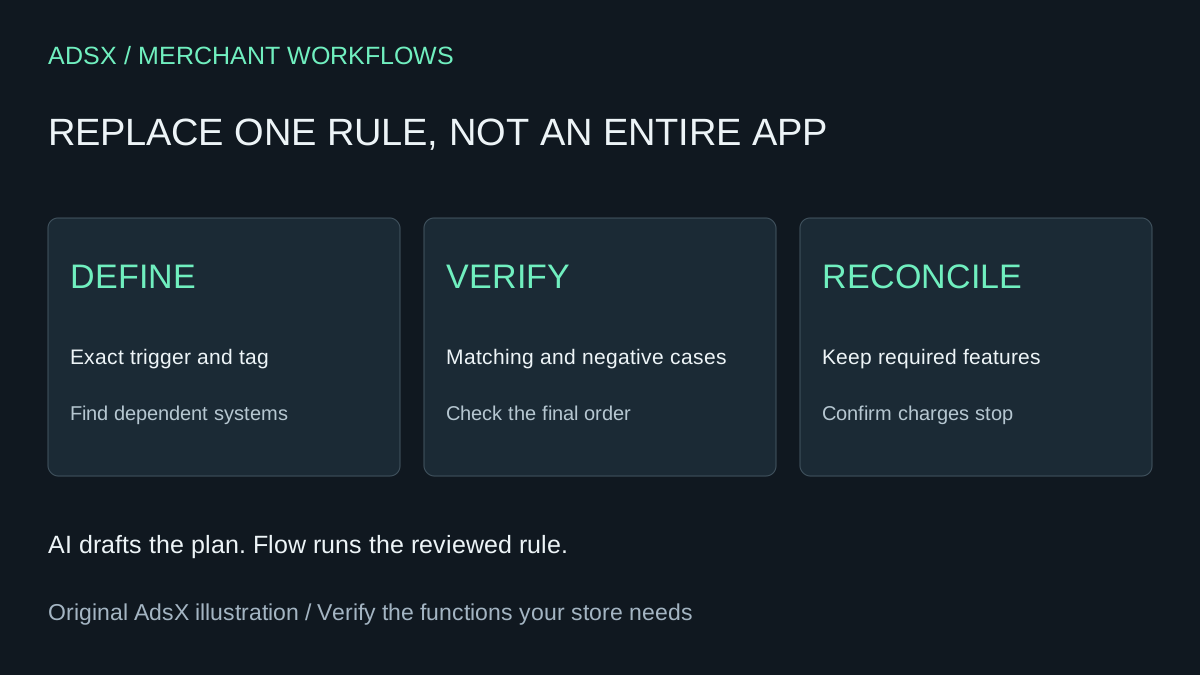
Original AdsX illustration.
Check whether the paid app is doing more
Inventory every active rule before changing anything. A fulfillment service may depend on a tag that looks unimportant to the person reviewing the bill. Record the tag's exact spelling, trigger, conditions, downstream consumer and owner. Also check whether staff use backdating, dynamic tags, scheduled rules or integrations.
The official listing checked November 3, 2026 shows a free option, Starter at $5.99 per month, Growth at $19.99 and Pro at $49.99. Usage and backdating can add charges. The free option has restrictions, so compare it before building. The developer's plan documentation explains feature differences and extra usage. Your account's current terms control the bill.
Define one narrow rule
Consider an illustrative rule: when an order is created and at least one line item has the exact SKU SAMPLE-KIT, add the order tag sample-kit-review. No automatic fulfillment, refunds, emails or inventory changes are in scope. The tag is a staff review aid, not evidence that payment cleared or the order is ready to ship.
Shopify's Add order tags action requires a trigger containing order data. Tags are case sensitive. In the Flow editor, verify the available line-item SKU field and condition operator instead of pasting an invented field path from an assistant.
Flow is free on Basic, Grow, Advanced and Plus according to its official overview. Some actions have additional plan restrictions. This narrow rule does not require an external HTTP call. Confirm staff have the permissions needed to configure and activate it.
Use this planning prompt
Draft a Shopify Flow configuration plan for this rule: on order creation, if any line item has SKU SAMPLE-KIT, add the exact order tag sample-kit-review. Do not fulfill orders, change inventory, contact customers or remove existing tags. Describe the trigger, condition and action, and identify fields I must verify in the current Flow editor. Include matching, nonmatching, mixed-cart and missing-SKU examples. Explain what this rule does not handle. Do not claim it is installed or validated, and do not invent an import file.
An assistant's plan is not an activated workflow. Compare it with the editor and current documentation, then build the draft. If the field is unavailable or its behavior is unclear, resolve that before enabling the rule. Choosing a vaguely similar field can silently tag the wrong orders.
Verify results before changing the old rule
Use an authorized test environment or a controlled test process suited to your store. Avoid running two production automations that both affect downstream fulfillment while comparing results. Define which system is allowed to act and keep the other in review mode where supported.
| Example | Expected result for this rule |
|---|---|
| One SAMPLE-KIT line | Add sample-kit-review |
| SAMPLE-KIT plus a different product | Add sample-kit-review |
| Only a different SKU | Do not add the tag |
| Missing SKU | Do not treat the blank value as a match |
| Existing unrelated tags | Preserve those tags |
Shopify documents a particular failure worth checking: another app or admin update can overwrite tags after Flow adds them. Inspect the final order record and downstream behavior, not just the workflow's success indication. Do not blindly add a delay without understanding which process writes the tags.
This rule does not backfill historical orders, remove tags after later edits, or duplicate the paid app's integration behavior. Those are separate requirements. Keep the app if they are essential and a verified alternative is not ready.
Calculate the saving after maintenance
At the listed Starter fee, avoiding 12 base subscription charges would avoid $71.88 before taxes and extras. That is a 12-charge comparison, not a guaranteed annual saving. Suppose setup takes one hour at $30 and review takes ten minutes in each of those periods. Labor totals $90, leaving a modeled loss of $18.12 before other costs. These labor inputs are invented for illustration.
A very simple rule might take less work; a complex one can take much more. Use the replacement cost worksheet with your own numbers. If the existing free plan fits, its avoided subscription cost is zero.
Only retire the old rule once the new behavior and all dependencies are accepted. Check cancellation and pending charges separately. Save the configuration, test evidence and owner in your merchant prompt library workflow notes so the next person can understand why the tag exists.