A merchant who needs one fixed “New arrival” label has a smaller problem than a store running scheduled promotions across several markets. For the first case, an existing theme setting or a small theme change may replace the display function of a paid badge app. For the second, a maintained app may be worth keeping.
This guide considers one narrow alternative to Flair. It does not reproduce Flair's targeting, scheduling, countdowns or promotion management. The prompts are illustrative and have not been run against a merchant theme.
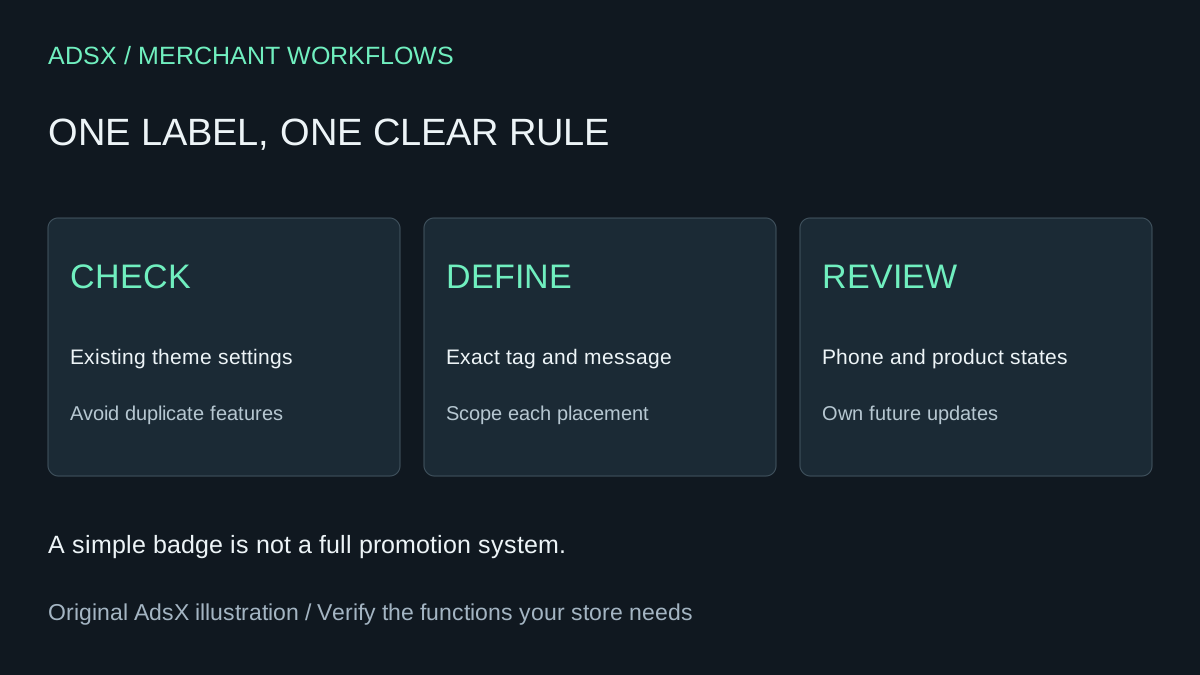
Original AdsX illustration.
Check the theme before generating code
Look for existing product-label settings and blocks in the theme editor. If your current theme already supports the required label and placement, configure that first. AI is useful for explaining the requirement or reviewing the result, but it need not create another implementation.
If code is necessary, work on an unpublished copy and retain the original. Shopify's theme editing guidance explains that themes use Liquid alongside HTML, CSS, JSON and JavaScript. A theme feature is not a Sidekick-generated admin app; it runs on the storefront and needs theme-specific review.
An unpublished theme does not isolate shared product data. Changing a product tag may affect live collections or other automations. Choose an unused tag deliberately and review its dependencies before applying it.
Define the smallest useful badge
An illustrative specification is: display “New arrival” beside the product title when the product has the exact merchant-managed tag badge-new. Do not infer newness from inventory or a discount. The merchant owns when the tag is added and removed.
Shopify's Liquid product reference documents product data available to themes, including tags. The current theme determines where product objects are passed into reusable cards and snippets. Ask the coding assistant to inspect that structure before naming a file to edit.
| Requirement | Example boundary |
|---|---|
| Meaning | Merchant-approved new-arrival status |
| Trigger | Exact badge-new product tag |
| Placement | Product page first; collection cards separately reviewed |
| Content | Plain text, translated if the store needs it |
| Exclusions | No stock urgency, timers, discounts or visitor targeting |
A product-level label applies to the product, not automatically to one selected variant. If only one color is new, this specification is insufficient. Narrow the promise or design and verify a variant-aware implementation separately.
Copy this theme prompt
Inspect this unpublished Shopify theme and propose the smallest change that displays “New arrival” when the current product has the exact tag badge-new. Start on the product page. Reuse existing styling and translation conventions. Preserve prices, forms, links and existing badges. Use semantic text; do not make the label look like a button. Do not change product tags or publish the theme. List affected files and explain how to remove the change. Flag missing product context instead of inventing a variable. Show the diff for review.
The initial output is a candidate implementation. Review the diff, preview representative products and use the theme's normal validation tools. Do not publish because the assistant reports that it “should work.” If the first attempt fails, preserve the error and refine the request rather than claim a one-shot success.
Test every placement you intend to keep
Check a tagged product and an untagged product, a long title, a sold-out product and a narrow phone screen. Confirm the badge does not cover the image, price or purchase controls. Verify that removing the tag removes the label and that language changes do not expose a hard-coded untranslated string.
If adding the label to collection cards, test each card layout actually used, including search results when relevant. A product-page result does not establish card coverage. Keep screenshots and expected results using the AI-built app acceptance process.
Compare actual savings with upkeep
Flair's official pricing page, checked November 4, 2026, lists Buzz at $29 per month, Boost at $49 and Grow at $99. Check your account currency and terms. Twelve base Buzz charges total $348 before tax; this amount is avoided only if you can cancel the subscription entirely.
For an invented cost example, two setup hours at $40 plus two maintenance hours over the comparison period cost $160. Subtracting that from $348 leaves $188 before extra tools or support. Those hours are assumptions, not measured savings. If other Flair functions remain necessary, the avoided subscription fee is zero.
Use the full replacement cost worksheet and keep a maintainer responsible for theme updates. This small badge can be a reasonable replacement for a small job; it is not evidence that a promotion platform has been replaced.