If you write a handful of product descriptions each month, Shopify's built-in text generation may cover the job. If you process hundreds of items in batches, a dedicated app's review queue and history may still earn their keep. Compare the workflow you use, not just the sentence an AI tool produces.
This guide considers a small, manually reviewed writing task as an alternative to one function of Novi ChatGPT AI Product Writer. It does not reproduce the app's bulk processing or history. The prompt and product example are illustrative; we did not execute them in a merchant account.
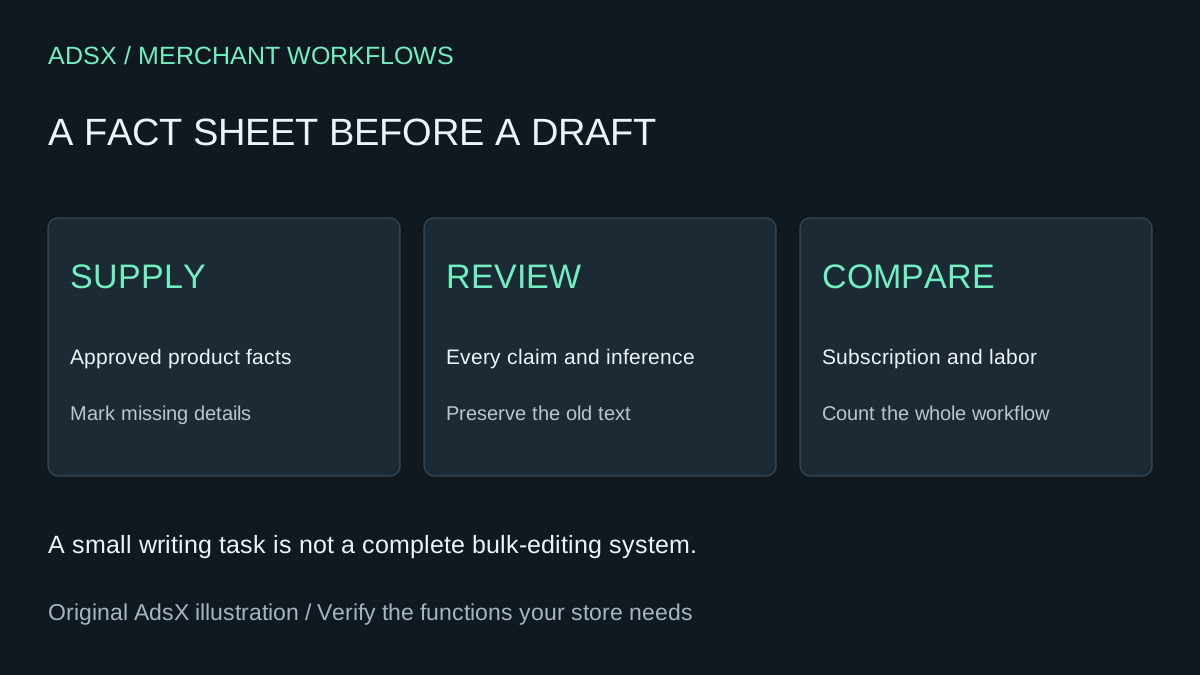
Original AdsX illustration.
Find the current Shopify writing surface
Shopify's description-generation guide now identifies Sidekick as the tool behind product description generation. On desktop, open a product and use the Generate text control in its description editor. Generated text is applied to the field, where you can review and format it before saving. Saving a published product displays the updated description immediately.
This is a content-editing surface, not a Sidekick-generated custom admin app. Shopify's AI tools overview distinguishes these capabilities and notes that availability can vary by plan, language and device. Confirm the control in your store before budgeting a replacement. Do not upgrade your plan solely on an assumed saving.
Give the writer a fact sheet, not a product name
For an invented canvas tote, supply the approved material, dimensions, closure, care instructions and included items. Mark unknown load capacity as unknown. A title such as “Everyday tote” is not enough to justify claims about waterproofing or carrying a laptop.
| Supplied fact | Safe draft direction | Claim to reject without evidence |
|---|---|---|
| Cotton canvas | State the material plainly | Certified organic |
| Open top | Describe the opening | Secure zip closure |
| Dimensions provided | Include exact measurements | Fits every laptop |
| Care instructions absent | Ask for approved care guidance | Machine washable |
Keep a copy of the existing description outside the editing field. Product content is shared data: previewing an unpublished theme does not create an isolated copy of the product description.
Use this bounded prompt
Draft a product description using only the approved fact sheet below. Write a short opening and a concise features list in our plain, helpful voice. Preserve exact measurements and distinguish included items from optional accessories. Do not invent benefits, certifications, compatibility, care instructions, shipping promises or testimonials. Put missing facts in a separate review list rather than filling them in. Do not add an SEO title, change product data or publish anything. Avoid repetitive adjectives. Return a claim-to-source table after the draft so I can verify every factual statement.
Some in-editor generation surfaces apply output directly to the description field. Remove the review list and claim table from customer-facing copy before saving; they are working notes. If the surface cannot cleanly separate them, perform the review in a separate document or assistant session using only information you are authorized to share.
Read the draft against the fact sheet, sentence by sentence. “Designed for rainy commutes” can imply weather resistance even without using the word waterproof. Ask a second question: what would a reasonable buyer infer, and do the facts support that inference?
Decide whether bulk features matter
Novi's listing describes batch generation, review before applying and generation history. Its Starter plan lists $14.99 USD per month or $143.90 per year, with a free plan also listed. Check that free plan's actual allowance and your approved billing terms rather than assuming every merchant needs Starter.
For ten carefully reviewed products, manual generation may be manageable. For a large catalog, copying outputs, preserving old text and tracking approvals may consume more time than the subscription saves. Do not call a manual prompt a complete app replacement when the paid app also coordinates that work.
Use the replacement decision guide to list the functions you would lose. Keep metadata, translations and bulk updates outside this narrow experiment unless separately scoped and checked.
Work through the costs
Twelve $14.99 charges total $179.88. Suppose, purely for comparison, that moving to the native workflow takes one hour and creates two additional hours of manual work during the year. At $40 per hour, the incremental labor is $120, leaving $59.88 before extra tool costs. Against the $143.90 annual option, the same assumptions leave $23.90.
But one extra hour each month would cost $480 at that rate, before setup. The cheaper-looking tool would then cost more overall. Count only time that differs between the two workflows; factual review is necessary with either. An already-paid annual term may not yield an immediate refund. The full-cost worksheet helps make those assumptions explicit.
Publish a sample before expanding
Review one product, save only after approval and inspect the visible page for formatting, links and variant-specific wording. Retain the previous text and record any correction. Do not rewrite high-performing pages merely to make them sound newly generated.
Then decide whether the process deserves wider use. A draft that reads well is a candidate, not measured conversion improvement. Save the brief from the merchant prompt library and keep the approved facts close to it.