A Whop waitlist lets you review people before they join your offer. For a small coaching cohort or a community with personal feedback, use that review to match admissions to the work you can deliver. An application count is not a seat count, and an approval deserves the same care as any action that can start a paid customer relationship.
Disclosure: Dennis Hegstad works at Whop. AdsX may earn compensation from qualifying referrals through our partner link. This guide uses public documentation reviewed October 9, 2026. The cohort and numbers are illustrative; we have not admitted applicants or tested charges in a merchant account.
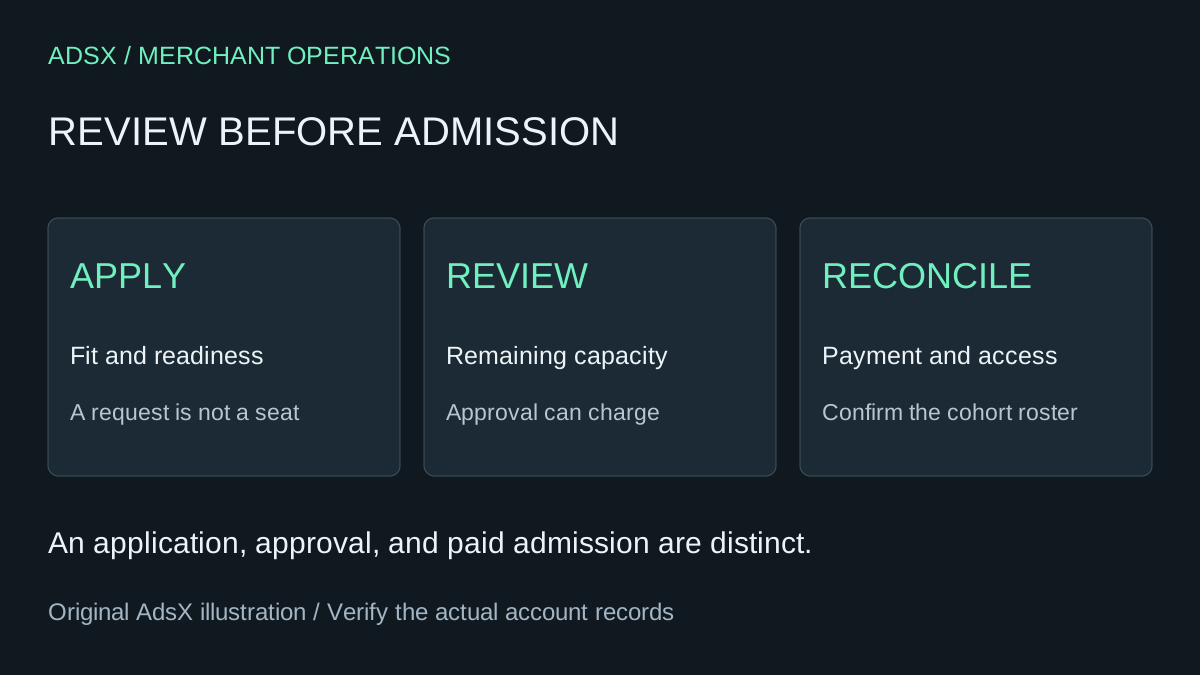
Original AdsX admissions workflow illustration.
Configure the waitlist around a specific offer
Whop's waitlist instructions put the setting under Dashboard → Checkout links → Create checkout link → Advanced options → Add a waitlist. Entries appear under Dashboard → Waitlists. The same guide describes adding pre-checkout questions by editing the link, and reviewing individual applications there.
Before creating the link, write down the cohort's dates, delivery format, price, and included support. “Four weekly group sessions plus one written project review” is a clearer offer than “personal access to an expert.” It lets both the applicant and the person reviewing applications decide whether the arrangement fits.
Whop's product documentation explains how the product defines pricing and the apps or content members receive. Review the attached experiences so an admitted member reaches the intended cohort. An accurate admission decision is less useful if it opens an unrelated community or last month's materials.
Understand what approval can do
The checkout-link guide describes waitlist applicants entering card details and being charged when approved. The waitlist guide says approval automatically gives access and sends a notification. Treat approval as consequential; do not click it simply to see the next screen.
Those descriptions do not establish every failure case for every payment method. Before promoting a paid waitlist, verify the supported flow for your chosen price and billing type. Resolve these questions with the applicable documentation or Whop support:
| Question | Why it matters |
|---|---|
| What price and billing terms does the applicant accept? | The admission decision should match the offer they saw |
| What happens if the charge fails at approval? | Staff need to know whether access and a seat remain allocated |
| Does a configured limit apply across all routes to this cohort? | Another link may create a competing path to the same service |
| What happens after a cancellation or refund? | Decide when capacity can actually be offered again |
Do not describe these unanswered cases as confirmed automation. Keep payment outcome, membership access, and your delivery roster as separate records that can be reconciled.
Calculate capacity from the promised work
Imagine a four-week product-launch workshop. Each person receives a group session and a weekly 20-minute review of their product page. The instructor has three hours per week available for individual reviews, separate from group-session time.
The simple calculation is 180 minutes divided by 20 minutes per person: nine review places. If the instructor keeps 40 minutes for exceptions, only 140 minutes remain, enough for seven full reviews. A seven-person starting cap is therefore a reasonable planning choice in this example.
| Weekly review budget | Minutes |
|---|---|
| Total time available | 180 |
| Buffer for exceptions | 40 |
| Planned review time for seven people | 140 |
| Unallocated time after that plan | 0 |
This is an original workload model, not a recommended industry ratio. Replace it with your real obligations. If review time rises to 30 minutes, the same 140-minute budget supports only four complete reviews with 20 minutes left. A small change in the promise can change the sensible cohort size.
Whop documents a checkout-link Stock setting that limits uses of that link. Configure and verify the relevant control, but keep a roster of the actual people you will serve. Do not assume a link setting proves that multiple offers, complimentary places, and manual admissions share one capacity pool.
Ask questions that change the admission decision
A short application is often enough when the offer is specific. For our example workshop, three useful questions are:
- What product are you preparing to launch, and what stage is it at?
- Can you attend the stated sessions in the published time zone?
- Which product page or offer will you bring for review?
Each question has a purpose: establish fit, scheduling, or readiness. Avoid requesting confidential customer exports, payment details, or unrelated personal information in an open-ended answer. Ask for a public or sanitized example if you need to understand the project.
Write review rules before reading applications. An applicant without a product idea may need a beginner resource before this particular workshop. Somebody ready to launch who cannot attend the sessions may need a different delivery format. A respectful decline or deferral is more useful than admitting a poor fit to fill the last place.
Admit deliberately and reconcile the roster
For the seven-person example, imagine five places are already allocated and four more applications look suitable. There are two places to decide on, not four. Review the current roster and pending exceptions before the next approval.
Whop offers individual approval and an Admit all entries action. For a constrained cohort, use individual review unless you have deliberately reconciled the entire batch against capacity and commercial terms. Bulk approval is not a substitute for that calculation.
Keep a small operational record with applicant reference, offer version, review decision, decision owner, payment status, access status, and cohort assignment. Do not store full card details in this register. If one admission has an unresolved payment or access outcome, assign someone to resolve it before assuming that place is available again.
After approval, inspect the member's intended starting experience through a supported review method. Can they find the schedule, preparation task, and support route? Our member-onboarding guide covers that handoff. The coaching-package guide helps connect a delivery promise to its economics.
Measure completed admissions rather than a large queue
Track applications, suitable applicants, approvals, successful paid admissions, cancellations, and delivered places separately. A hypothetical twenty-person queue with seven paid participants is seven paid participants, not twenty customers. Neither number alone shows whether the cohort was profitable or useful.
After the cohort, compare actual review time with the original plan and record the questions applicants repeatedly misunderstood. Adjust the next offer's description or scope using that evidence. Do not automatically expand capacity because the queue looks impressive.
If this reviewed-admission model fits your business, create your Whop business through AdsX's partner link. Start with one clearly defined offer and a capacity you can support, then verify the complete admission flow before sharing it widely.