If you plan to sell an offer above $2,500 through a Whop checkout link, allow time for an approval step before promising a payment date to a customer. The useful preparation is a clear explanation of what you sell, evidence of prior delivery, and a plan for funding the work after payment.
Whop's higher checkout-link documentation states that new accounts start with a $2,500 checkout-link cap. Applications for higher links ask about the highest-priced offer, its deliverables, and selling history at that price. You can apply from checkout setup or Settings > Payments. Documentation reviewed October 24, 2026; we have not submitted or tested an application for this guide.
Disclosure: Dennis Hegstad works at Whop. AdsX may earn compensation from qualifying Whop referrals through our partner link. This article uses public documentation and hypothetical examples.
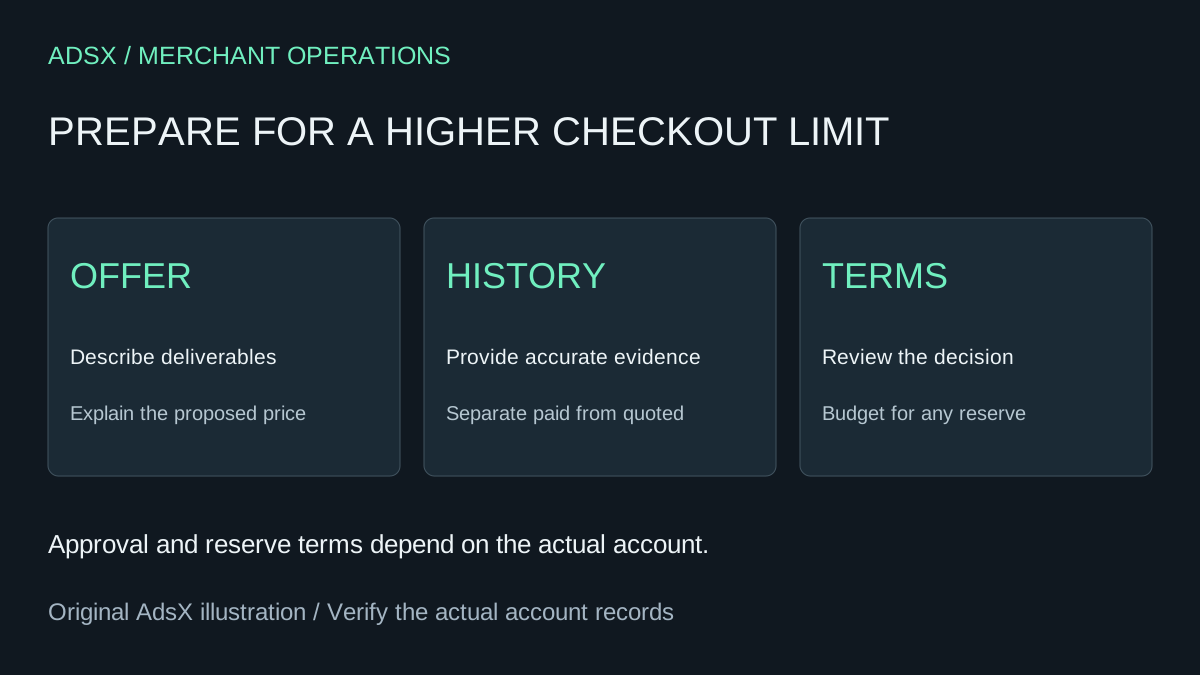
Original AdsX project planning illustration.
Describe exactly what the buyer receives
Consider an illustrative $4,000 website implementation package. “Business growth package” tells a reviewer little. A more useful description names the deliverables: five agreed pages, one checkout integration, two revision rounds, and a handoff session. Explain when work starts, when it ends, and what the customer must supply.
This is our preparation suggestion, not a list of extra documents Whop universally requires. Its purpose is to make the offer understandable and keep the application consistent with the page customers will see.
| Preparation item | Example for the $4,000 package |
|---|---|
| Deliverables | Five pages and one checkout integration |
| Boundaries | Copy and product photography supplied by the client |
| Schedule | Milestones tied to receipt of required materials |
| Prior experience | Relevant completed projects and accurate payment records |
| Customer support | Named contact and a clear response process |
Avoid dressing up a new business as an established one. If this is your first sale at the proposed price, say so. A truthful explanation gives the platform a basis for the next question.
Gather history without inflating it
Prepare records that support the history you describe. Separate quoted projects from paid ones, and completed work from work still underway. A large pipeline is not the same thing as successful sales at the requested price.
Before sharing customer material, consider whether a summary or redacted record answers the question. Send supporting information through the official process requested for your account. Do not place private customer documents on a public offer page merely to make the application look more substantial.
For help defining the offer itself, see our coaching package pricing guide. This article addresses payment-link approval, which is a separate decision from whether customers will buy the package.
Understand the reserve before committing the cash
Whop describes a route for new businesses without processing history: a percentage of funds can be held in reserve for 60 days. The public page does not specify a universal percentage. Ask Whop Support about the terms available to your business rather than assuming a particular reserve or approval outcome.
A hypothetical budget shows why the percentage matters. Suppose a $4,000 project needs $1,500 of contractor work before delivery. For planning only, compare a 10% reserve with a 25% reserve:
| Hypothetical reserve | Amount reserved | Amount left before fees and other deductions |
|---|---|---|
| 10% | $400 | $3,600 |
| 25% | $1,000 | $3,000 |
Neither percentage is a quoted Whop term. Neither remaining amount is a promise of an immediate bank payout. The example simply shows how a hold changes the money available to fund delivery. Use your actual approved terms, costs, and payout information before committing to suppliers.
Wait for the decision, then review the actual link
Whop sends the decision to the original account owner and may request more information. Keep the launch schedule conditional until your account shows approval. A published review-time estimate is not a guarantee for an individual application.
After approval, follow the official checkout-link setup guide. Confirm the intended product, amount, currency, and billing type. A one-time project and a recurring service need different customer explanations even if their first payment is identical.
Check that the sales page and checkout describe the same scope. If a customer needs a formal billing workflow, compare the Whop invoice guide before choosing how to collect payment.
If Whop fits your offer and delivery process, create a Whop business through AdsX's partner link. Signing up does not guarantee a higher limit. Prepare the offer, get the decision, and build the launch around the terms actually available to your account.