A customer who cannot find a download needs a working next step, not another sales pitch. When you build a website with Whop AI, give the support page its own brief: which questions it answers, who handles the rest and where each link actually goes.
Whop's website-building guide documents creating websites through chat and editing them later. That provides a place to request this page. It does not prove that a generated form, inbox or support integration is connected. The prompts here are illustrative and have not been executed in a merchant account.
Disclosure: Dennis Hegstad is employed at Whop. AdsX may earn a commission from qualifying referrals through its Whop partner link. Recommendations should fit the business and its customer needs.
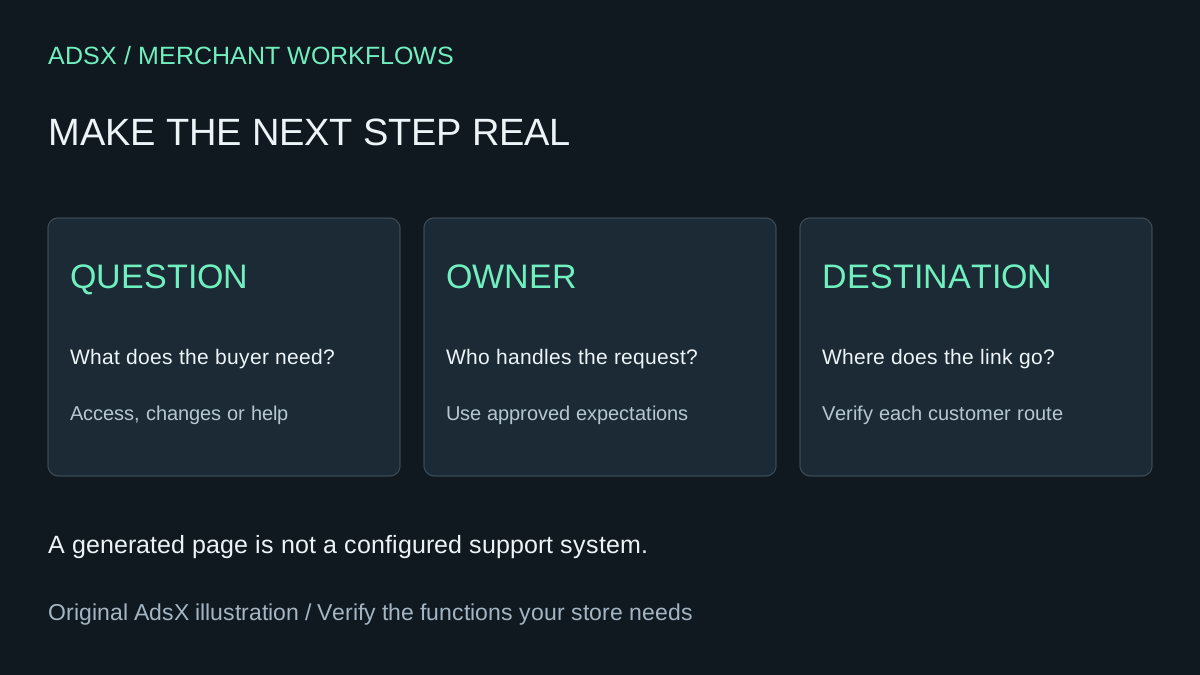
Original AdsX illustration.
Start with four customer questions
For an illustrative workshop-and-template business, the first version could route these questions:
| Customer question | Page content | Destination to verify |
|---|---|---|
| Where is my purchase? | Approved access instructions | Actual member or product access route |
| When is the workshop? | Confirmed date, time zone and attendance instructions | Current event details |
| Can I change or cancel? | Link to the applicable published terms | Verified policy and request route |
| Something else went wrong | Who handles product support and when | Monitored merchant support channel |
Use actual destinations copied from your configured business. Do not ask AI to guess a customer-account URL from a product name. A public visitor may need a different first step from a signed-in customer; test both states.
Whop's product setup documentation explains that a product defines pricing and the apps or content buyers can access, and that off-platform fulfillment is possible. Your support copy must reflect the arrangement you actually use. Payment collection alone does not establish how a customer receives a consulting session or a physical item.
Supply an approved support brief
Write down the business name, support owner, monitored channel, hours and time zone, approved response expectation, product access instructions and policy URLs. Leave unknown fields explicitly unresolved.
For example, a solo operator might approve “We review product questions Monday through Friday” without promising a response within an hour. Do not turn that into round-the-clock availability. If a faster service is part of a paid product, state its actual scope separately and check that the team can deliver it.
Avoid putting private customer records, order screenshots or account secrets into the prompt. Fictional examples can explain the layout; they should not appear as real customer testimonials or resolved support cases.
Prompt Whop AI to build the page
Add a customer support page to this website using only the approved brief below. Organize it around purchase access, product-specific help, changes or cancellations, and other questions. Use the exact supplied destinations. Keep the existing products, prices and checkout links unchanged. Do not invent contact details, response guarantees, refund eligibility, account URLs or integrations. Use descriptive link labels. Do not add a contact form unless I provide and verify its destination and handling process. Identify unresolved fields before making them public. Include the page in navigation where customers can find it and preserve the current sales pages.
Attach the brief after the prompt. If the result invents a support address, treat that as a defect to remove, not a placeholder to launch. If the builder cannot create the requested route or navigation in your current setup, use an available page or section and verify its final URL before linking to it.
Keep the page separate from support operations
A support page tells customers how to get help. It does not assign staff, monitor a channel, issue refunds or guarantee that an inquiry is received. Whop's documentation page labeled Support chats describes join and leave automated messaging. Do not assume that reading that page establishes a public contact-form integration.
For this simple page, a verified destination and accurate instructions are enough. Configure any operational tool separately, with its owner and permissions understood. Avoid collecting extra personal details merely because a generated template includes a large form.
Review the page like a customer
Open it from the homepage on a phone. Check that the help link is visible and that link text describes the destination. Then follow each route in a signed-out session and, where appropriate, an authorized customer test account. Record which checks you actually completed; a signed-out view cannot validate private access.
Compare access instructions with the purchased product. Check time zones, outdated dates, policy links, broken destinations and any leftover example text. Confirm that sales buttons still point to the intended products after the change. Use the multi-offer review guide when more than one purchase path exists.
Ask a reviewer to find help for one concrete problem without coaching. If they choose the wrong route, improve the label or page structure. This is a suggested acceptance exercise, not a user study we performed.
Make updates small and traceable
When support hours or access instructions change, update the approved brief first. Then ask for just that revision and compare the result with the previous page. The Whop AI revision prompts help keep a small content edit from becoming an unnecessary redesign.
A useful page reduces uncertainty about the next step. It does not need invented guarantees or a new helpdesk build. If Whop fits your offer, start your business through AdsX's Whop partner link, then make the support path as concrete as the purchase path.