AI can help prepare a Whop advertising campaign by organizing source material, drafting creative variants, and checking a campaign brief. Keep drafting, paid media generation, and campaign activation as explicit separate decisions. A polished output is not evidence that an offer, budget, or claim is correct.
Disclosure: AdsX owner Dennis Hegstad is employed at Whop. AdsX may earn a commission from qualifying businesses referred through our signup links. This guide is based on public documentation reviewed October 4, 2026, not an AdsX advertising test. Worked examples are illustrative. Editorial policy.
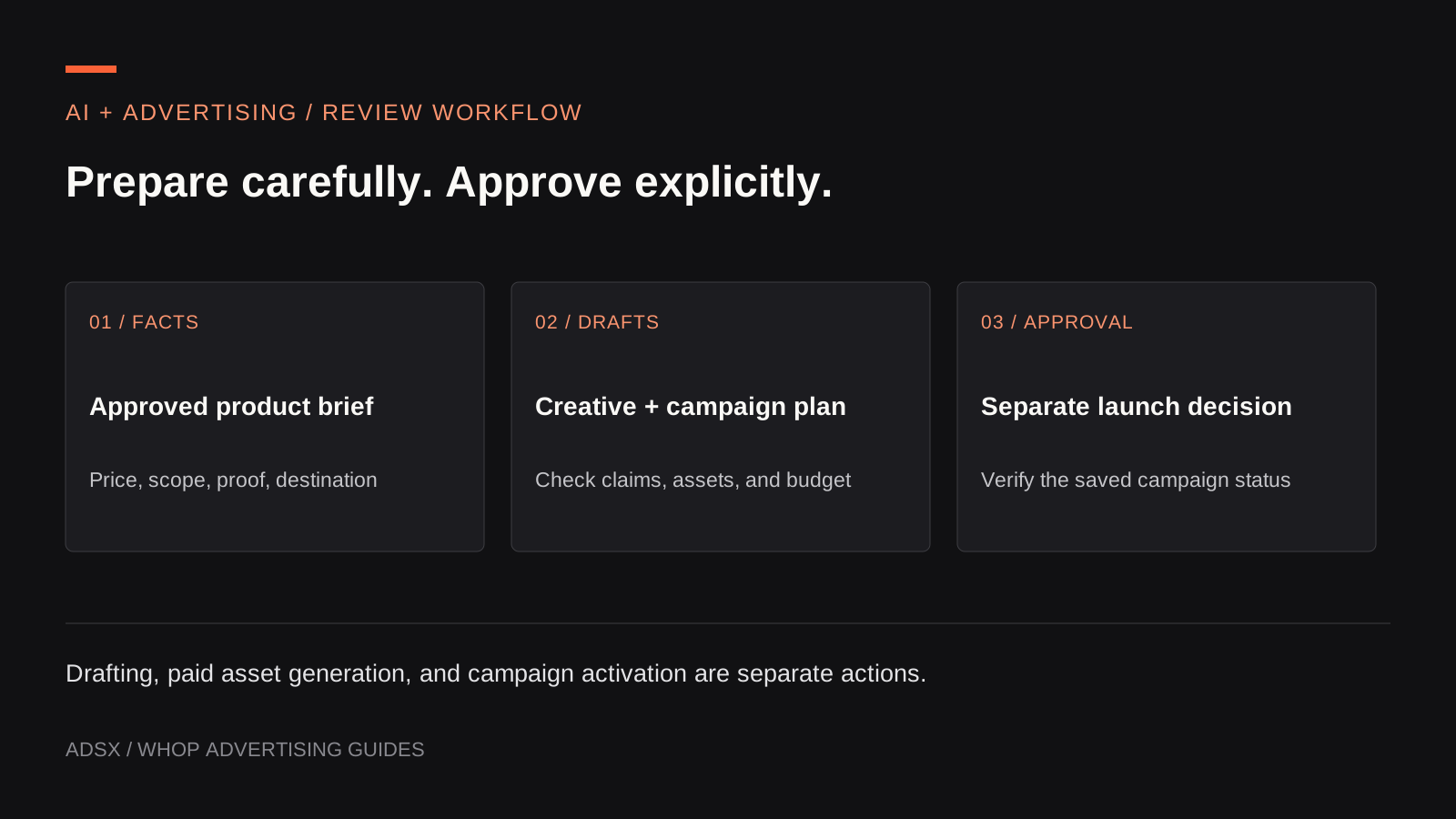
Original AdsX illustration.
Give the assistant a factual brief
Start with approved product information: what is sold, the current price, who it suits, what delivery includes, and which claims can be supported. Add the destination URL, available creative assets, the business goal, and the person who approves spending.
For an illustrative photography course, the factual brief might say: “Four recorded lessons on lighting reflective products, two exercises, one equipment checklist, $120, no live feedback included.” That is enough to write useful variations without inventing graduate outcomes or an instructor’s credentials.
Whop’s CLI workflow article describes using agents for business operations and advertising preparation. Treat that capability as a way to reduce repetitive work while keeping the business facts under review.
Use a prompt that separates facts from proposals
Here is an original AdsX prompt template for preparation:
Draft three ad concepts from the approved product brief below. For each, provide a hook, a short script, required assets, and the exact product fact supporting each claim. Flag missing information instead of inventing it. Keep the advertised price and destination consistent. Return drafts only. Do not create paid media, modify an account, launch campaigns, change budgets, or request a payment. End with questions the reviewer must resolve.
Paste the brief after the prompt. Ask for explanations of materially different angles, rather than twenty versions of the same sentence.
For the course example, useful angles could be fixing a common glare problem, showing a lighting exercise, and explaining the equipment requirements. “Guaranteed professional photos in one hour” would introduce an unsupported promise and should be removed.
Review the output against the product
Create a small review table:
| Proposed claim | Evidence needed | Editorial decision |
|---|---|---|
| Four recorded lessons | Current curriculum | Use if the curriculum matches |
| Includes live coaching | Delivery terms | Remove if coaching is absent |
| Works with a phone camera | Lesson requirements and demonstrated workflow | Confirm before using |
| Students double sales | Reliable relevant outcome evidence | Remove when unsupported |
Then check the destination. A correct ad that links to an outdated price or a different package still creates a poor buying experience. Review copy and page together.
Keep synthetic images honest. A generated illustration can explain a concept, but it should not masquerade as a real customer result, actual course footage, or a product photograph showing features the item lacks.
Separate creative production from campaign spend
Whop’s Ads API overview documents paid image/video generation and campaign creation. Its example launch request can create a live campaign; setting the campaign status to draft is an explicit step. Do not assume “prepare an ad” means the tool will avoid spending by default.
Before using an account-connected assistant, decide whether it may read data, save drafts, generate billable assets, or activate campaigns. The person reviewing the work should see the destination, creative, account, budget, and status before any activation.
This guide does not require generating paid assets. Existing product images and footage can support the first brief. Use our budget worksheet to include production expenses if you later authorize them.
Inspect the saved draft
If you choose to save a campaign through Whop’s supported tools, confirm the returned record rather than trusting a conversational message that says “done.” Check the selected business, campaign name, destination, conversion goal, social identity, budget ownership, amount, currency, and draft status.
Whop’s campaign reference distinguishes configured status from delivery status. Keep both visible in your review. An object existing in the account does not establish that it is delivering, approved, or correctly configured.
Use a naming convention that identifies the offer and creative idea, such as photo-course-glare-demo. Avoid names that imply success before the campaign has run.
Keep learning grounded in evidence
After an approved launch, ask the assistant to summarize a complete reporting period and list alternative explanations for the result. Supply the metric definitions and any offer, page, or budget changes made during that period.
A useful summary might identify missing purchase events or a rise in returns. It should not automatically label the highest short-term ROAS creative a permanent winner. Our Whop measurement guide explains why reported attribution needs reconciliation with business outcomes.
Create a Whop business through AdsX’s referral link to inspect the tools available to your account. Start with a sourced brief and reviewed drafts, then use the Meta setup guide when you are ready to make a separate launch decision.