A shopper searches for insulated lunch bags and gets six products. Nobody clicks. That is a different problem from an empty result page: the store has matched something, but the results may not answer the shopper’s intent. An AI review should inspect what appeared rather than immediately propose synonyms.
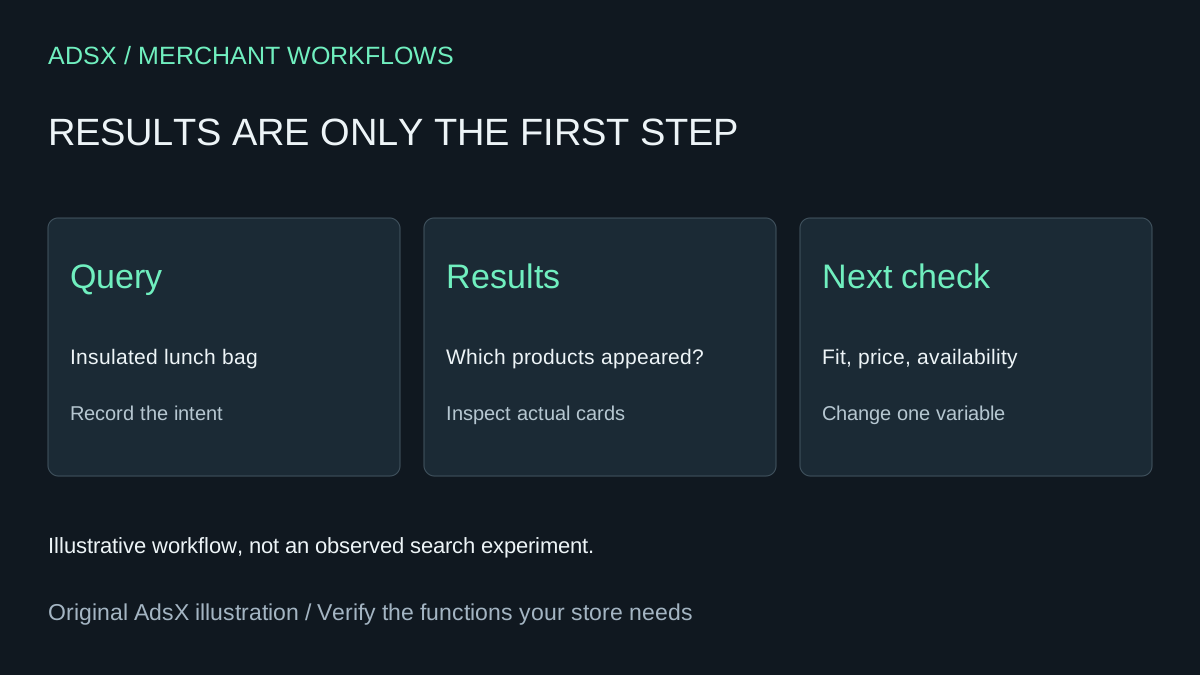
Original AdsX illustration.
Start from the no-click report
Shopify Search & Discovery lists searches with no clicks separately from searches with no results. Its search reporting describes activity on the results page and excludes predictive-search interactions and searches in the app's preview. Keep those populations separate. The app summary covers 30 days; use Analytics reports for other date ranges. Shopify search analytics
Choose a few frequent queries and record the period, frequency and available click metrics. Remove any personal information shoppers typed into the search box before sharing rows with an external assistant. A single query with no click is weak evidence; prioritize repeated cases without pretending that frequency proves commercial intent.
Compare the intent with the actual result cards
For a fictional lunch-bag store, record the products returned for insulated lunch bag. If the first cards are replacement straps, the issue may be relevance. If the cards show suitable bags but their thumbnails hide the insulated design, presentation deserves inspection. If the result is a premium cooler far above the expected price range, the query may reflect a different buying need. Treat these as hypotheses until the catalog and storefront support them.
Give AI the sanitized query, observed result titles, product facts, prices, availability and any relevant screenshot. Ask for the most useful next check. It must not infer shopper intent with certainty from a short phrase or claim that a new title will increase purchases.
Use boosts only for a relevant candidate
Shopify's product boosts can feature selected products for specific store-search terms. They do not improve Google rankings, and Shopify recommends focusing on a small number of relevant products. A boost cannot make an unsuitable accessory satisfy a search for the bag itself. Shopify search customization
If a suitable available product is being buried, document the original result order, propose one small change and preview the same query after it reaches search. Confirm that the intended product appears and that other relevant options remain accessible. Preview activity verifies the configuration; it is excluded from the customer search report and does not establish a conversion gain.
Keep the change stable and compare the same report definition over a useful period. Record click and purchase measures separately, along with traffic and stock changes. A paid search app may offer needed controls, but first establish which limitation remains after product data and native configuration are checked.
Try the worksheet prompt
Illustrative prompt, not execution-tested.
Review sanitized Shopify no-click search queries with reporting period, frequency, metric definitions and observed result cards. Compare query intent with supplied product facts, prices, availability and screenshots. Separate relevance, presentation and availability hypotheses. Recommend one verifiable next check; propose a boost only for a relevant product. Do not conflate predictive search, preview traffic, Google ranking or purchases with result-page clicks.
Copy the prompt from the merchant library. For related work, see Use AI to Audit Shopify Searches That Return No Results.