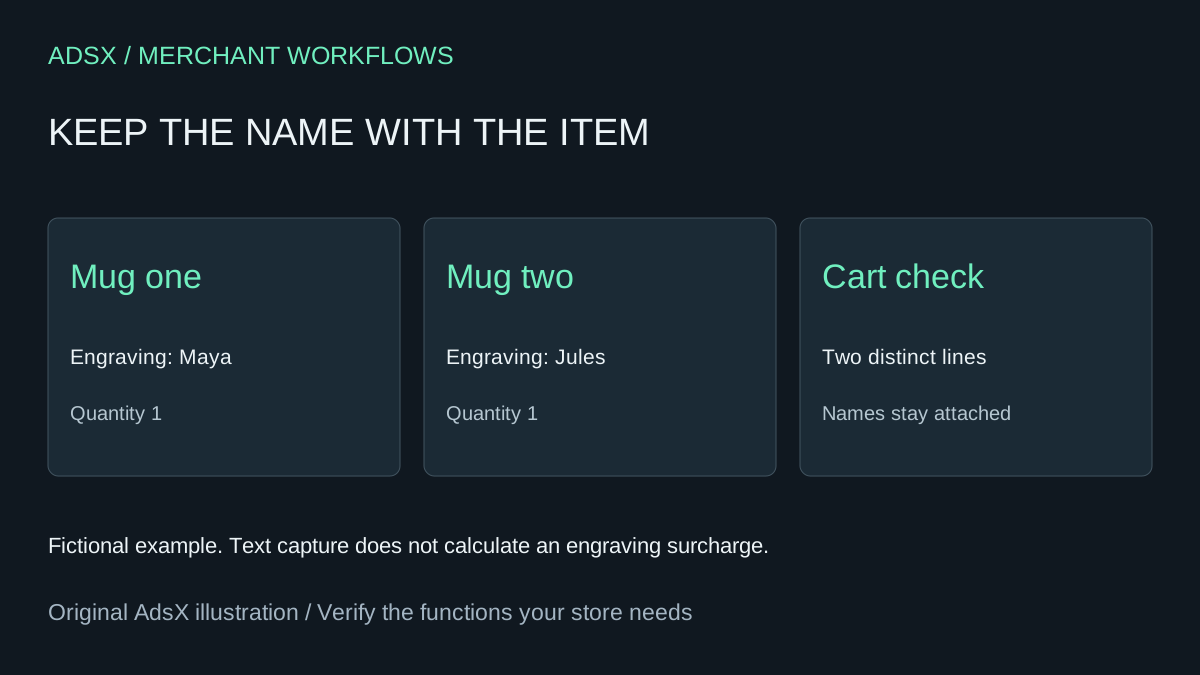
Two identical mugs need different names engraved on them. An order-wide note is ambiguous because the fulfillment team needs to know which name belongs to which mug. A line-item property is a better starting point for this narrowly scoped theme task.
Original AdsX illustration.
Define the small feature you need
This brief captures one text value for a product added to the cart. It excludes file uploads, live engraving previews, conditional options, production scheduling and extra charges. If those functions matter, keep evaluating a specialist options app instead of treating a text input as a full replacement.
Shopify documents line-item properties as additional information captured through inputs in a product form. A proposed field name is properties[Engraving]. The input must participate in the actual form submission used by the theme. Do not ask the assistant to create an unrelated second product form beside the existing Add to cart button. Shopify product forms and properties
Give the assistant the relevant theme files
Work in an unpublished theme copy. Provide the product section, its form handling and the cart page or drawer that displays item details. Ask for a visible label, a product-specific placement and a documented text limit based on your production rules. If the merchant allows 20 characters, the interface can explain that limit, but client-side checks are not proof that every ordering path enforces it.
The assistant should preserve the existing variant and quantity behavior. It should display the captured property safely in the cart, including characters such as ampersands, without treating customer text as HTML. Keep any required-field policy explicit and list purchase paths that bypass the field as unresolved.
Test two names, not just one successful add
Add one mug for Maya and another of the same variant for Jules. Shopify documents that the same item with different line-item properties is split into separate cart lines. Verify both names and quantities in your actual theme. Then remove one line and confirm that the other remains correct. Shopify cart properties
Test a blank value, the maximum accepted length, a longer value, non-English characters and editing the quantity. Inspect cart drawer, cart page, quick-add and accelerated purchase paths that the store exposes. A field that works only on the main product page is not ready if another active path silently drops the engraving.
Use an authorized test order to verify where the text reaches the order and fulfillment workflow before relying on it. No merchant-theme execution or order test is claimed here. The prompt is an initial generation brief, not a production-ready app.
Count the review cost
For a hypothetical budget, 90 minutes of implementation and one hour of testing at $40 per hour cost $100 before future maintenance. Avoiding a hypothetical $5 monthly tool would save $60 over a year, less than that initial labor. Use your actual app bill and required features; a native field is useful when its limited scope matches the business.
Try the worksheet prompt
Illustrative prompt, not execution-tested.
Inspect the supplied unpublished Shopify theme and add only an engraving text input to the actual product form using properties[Engraving]. Preserve variant, quantity and existing submission behavior; safely display the property in cart and drawer. Add a label and explain the supplied production text limit. No pricing surcharge, uploads or external dependencies. Identify quick-add and accelerated paths that bypass the field. Report files changed and checks actually run; provide two-name same-variant, blank, length, Unicode, removal and test-order acceptance checks. Do not publish.
Copy the prompt from the merchant library. For related work, see Shopify for Custom Products: Monogramming & Engraving.