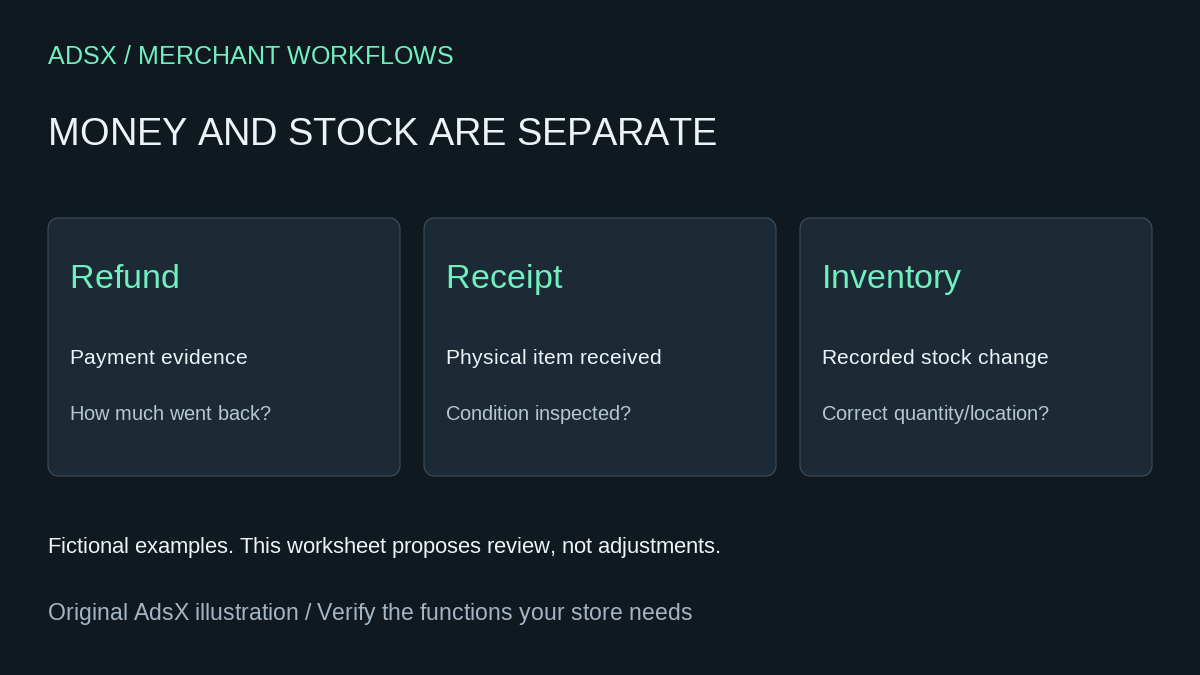
A customer receives a refund for a damaged bowl and keeps it. Another customer ships a bowl back, but the warehouse has not inspected it. Both cases can involve refunded money; neither proves an additional sellable bowl exists. An AI worksheet can surface these exceptions without issuing refunds or adjusting inventory.
Original AdsX illustration.
Keep three records separate
Collect a sanitized order reference, line identifier, SKU, refunded quantity and amount, refund timestamp, physical return receipt, inspection outcome and any recorded restock quantity and location. Use the store's actual records rather than guessing missing fields from the order badge. Omit customer names, addresses and payment details from the analysis input.
Shopify allows refunds without creating a return and offers restocking as part of the refund process. Its refund documentation says the restock option is selected by default for tracked inventory. Review that choice against the physical situation instead of treating it as an instruction to make damaged goods sellable. Shopify refund documentation
Work through an exception table
Consider three fictional cases. Order A has one damaged bowl refunded, no physical return and no restock: that can be consistent with a keep-the-item resolution. Order B has one bowl received and approved for resale, but no matching restock record: investigate whether staff completed the stock step. Order C has one bowl received but two units recorded as restocked: reconcile quantity before correcting anything.
These are review categories, not automatic verdicts. The order might include a second event, another location or a separate inventory adjustment that the worksheet lacks. Require the assistant to list missing evidence and show the exact input rows behind each flag.
For a simple count example, starting with eight sellable units and receiving two approved units suggests ten before other movements. If the recorded quantity is eleven, investigate the one-unit difference. Do not attribute it to a refund until the intervening sales, receipts and adjustments have been checked.
Inspect the returned item before resolving stock
Shopify's returns workflow includes choosing a location when restocking returned items. Keep the physical receipt, condition decision and location in your checklist. A financial action and a warehouse action can occur at different times; compare their timestamps without demanding that they match. Shopify return processing
For a damaged item, record the warehouse's approved disposition. For a sellable return, confirm the quantity and destination location. Ask a staff member with the appropriate permissions to review any proposed correction in the actual order and inventory history. The AI output should remain a queue, with no authority to refund, notify a customer or alter stock.
Use the queue to evaluate software needs
Start with a small sample and record how many flags were useful, false or unresolved. A worksheet can replace repetitive comparison work; it does not replace a returns portal, shipping labels, inspection procedures or an inventory source of truth.
If a weekly review takes 30 minutes at an illustrative $40 hourly labor cost, it costs about $80 over four weeks before AI costs. A paid workflow that reliably saves that work might still be economical. Measure review time and correction accuracy before claiming that an AI prompt eliminates an app bill. No store records or operational actions were tested for this guide.
Try the worksheet prompt
Illustrative prompt, not execution-tested.
Compare sanitized order-line refund records, physical return receipts, inspection outcomes and inventory movements with timestamps and locations. Keep money, physical units and sellable inventory separate. Flag missing or inconsistent quantities with exact supporting rows and missing evidence. Allow valid no-return refunds and timing differences. Consider other sales, receipts and adjustments before attributing differences. Produce a human review queue only; never issue refunds, restock, send messages or infer a physical receipt from a payment status.
Copy the prompt from the merchant library. For related work, see Analyze Shopify Return Reasons With AI Without Misreading Refunds.