A customer adds two identical mugs, one engraved Maya and one Jules. Increasing Jules to two changes Maya instead. The product variant is the same, but the cart lines represent different purchases. This is a line-identity problem to investigate, not evidence that personalization needs another app.
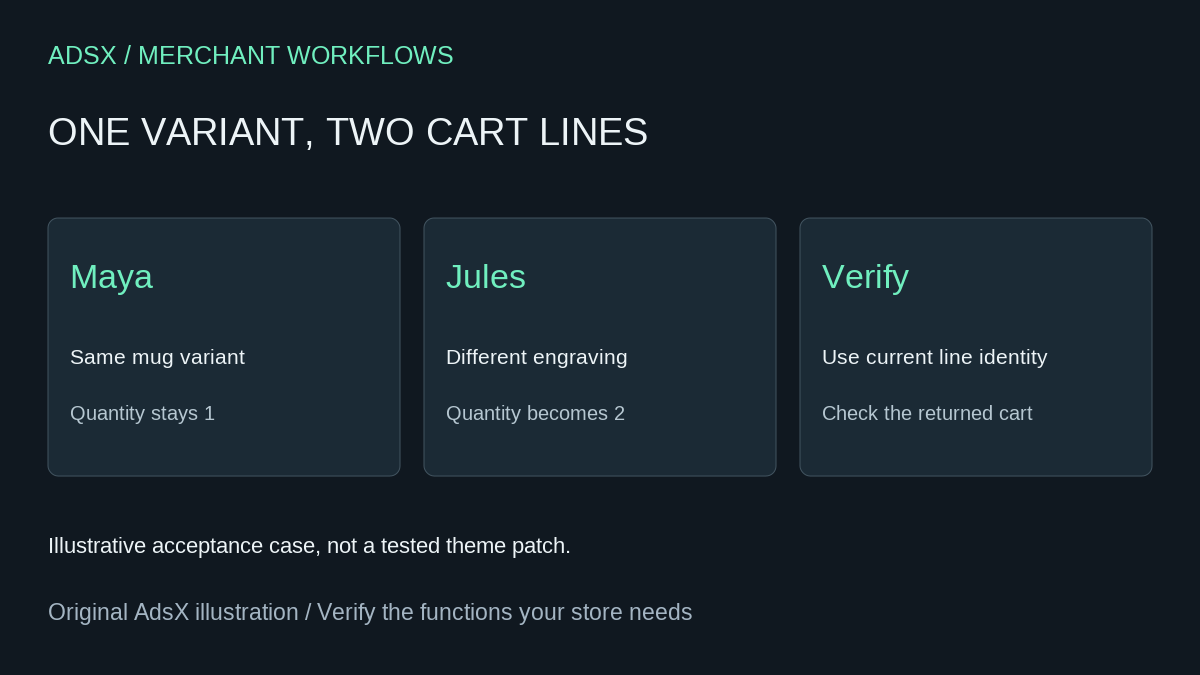
Original AdsX illustration.
Capture a small reproduction
In an unpublished theme copy, add the same variant twice with different personalization values. Record the two displayed lines, quantities and the network request made when changing the second line. Remove names and other customer information from any real cart evidence before sharing it with an external assistant. Fictional names are enough to reproduce this case.
Shopify's cart template documentation explains that different line-item properties can split the same item into separate lines. That is expected behavior. The defect is a control targeting the wrong one, or the interface rendering an outdated response. Shopify cart template
Ask AI to trace identity through the handler
Provide the quantity-control markup, event handler and sanitized cart response. Ask which identifier travels from the clicked row to the request. A variant ID identifies the merchandise, but multiple cart lines can share it. Shopify recommends line-item keys to target the intended line and recommends change.js for changing existing items. Keys can change when properties or discounts change, so a key cached earlier in the session is not a permanent identifier. Shopify Cart Ajax API
The assistant should trace the current code before proposing a patch. Does the button contain a variant ID, a current line key or a positional index? Does a cart rerender refresh that value? Does the returned cart still show both engravings? A correct request paired with stale interface state requires a different fix from an ambiguous request.
Keep the proposed patch small
Request a change to the existing theme's cart flow, not a second independent cart implementation. Preserve its locale-aware routes, loading state, error handling and accessibility announcements. Ask the assistant to explain how it obtains fresh line identity after a successful mutation. Avoid storing a line key as a durable customer or order identifier.
Use a written acceptance table: Maya stays at one when Jules becomes two; removing Jules preserves Maya; changing Maya afterward still targets Maya. Repeat on both the drawer and cart page if both are available. Test after a relevant discount or property change, and test rapid repeated clicks so an earlier response cannot silently replace a newer state. Compare visible quantities with the final cart response.
Budget review before calling it a saving
This is a debugging brief, not an executed patch. An app might still be needed for previews, uploads, surcharges or production routing. Fixing a theme control does not replace those services.
As a hypothetical budget, two hours of diagnosis and review at $50 per hour cost $100. If the only removable tool costs $10 monthly, the first-year gross subscription saving is $120 and only $20 remains before maintenance. Use the actual bill, required functions and a realistic support allowance. A working acceptance case is the first decision gate; cancellation comes later.
Try the worksheet prompt
Illustrative prompt, not execution-tested.
Inspect supplied unpublished-theme quantity markup, cart handler and sanitized cart response for two lines sharing a variant but different properties. Trace the clicked row identifier into the request and response rendering. Propose the smallest patch using fresh line identity and existing locale-aware cart flow. Preserve loading, errors and accessibility. Test second-line quantity, removal, subsequent changes, discounts, drawer/page parity and rapid clicks. Report only checks actually run; do not publish or uninstall apps.
Copy the prompt from the merchant library. For related work, see Build a Simple Shopify Engraving Text Field with an AI Prompt.