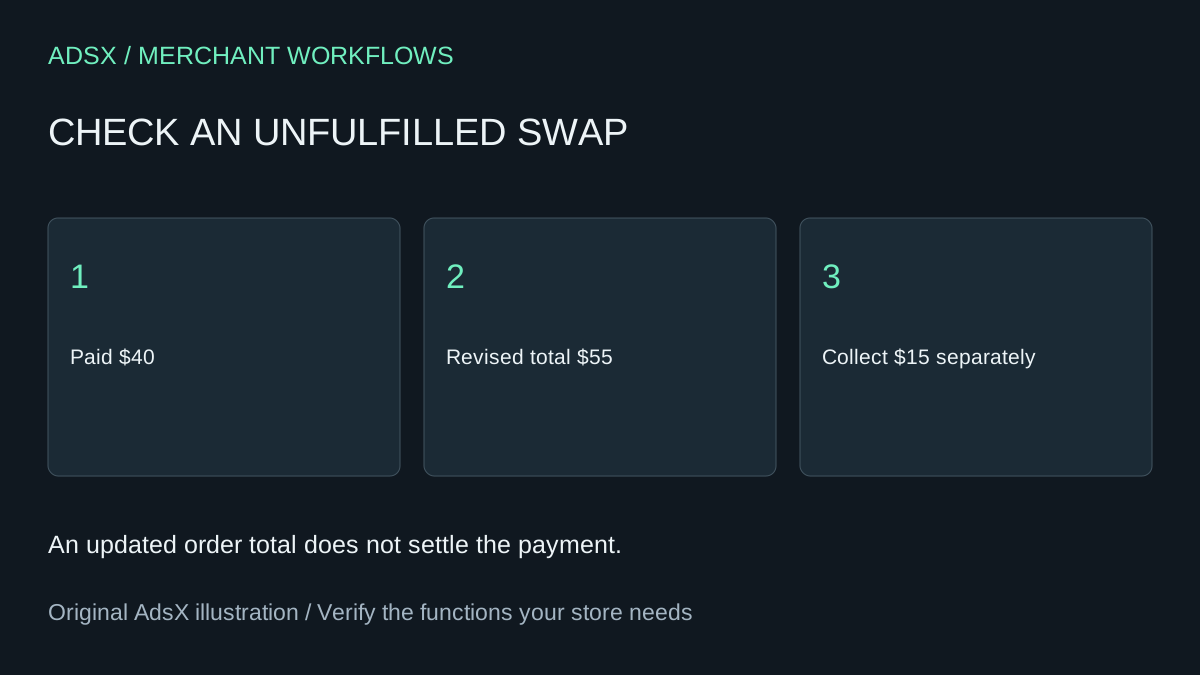
A buyer asks to swap a $40 item for a $55 version before shipping. Your support agent can see the new item in the order editor. The warehouse needs a different answer before releasing the parcel: has the customer actually paid the difference?
Original AdsX illustration.
Start with what can still change
Check the fulfillment state and delivery method first. Shopify requires the owner or a user with Edit orders permission. Fulfilled item quantities cannot simply be reduced, and local delivery orders have restrictions. Read the order editing considerations for the actual order. A customer request does not override those limits.
In the example, assume a single currency, no tax or discount, unchanged shipping and $40 already paid. The revised $55 total leaves $15 to collect. Reverse the swap for a buyer who already paid $55 and the $40 total leaves $15 to refund. A size swap at the same price can leave the balance at zero while still changing what the warehouse must pick.
Check the balance and the handoff separately
Look at the edited order summary for the real figures. Rates are not recalculated automatically when a heavier item replaces a lighter one. Some discounts also need review. Shopify’s discount editing guide explains the next payment or refund step. Sending an edit notification does not complete a refund. Record who will handle the balance and who will tell fulfillment about the variant change.
A prompt for the review
Illustrative prompt, not execution-tested:
Using these fictional order totals, paid amount, fulfillment state and requested swap, calculate the difference and identify who owes whom. List assumptions about shipping, tax and discounts. Flag missing inputs and separate payment actions from warehouse instructions. Do not edit an order, issue a refund or contact the buyer.
A useful acceptance test includes an increase, a decrease and an even exchange. For each, verify the exact variant the warehouse sees and the payment status the agent sees. A staff checklist can cover low-volume requests. If you pay an app for buyer self-service or to synchronize warehouse changes, this manual workflow leaves those jobs with staff. At eight edits a week and five extra minutes each, that is roughly 35 hours per year before exception handling.
Continue with the draft-order price guide or copy the brief from the merchant prompt library.