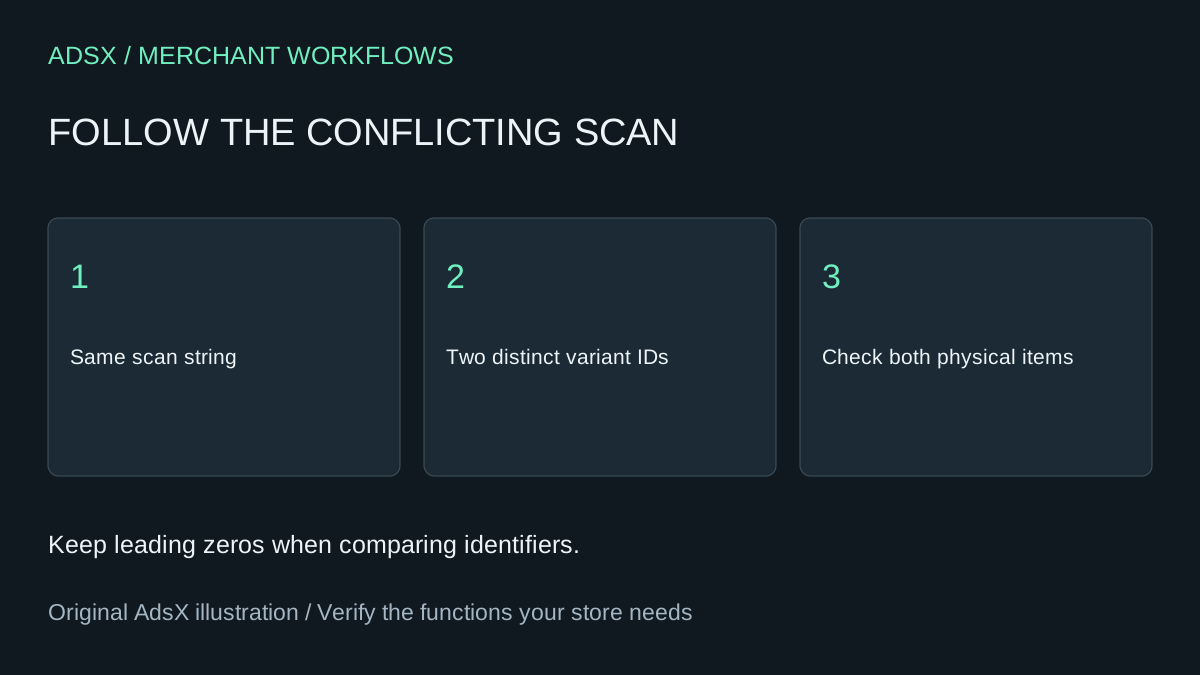
A cashier scans a small navy shirt and gets two size choices. Picking the right one finishes this sale, but the next cashier will face the same ambiguity. Start with the code on the item and the two variant records. A bulk rename based on the product title can make the stock discrepancy harder to trace.
Original AdsX illustration.
Keep the scanned characters intact
Capture the scanner output as text. Preserve leading zeros and keep a separate column for the merchant SKU. For a fictional pair of shirts, NAV-S and NAV-M are distinct SKUs. If both carry the same scanned string, changing the SKU labels alone does nothing to resolve the collision. Shopify describes how a POS search handles multiple matches.
Build a small worksheet with one row per variant and barcode pair. Group by exact barcode and count distinct variant IDs. Repeated rows for the same variant can come from the way a report was joined. A code associated with two distinct variants deserves a physical check. Two different codes associated with one variant can be legitimate. Shopify documents this distinction in its barcode guide.
Find the owner of the correction
Compare the two physical items with the supplier record and the Shopify variant. If the supplier packages carry distinct codes, the catalog assignment may be wrong. If both packages carry the same code, a catalog edit alone will not distinguish them at checkout. Escalate the packaging issue and give staff a temporary size verification step. Keep any connected warehouse system in the review.
A prompt for the review
Illustrative prompt, not execution-tested:
Group these sanitized barcode strings by exact value. Retain leading zeros. List distinct variant IDs and SKUs for each string. Separate repeated rows from codes shared by different variants. Do not generate replacement identifiers. Return only conflicts and the evidence needed to resolve each.
Use a test cart to scan each affected item after an authorized correction. Confirm the selected size and color, then remove the test items without completing a sale. A one-time worksheet can replace an occasional duplicate report. It cannot monitor supplier feeds. If an app also runs continuous alerts, include the cost of repeating the check before dropping it.
Continue with the product CSV preparation guide or copy the brief from the merchant prompt library.