An export can open perfectly in a spreadsheet and still be the wrong file for your next review app. The quickest way to catch that mistake is to pick one product with an archived review. Can you tell which row belongs to it, and can the destination keep it off the storefront?
Original AdsX illustration.
Count the records you actually intend to move
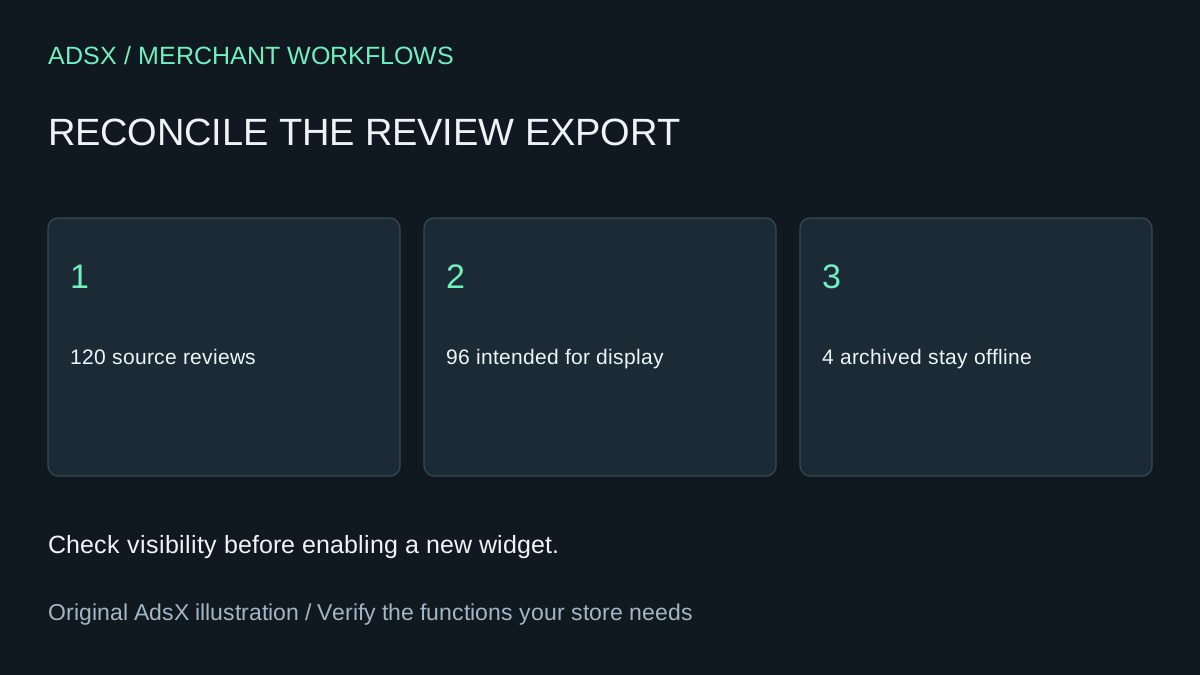
Suppose a fictional mug store has 120 reviews. Its manager approves 96 for display, leaves 12 pending, hides eight and archives four. A file with 96 rows could be exactly right for a public display pilot and incomplete for a moderation archive. Write down which job you are doing before comparing totals. Keep a dated, untouched original in restricted storage.
Judge.me’s export instructions document a 100,000-review limit per CSV. For a large store, partition the export, record each batch boundary and check overlap. Inspect the status field in the all-reviews export. An archived row can still have an earlier curated value. Using that earlier value alone could put a review back on display.
Investigate a row before approving the switch
Take an archived review for a discontinued blue mug. The export identifies its product by ID and handle. The successor mug has the same name but a different handle. Leave the row unmapped until someone confirms the relationship. Reassigning it by title would attach evidence about one product to another. Separately inventory videos, tags and verified-buyer status. Those are not supplied as equivalent fields in this CSV. See the Reviews dashboard before retiring access.
A prompt for the review
Illustrative prompt, not execution-tested:
Given only anonymized row labels, product keys, moderation states and destination field names, reconcile counts by state. Flag unmatched products, ambiguous mappings and statuses the destination cannot represent. Preserve archived rows separately. Do not infer verification or produce an upload file.
Before disconnecting the old app, compare the destination preview against one published, hidden, pending and archived example. Confirm that reply text stays attached to the right review and media remains available. Strip emails, IP addresses and customer details from the AI working copy. A failed status check is a reason to hold the import even if the total number of rows matches.
Continue with the review-app selection checklist or copy the brief from the merchant prompt library.