A Shopify draft-order price lock keeps product prices from following later catalog changes. Use it when you intend to honor a quoted price, then review the rest of the order separately. A locked unit price does not establish that the stock is reserved or that shipping still matches the customer's latest request.
This guide focuses on revising a quote while the customer is deciding. For holding physical units, use the separate draft-order inventory reservation guide.
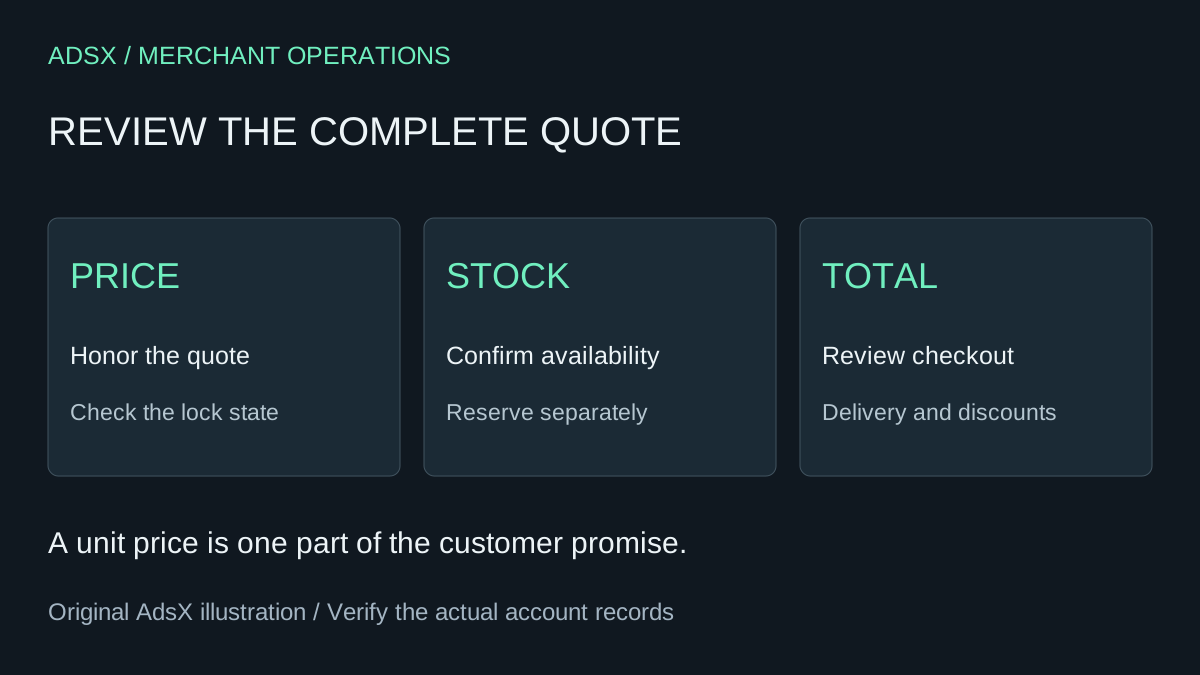
Original AdsX quote-review illustration.
Choose the pricing rule before sharing the quote
Shopify's draft-order instructions explain that drafts start with unlocked product prices. A price lock prevents both automatic increases and decreases. It covers the draft's existing products and products added later, but does not support product bundles.
On desktop, open the draft under Orders → Drafts, use the actions menu to select Lock product pricing, and save. Check the visible lock state. The same documentation describes unlocking prices, which updates them to current product or catalog pricing.
That is a tool for carrying out a commercial decision. Decide who can authorize a quote, how long the offer stands, and what happens if the catalog price falls before payment. Write those rules in the team's quote process rather than leaving each staff member to improvise.
The guidance here follows public documentation reviewed October 12, 2026. We have not created a quote or processed a merchant payment for this article.
Work through a price increase and a price decrease
Consider an illustrative quote for six lamps at $40 each. The quoted item subtotal is $240 before shipping, tax, or discounts. The catalog price changes while the customer is waiting for approval:
| Scenario | Price used per lamp | Six-lamp item subtotal |
|---|---|---|
| Original quote | $40 | $240 |
| Quote retains the $40 price | $40 | $240 |
| Quote is updated to a $44 catalog price | $44 | $264 |
| Quote is updated to a $36 catalog price | $36 | $216 |
The $24 difference in either direction is the consequence of a specific price decision. It is not a forecast of revenue or customer behavior. The table assumes all six units receive the same stated price and no other amounts change.
A customer may reasonably ask why an older quote is higher than today's advertised price. Decide how staff should handle that request under your policy. Do not assume a price lock automatically gives the buyer the lowest price seen during the quote period.
Review the sharing step too
Shopify's invoice and checkout-link guidance says product prices are locked by default when sharing, and switching off that setting unlocks all product prices in the draft. Review it at the point you send or share the purchase route, even if another person prepared the draft earlier.
Use an internal quote reference and revision number. For example, “Q-104, revision 2” could identify the six-lamp offer after a quantity change. The reference is your operating convention, not a required Shopify field. Its purpose is to make it clear which version the customer and team are discussing.
Before sharing, compare the saved draft with the approved terms. A screenshot of an earlier draft cannot establish what the current checkout will charge.
Quantity changes need a complete recalculation
Suppose the customer changes the request from six lamps to eight at the agreed $40 unit price. The item subtotal becomes $320. That calculation alone does not tell you whether the original delivery charge remains appropriate.
Shopify explicitly notes that adding a product after sending an invoice does not automatically update previously calculated shipping rates. Review delivery whenever the shipment changes. The invoice documentation also distinguishes available inventory and payment state from the link itself.
Use this revision record:
| Field | Example review question |
|---|---|
| Product and variant | Are all eight lamps the same finish? |
| Quantity | Does the draft match the latest accepted request? |
| Unit price | Is the original quote still being honored? |
| Discounts | Is an agreed reduction already included? |
| Delivery | Does the revised quantity need different packaging or shipping? |
| Final amount | Does the buyer see the reviewed total and currency? |
| Inventory | Can the promised units be supplied? |
These checks are a proposed staff workflow. They are not a claim that every pricing rule, bundle, market, or app behaves identically.
Keep a clear handoff to payment and fulfillment
Do not mark a draft paid to make a checkout problem disappear. Shopify warns that marking it paid before receiving payment prevents the customer from using the invoice link. Use actual payment evidence and the appropriate workflow.
When the order proceeds, record the accepted quote revision, the final amount, and any remaining delivery obligation. For transfers and cash on delivery, use the manual-payment guide to separate receipt of money from dispatch.
A good final check is simple: another staff member should be able to explain why the customer paid that amount without reconstructing the entire conversation. Keep the product-price decision, stock promise, and delivery terms visible in that record.