A paid Telegram offer on Whop starts with a format decision: use a channel for publishing to subscribers or a group for member conversation. Then connect the intended destination and check that a paying member can reach it through the documented access flow.
Disclosure: AdsX owner Dennis Hegstad is employed at Whop. AdsX may earn a commission from qualifying businesses referred through our signup links. This article uses public sources reviewed October 4, 2026; examples are illustrative unless stated otherwise. Editorial policy.
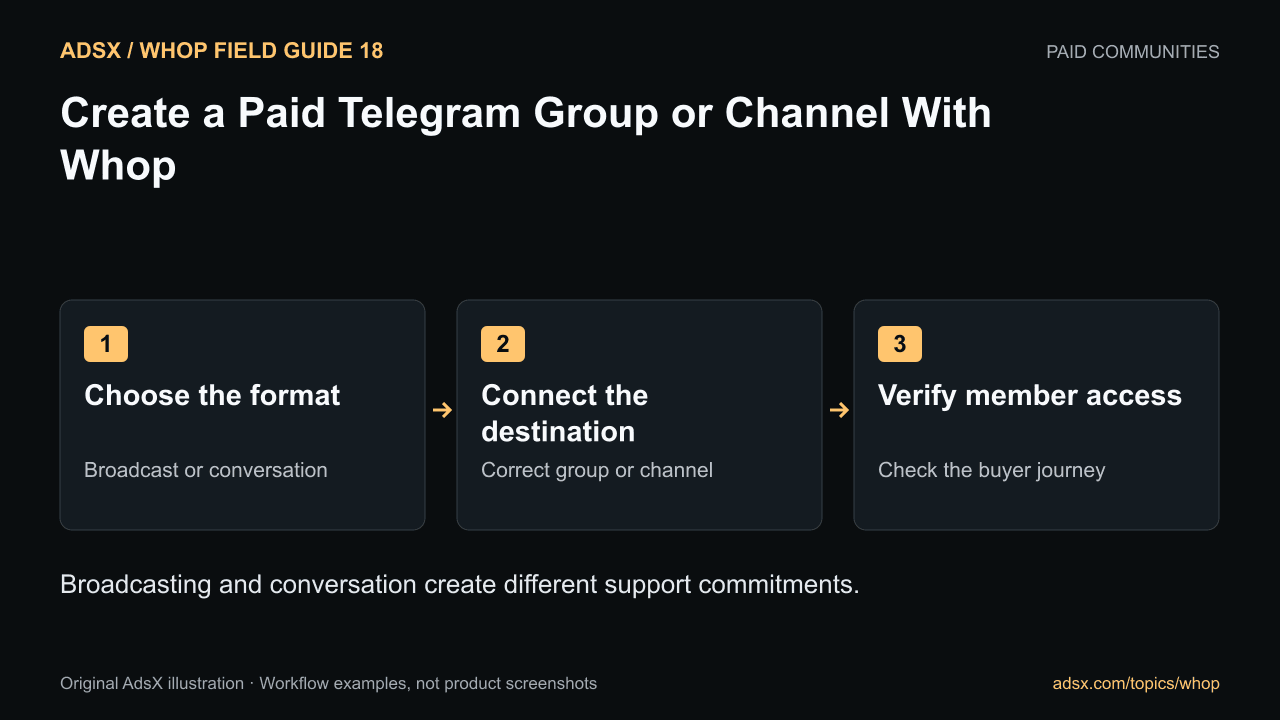
Original AdsX illustration.
Choose the format around the promise
A channel suits a curated briefing, resource feed, or regular announcement. A group suits discussion and peer interaction. The workload differs: a channel needs dependable publishing, while a group also needs moderation and responses.
Whop’s Telegram setup guide explains connecting a group or channel through its Telegram app. Its paid-group documentation provides the broader product and community context.
For example, an ecommerce research briefing could publish two annotated merchandising examples per week in a channel. A separate discussion group could let subscribers compare applications. Do not promise the second experience if you only plan to maintain the first.
Write a small operating plan
| Decision | Channel example | Group example |
|---|---|---|
| Primary activity | Read a curated briefing | Ask questions and discuss work |
| Operator commitment | Publish on a stated schedule | Moderate and facilitate discussion |
| Member expectation | Reliable, relevant updates | Useful participation and clear rules |
| Failure to avoid | Long unexplained publishing gaps | Unanswered questions and uncontrolled promotion |
These examples describe service design, not a guarantee of subscriber retention. Choose a pace that you can sustain before adding daily content to the sales promise.
Connect the correct Telegram destination
Follow the official guide to add the Telegram app in Whop, configure the connection, and add the integration bot to the intended group or channel with the required permissions. Complete the verification step shown in the setup flow and include the connected destination in the product’s access configuration.
Check names and identifiers carefully if you operate several groups. A test group, public announcement channel, and paid member group can look similar in a menu.
Treat invitation links and verification codes as setup information. Do not publish private access links in a public sales page as a shortcut around the membership flow.
Verify the buyer journey
Use an appropriate test arrangement to check the product purchase or access preview, the member’s connected Telegram identity, and the destination they actually join. Confirm that a normal member can see the promised material and understand how to get help.
Also check an existing Telegram member, a new member, and someone who purchases a higher tier if your offer has one. The tier design guide helps define those differences before you configure them.
Do not assume every cancellation or failed-payment event has identical timing. Review the current integration behavior and your access policy. The refund and cancellation guide separates billing decisions from access decisions.
Keep the first week useful
Place a concise orientation near the beginning of the experience: what gets published, when to expect it, where durable resources live, and how members should ask for support. A growing stream of posts needs an index or recurring summary so newcomers can find the useful material.
Track whether members reach the destination and use the content, not just whether they complete payment. A purchase followed by an access problem is a support issue to solve promptly.
Create your Whop business through AdsX’s referral link. Start with one clearly defined Telegram offer and verify the access path before adding more destinations.