For a painting contractor, payment software is most useful after the quote is precise. A customer buying “paint the living room” may assume ceilings, trim, doors, repairs, and furniture moving are included. A Whop payment link should point to a specific accepted scope rather than carry the entire agreement in its title.
Disclosure: AdsX owner Dennis Hegstad works at Whop. AdsX may earn a commission from qualifying businesses referred through our signup links. Public sources were reviewed October 4, 2026. Package prices and scenarios below are illustrative, not platform quotes or customer results. Editorial policy.
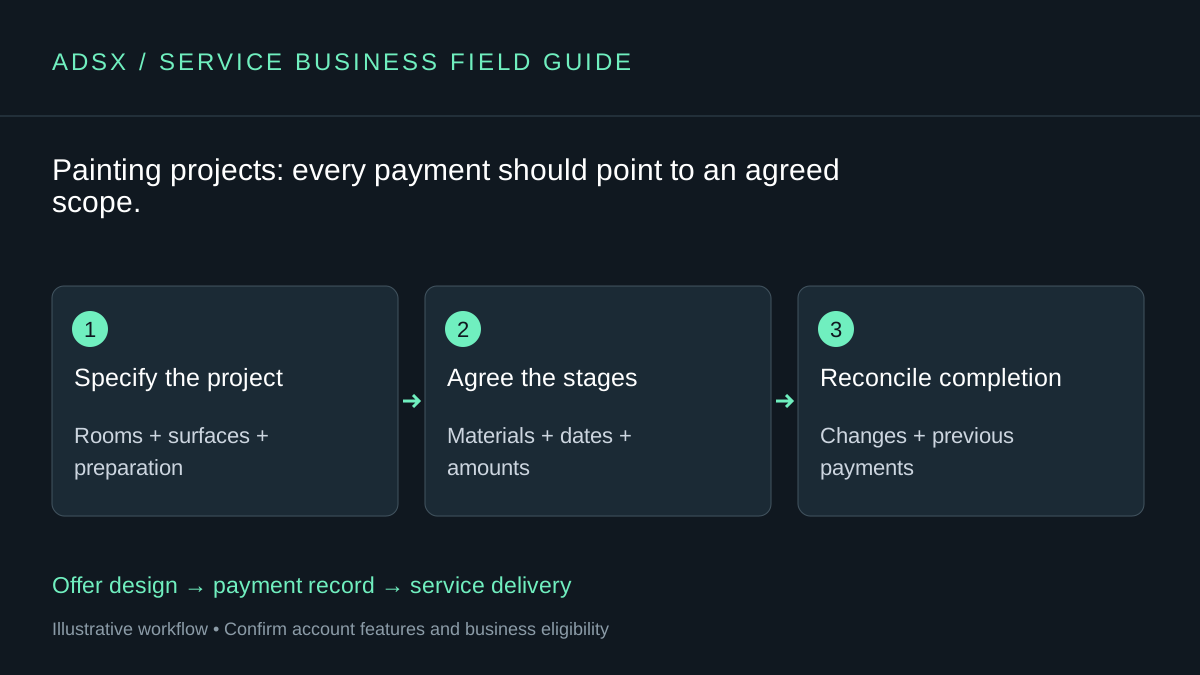
Original AdsX workflow illustration.
Name the surfaces and preparation work
List rooms, surfaces, preparation, finishes, and any customer responsibilities. Record who supplies materials and how color selections are approved. Technical preparation and safe working methods belong to qualified professionals; the focus here is preventing commercial misunderstandings.
A color change after materials have been purchased is a different event from correcting work that does not meet the agreed specification. Describe how changes are quoted and approved before they affect the schedule or amount due.
| Quote item | Decision to capture |
|---|---|
| Surfaces | Walls, ceilings, trim, and doors listed separately |
| Preparation | Named work and exclusions |
| Materials | Supplier, specification, and approval process |
| Site readiness | Access, furniture, and working hours |
| Completion | What the final walkthrough covers |
Tie progress payments to clear events
Consider an illustrative $3,000 project with $600, $1,200, and $1,200 payment stages. If those stages depend on project progress, a calendar-based installment schedule could collect before the relevant work is complete. The contract should determine when payment is requested, subject to applicable local requirements.
Whop’s checkout documentation distinguishes one-time collection from fixed installments. Choose a process that follows the agreement. Our installments guide explains why three automatic payments are not inherently milestone billing.
Preview what the customer will pay
Whop’s invoice guide currently describes a 5% service fee added for the customer. Review the final invoice preview before sending it, including the currency, description, and any other configured charges. The customer should not receive a larger total than the one they reasonably understood from the accepted quote.
Give every project a reference and keep the accepted quote, payments, and variations together. If an additional room adds $450 to the example project, record a revised service total of $3,450 and explain how that affects the outstanding balance. Do not simply send an unexplained extra checkout.
Keep project management independent
Whop’s general payments and client-space features do not establish crew scheduling, materials estimating, or construction document management. Keep the tools that already handle those tasks. A small contractor may only need Whop for the payment step.
For the first pilot, choose a project with a straightforward scope and one decision-maker. At each stage, ask whether both sides can identify what was agreed, what has been completed, and what remains due. A good payment process makes those answers easier to find.
Start with the service-business overview. If Whop fits your collection needs and eligible business, sign up through AdsX’s referral link and build one quote-to-payment journey before moving larger projects.