A music teacher’s offer becomes easier to buy when the lesson calendar is as clear as the price. Whop can be evaluated for payment, bookings, and access to teaching materials. The important decision is whether a family is buying individual lessons, a fixed block, or an ongoing place in your schedule.
Disclosure: AdsX owner Dennis Hegstad works at Whop. AdsX may earn a commission from qualifying businesses referred through our signup links. Public sources were reviewed October 4, 2026. Package prices and scenarios below are illustrative, not platform quotes or customer results. Editorial policy.
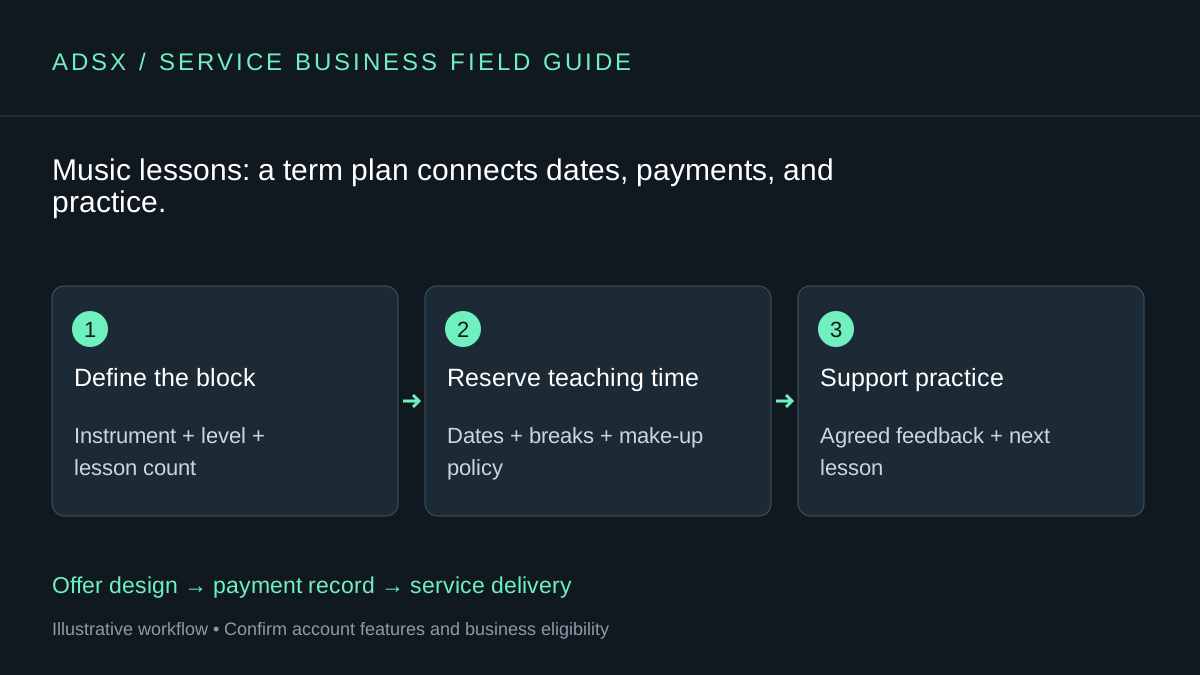
Original AdsX workflow illustration.
See the booking setup
Official demonstration from Whop’s Calendar Bookings guide. It shows general availability setup; confirm current controls in your account.
Start with the teaching calendar
State the instrument, level, session length, and delivery format. Then list the dates or explain how they are selected. A monthly payment should not leave families guessing whether a five-week month includes an extra lesson or whether school holidays are excluded.
A fixed block might cover eight weekly sessions with named break dates. If the learner joins halfway through, create an appropriate remaining-session offer rather than charging for lessons they could not attend.
| Offer element | Detail to define |
|---|---|
| Lessons | Count, duration, format, and teaching location |
| Missed sessions | Cancellation and make-up process |
| Practice support | Materials and feedback included between lessons |
| Recitals | Whether participation or event costs are separate |
| Access period | How long purchased resources remain available |
Keep lesson payments and access separate
At an illustrative $35 per lesson, eight lessons total $280. Four $70 payments are a way of paying that finite amount; they do not necessarily buy an ongoing membership. Whop’s checkout documentation explains fixed installments as well as recurring payments.
If you use Whop for materials, its pricing guide explains product-based app access. State a defined resource-access period rather than promising lifetime access. A learner retaining a worksheet is different from retaining access to every future teaching resource.
Use the subscriptions comparison before deciding how a term should be billed.
Make room for preparation and feedback
A thirty-minute lesson plus ten minutes of planning and notes occupies forty minutes. Twelve such lessons consume eight working hours. If you add individual video feedback between sessions, include that time in capacity planning rather than treating it as free because it happens online.
The Calendar Bookings app supports configurable session availability. Verify how recurring lesson slots, family communication, and make-up sessions will work in your chosen process. Keep a separate attendance ledger if needed; a paid product does not prove a lesson happened.
Share resources you have the right to use
Create your own exercises or distribute materials you are authorized to share. Do not upload copyrighted songbooks or recordings simply because the teaching area is private. If students share performance recordings, establish the appropriate permission and privacy arrangements, particularly for minors.
A small teaching space should make the next practice task easy to find. It does not need a social feed or multiple paid tiers to be useful.
Pilot one lesson block with a clear calendar and review the payment and attendance records at its end. Our course-and-community guide can help if you later add a separate educational resource offer. To test the lesson workflow, create your Whop business through AdsX’s referral link.