Choose a tool around the job you need: compressing an ongoing stream of product images is different from managing a broader SEO workflow. TinyIMG now appears as TinySEO in its official materials. Crush focuses its listing on image compression and image SEO. Neither app should be purchased on an assumed traffic increase.
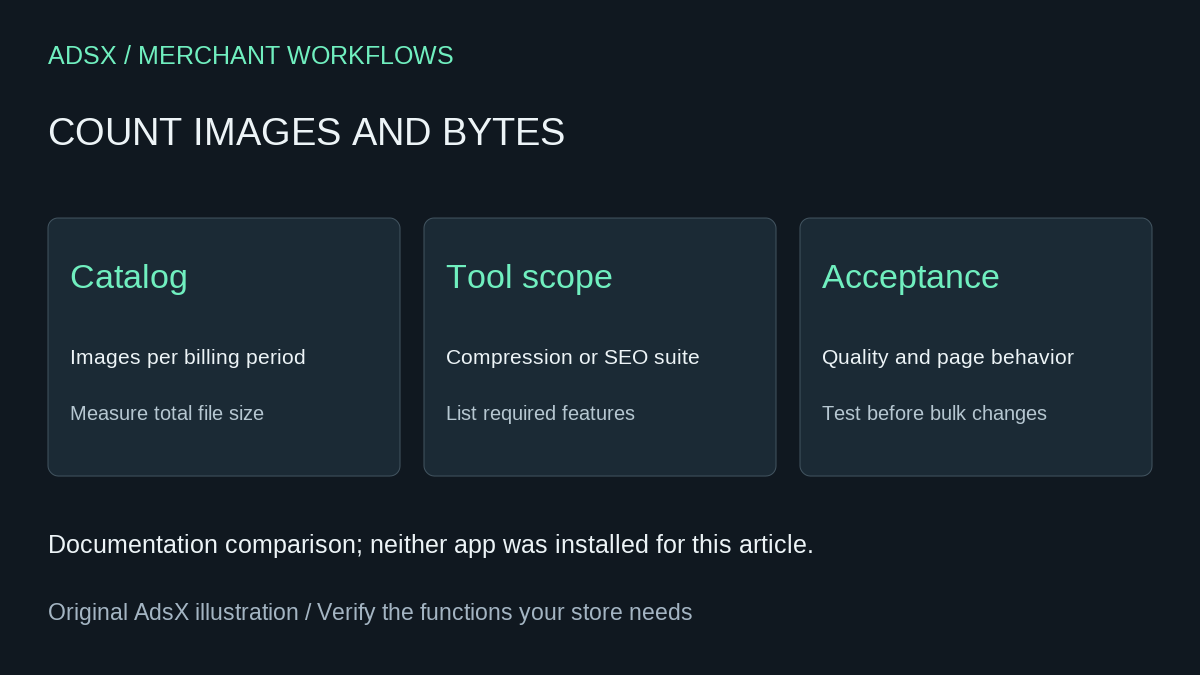
Original AdsX illustration.
The short decision
Shortlist Crush when the requirement is image compression and filename or alt-text automation with a straightforward volume allowance. Shortlist TinySEO when you also need its broader audit or content tooling and will actually use those functions. First diagnose whether images are the bottleneck; neither choice is a remedy for a badly cropped banner or every source of page slowness.
This is a documentation and cost comparison checked November 28, 2026, not a hands-on performance test. The links below go directly to official listings and pricing pages; AdsX has not verified an owned affiliate link for either app.
Compare the billing units
The Crush listing shows a one-time 25 MB free allowance, then Micro at $4.99/month for 500 MB, Pro at $9.99 for 2 GB and Advanced at $19.99 for 5 GB. Paid tiers include automatic and manual compression, filename and alt-text renaming, and 30-day backup. The listing states USD and 30-day recurring billing.
TinySEO's pricing page lists Beginner at $14/month with 1,500 images and 2 cents per additional optimization; Advanced at $23 with 5,000 images and 1 cent extra; Expert at $49 with 15,000 images and 0.8 cents extra. Annual options and AI-credit allowances differ. Check the chosen plan and billing authorization rather than assuming an annual price is twelve monthly charges.
| Question | Why it changes the comparison |
|---|---|
| How many images need work initially? | A first cleanup can exceed normal ongoing volume |
| How many new images arrive per period? | Recurring allowance should match ongoing work |
| What is their total size? | Image count does not establish a megabyte requirement |
| Which non-image functions are required? | A suite is only useful if it replaces needed work |
| What can be restored, and for how long? | Bulk changes need a recovery plan |
The TinySEO app listing describes image optimization alongside broader SEO and AI content functions. A feature appearing in a listing does not mean every tier includes it. Confirm the specific plan for required functions and keep optional features off until reviewed.
Work a volume example
Suppose a merchant needs 2,000 image optimizations in one monthly period. On the cited TinySEO Beginner terms, 500 additional optimizations cost $10, making the illustrative bill $24 before tax. Advanced's $23 base could therefore cost less for that volume, if the same work is eligible under both plans and no other charges apply.
That does not establish the equivalent Crush tier. If those files total 400 MB, the listed Micro allowance may fit; if they total 1.2 GB, it does not. Measure bytes as well as image count. Ask the provider how reprocessing, existing files and any unsupported image locations affect usage before authorizing a bulk job.
For a stable smaller workload, twelve $4.99 payments total $59.88; twelve $14 payments total $168 before extras. That $108.12 difference is a billing illustration, not an annual-savings guarantee or an equivalence claim. Add setup, review and maintenance time, and compare the features you would otherwise pay for separately.
Test the job you are buying
Select a small set containing fine product detail, text on packaging, gradients and a large banner. Preserve originals independently of an app's temporary backup. Record file size and representative page measurements before changes; use the same device and test conditions afterward.
Inspect visual quality, variant selection, zoom and mobile display. Check that alternative text describes the actual image rather than repeating a keyword template. Review AI alt-text checking if generated wording is part of the workflow. A smaller file is not evidence of more organic clicks or revenue.
Do not run two overlapping optimizers across the same assets during the comparison. If the real issue is framing, use the mobile crop review. If the issue is a script-heavy page, an image-only intervention may leave it unchanged.
Make the buy-or-keep decision
Keep native/manual work when the catalog is small and changes infrequently. Choose the narrower tool when it meets a recurring image need. Pay for a broader suite when its required features, allowance and review process justify the total cost. Record a rollback path and an owner for future uploads. No app installation, image compression result, ranking lift or merchant saving is claimed here.
Try the worksheet prompt
Illustrative prompt, not execution-tested.
Compare supplied image count, total bytes, initial and recurring workload, current official plan prices, required features and review labor. Calculate like-for-like costs only where units and eligibility match. Flag unknown reprocessing, overage and backup terms. Propose a small controlled image-quality and page-behavior test. Do not assume compression improves rankings, enable overlapping optimizers, or claim an affiliate relationship.
Copy the prompt from the merchant library. For related work, see Shopify Image Optimization: Cut Load Times Up to 70%.