A care note is shared by several product pages. One product needs a different instruction, so an editor changes the shared entry. The exception now appears on every connected page. The useful question before saving is whether the change belongs to the shared record or to one product.
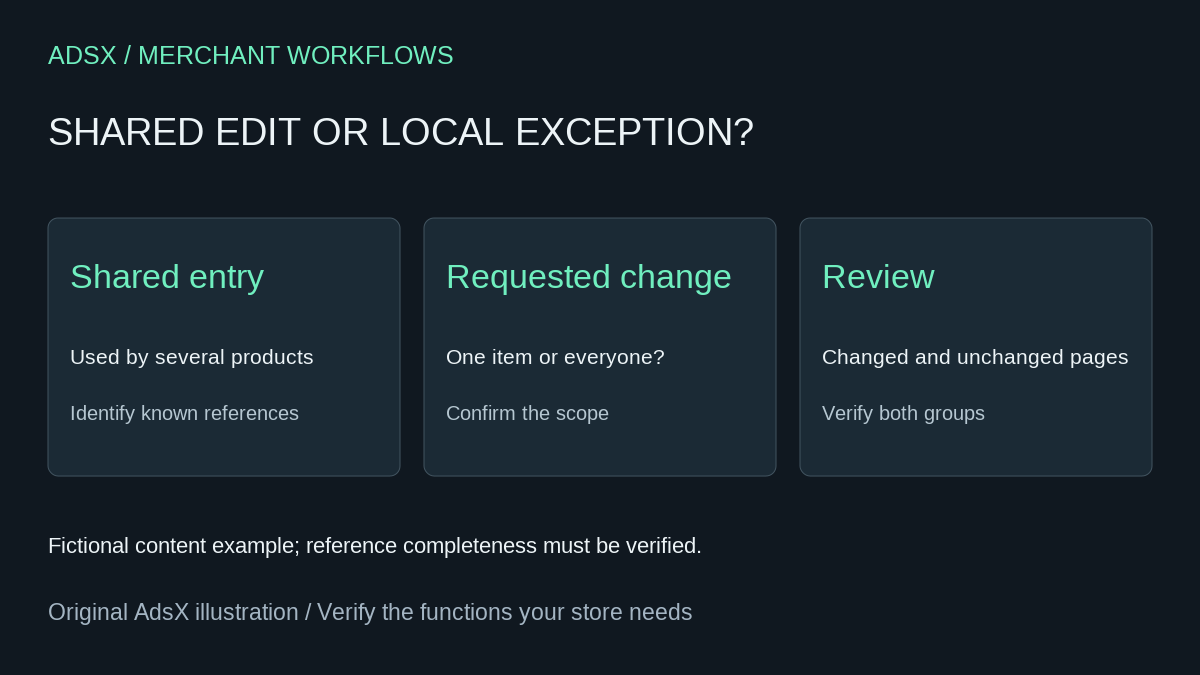
Original AdsX illustration.
Name the intended audience of the edit
Write the old value, proposed value and the exact products that should receive it. For a fictional fabric collection, a shared care entry says cold wash. A new delicate item needs hand wash. If that exception applies to only one item, changing the common entry is the wrong scope even if the new sentence is accurate for that item.
Shopify says edits to an entry already published in the store are reflected wherever it is used. It also distinguishes editing an entry's values from editing its definition's fields. Shopify metaobject entry guidance
Keep the brief specific: this task changes content values. A field-type change or definition redesign deserves a separate migration review.
Build a known-reference inventory
List the entry identifier and handle, referencing resources, templates, block settings and any custom Liquid references you can establish. Shopify supports several connection routes, including metaobject references, compatible dynamic-source settings and Liquid. A list of product metafields alone may not cover every use. Shopify metaobject connections
Give AI the supplied inventory and ask it to group affected placements. It must label the list as known references unless the audit actually establishes completeness. Searching a theme for a handle can find a hard-coded use, but a missing text match does not prove no dynamic reference exists.
For the care example, record ten known product connections and a collection-page block. If only one product should change, ask the merchant to choose a separate exception entry or another supported content structure. Do not silently duplicate every entry; that removes the maintenance benefit of shared data.
Review both the changed and unchanged sets
Create two acceptance groups. The delicate item should show its approved instruction; the other products should retain the existing one. Include the collection block in the review because it may present the same entry outside a product template.
Preserve the prior value and reference mapping before an authorized edit. Inspect a representative page from every known template and placement after the change. Check missing fields, text wrapping and mobile display. If translated content is used, include its review status without assuming the edit automatically produces an approved translation.
If unexpected pages change, stop expanding the edit and restore the approved state using the recorded values and references. Do not rename an entry handle as a quick isolation trick; Shopify warns that changing handles can disrupt manually configured uses.
Keep shared content economical
The checklist adds review work, but can prevent an exception from spreading across unrelated products. With a hypothetical twenty placements and two minutes of inspection each, a full visual pass takes forty minutes. That estimate helps plan the change; it is not observed labor or a guarantee that sampling fewer pages is sufficient.
AI can organize the reference inventory and acceptance groups. It cannot establish unknown connections from a prose description alone. No store entry was changed for this article. If a block is already empty, use the blank-block diagnostic before treating the issue as an editorial update.
Try the worksheet prompt
Illustrative prompt, not execution-tested.
Review supplied metaobject identifier/handle, old and proposed values, intended product scope and known references across resources, templates, dynamic sources and Liquid. Separate a shared change from a local exception. Label reference completeness honestly. Produce changed/unchanged acceptance groups, prior-state capture and rollback checks, including mobile and translation review where applicable. Do not edit definitions, rename handles, duplicate entries or publish changes.
Copy the prompt from the merchant library. For related work, see Shopify Metaobjects: The Complete Guide (No Code Needed).