Your storefront uses a descriptive product title, while a sales channel needs a shorter label stored in a metafield. Renaming the main product would change more than the channel listing. Shopify channel mapping provides a separate place to choose the source for eligible channel fields.
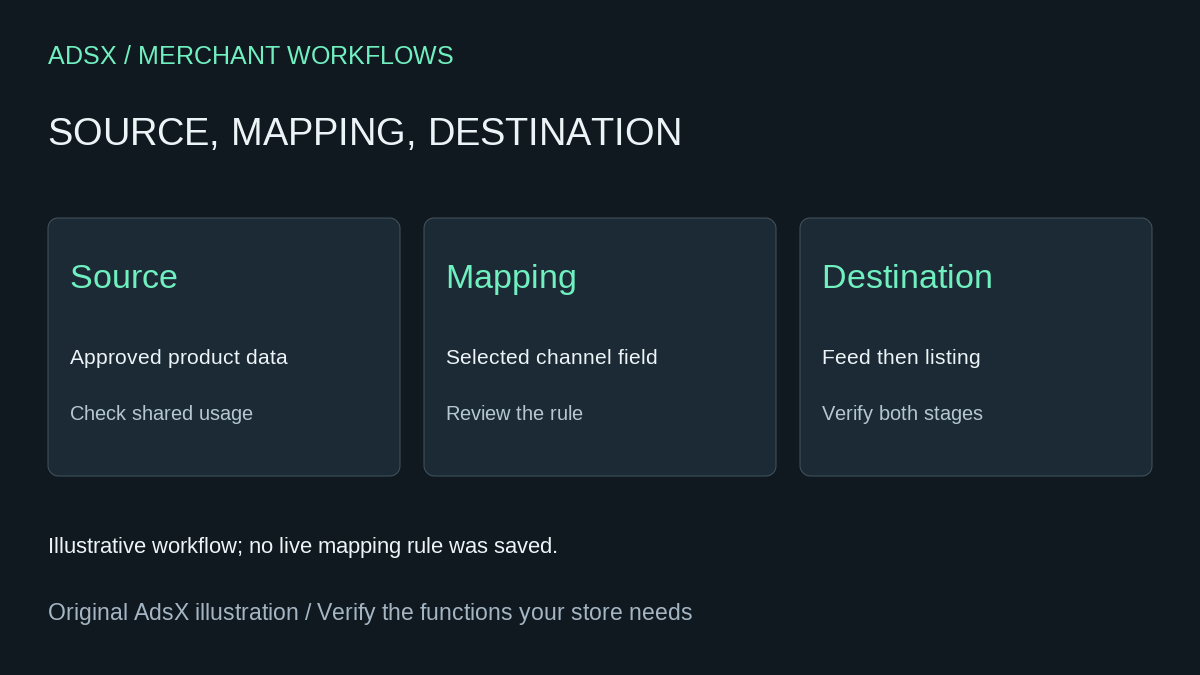
Original AdsX illustration.
Establish which channel and field you mean
Write a brief with the destination channel, field, current source, proposed source and example output. For a fictional insulated bottle, the storefront title might be Alpine Bottle — Insulated Stainless Steel, while an approved channel-title metafield contains Alpine 750 ml Steel Bottle. The goal is a channel-specific source choice, not an instruction to rewrite the product title everywhere.
Shopify documents channel mapping for channels using contextual product data; Shop and Shopify Collective are exceptions. A mapping applies across products published to that channel, and changing a shared source value can affect other channels using it. Sidekick can propose rules on the mapping page, but the changes require review and saving. Shopify channel mapping
Give Sidekick a bounded request
Supply the exact metafield namespace and key, its type and the target channel field. Ask for a rule using existing approved data. Do not ask the assistant to infer missing product specifications or modify every product description to make the preview look complete.
Use a review sheet with one populated metafield, one empty value, one long value and one product that should retain a different wording. Check the output for each. An empty input deserves an explicit fallback decision; it should not silently become a fabricated product claim.
If the requested source is unavailable, inspect the field's accepted data type and the actual definition. Escalate the mismatch rather than renaming fields or converting types without checking existing uses.
Separate preview from approval and publication
The channel mapping preview shows the data being sent, including unsaved changes. It does not establish that a destination approves or displays the listing, and previewing an unpublished product does not publish it. After saving, channel display updates can take time. Treat these as separate verification stages rather than one success checkbox.
For Google & YouTube, use Shopify's channel-specific synchronization guidance to check the product's actual destination status. A correct title preview does not resolve unrelated product eligibility or synchronization issues. Google & YouTube product syncing
Record the before-and-after preview, saved rule and destination result. Verify that the storefront title remains as intended and that another channel using the same metafield has not received an unintended change.
Compare the native rule with a feed app's full job
A mapping rule can cover a narrow source-selection requirement. A paid feed app may also handle monitoring, multiple destinations or transformations outside this workflow. List those requirements before deciding it can be removed.
For an illustrative budget, avoiding a $15 monthly tool saves $180 over twelve payments. Two hours of setup and review at $50 cost $100 before ongoing maintenance. Those numbers are hypothetical, not verified app pricing or observed savings. First prove the native rule meets the actual requirement, then compare total costs.
Keep the first prompt output as a reviewed proposal. No Sidekick session, channel save or listing approval was performed for this guide.
Try the worksheet prompt
Illustrative prompt, not execution-tested.
Review the supplied eligible sales channel, target field, current source and proposed metafield namespace/key/type. Propose a mapping using approved facts without changing storefront product titles. Show populated, empty, long and exception examples; flag shared-source effects and missing fallback decisions. Separate unsaved preview, saved feed data and destination approval/display. Do not save rules, publish products or invent missing specifications.
Copy the prompt from the merchant library. For related work, see Google Shopping Product Title Optimization: 3x Your CTR.