A product highlight entry exists in the admin, yet the product page has an empty block. The missing content may be a connection problem rather than a broken Liquid component. Trace the entry all the way to the page before asking AI to rebuild it.
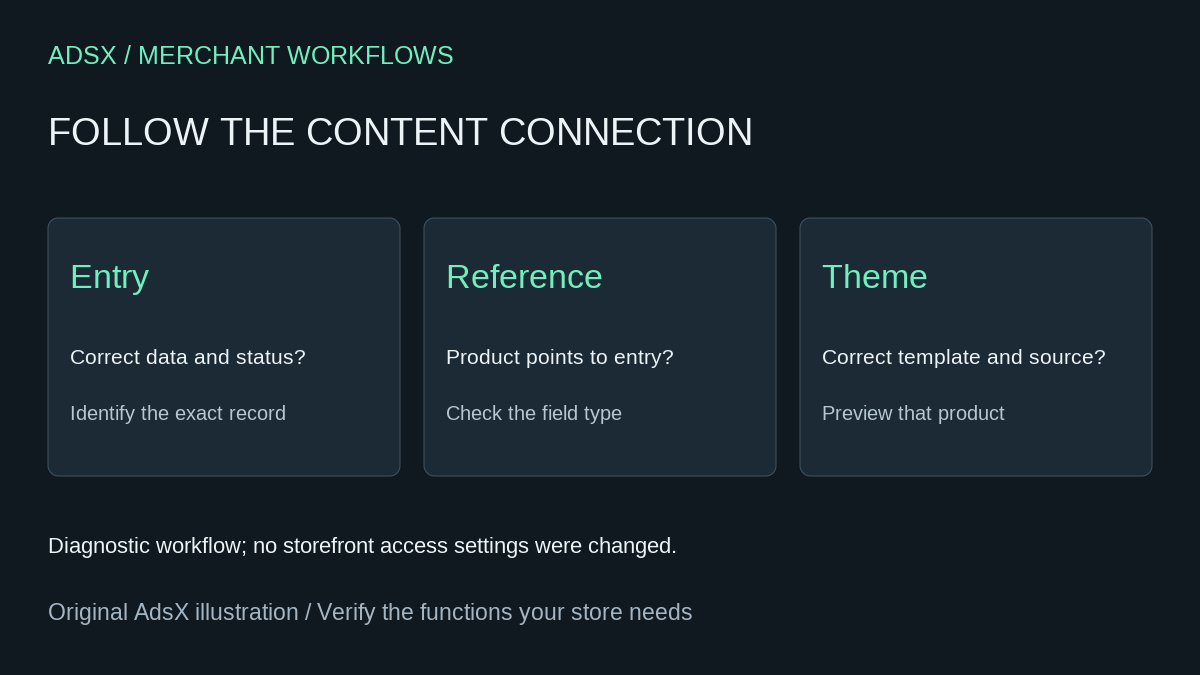
Original AdsX illustration.
Capture one failing page and one expected field
Record the product identifier, template, metaobject definition, entry and field that should display. A fictional highlight might have a heading Trail-ready fabric and an approved image. If the heading appears but the image does not, the evidence is different from an entirely missing block.
Use a known-good page where possible. Compare its reference and template with the failing page instead of copying all its settings. Two products can share a template while pointing to different entries; they can also point to the same entry while using different templates.
Check the entry and its publication state
Shopify documents Active and Draft entry states. An Active entry is ready to display but does not appear simply because it exists; it still needs a connection. Draft entries cannot be published to the store. Shopify also warns that changing an entry handle can disrupt manually configured references, including Liquid. Shopify metaobject entries
Ask the assistant to list the observed state and identifier rather than guessing from the entry title. If a handle changed recently, inspect the actual reference path before creating a duplicate entry. Duplicating content can hide the original issue and create two records to maintain.
Trace access and the reference
Shopify's connection guidance requires Storefronts access and a compatible connection for displaying metaobjects. Entries can be connected through references or used in Liquid, and the theme setting must accept the relevant type. Connecting metaobjects
Inspect the definition's intended access, the product's metafield reference and the block's selected dynamic source. Do not enable storefront access on unrelated definitions as a broad troubleshooting shortcut. Confirm that the content is approved for public display first.
For the fictional highlight, the product might reference the right entry while the image block is connected to a different field. Alternatively, the reference could be empty on this product. These cases need a specific connection correction, not a new content system.
Verify the actual assigned template
Open the affected product in the intended theme preview. Confirm that the product uses the template containing the connected block. Test the heading and image separately, then inspect mobile layout and a product with no highlight assigned. The empty state should be deliberate rather than a broken image or unexplained blank space.
If data and connections are correct, provide the relevant section and Liquid to an AI coding assistant. Ask it to trace the field value and rendering condition, with file references and a minimal proposed change. Do not let it invent a new metafield namespace to make its example code compile.
This checklist diagnoses an existing content connection. It does not create standalone metaobject pages, migrate definitions or prove every entry is safe to expose. Record the confirmed cause and the exact correction after an authorized reviewer tests it. No merchant store was modified for this article.
Try the worksheet prompt
Illustrative prompt, not execution-tested.
Diagnose a blank metaobject block using supplied product/template identifiers, definition, entry status, field values, intended storefront access, metafield reference and block dynamic source. Trace each connection and separate confirmed findings from missing evidence. Check recent handle changes and field-type compatibility. Propose the smallest correction plus populated/empty/mobile checks. Do not expose unrelated data, invent namespaces, duplicate entries or publish changes.
Copy the prompt from the merchant library. For related work, see Shopify Metaobjects: The Complete Guide (No Code Needed).