When a Shopify subscription delivery is missing, first establish whether an order exists. An inventory problem that prevented order creation is different from an order awaiting dispatch or a renewal with a payment failure. Each needs a different response.
This guide covers the first-party Shopify Subscriptions app using documentation reviewed October 8, 2026. Other subscription apps can have different rules. The exception log and examples below are original planning tools, not results from a live merchant test.
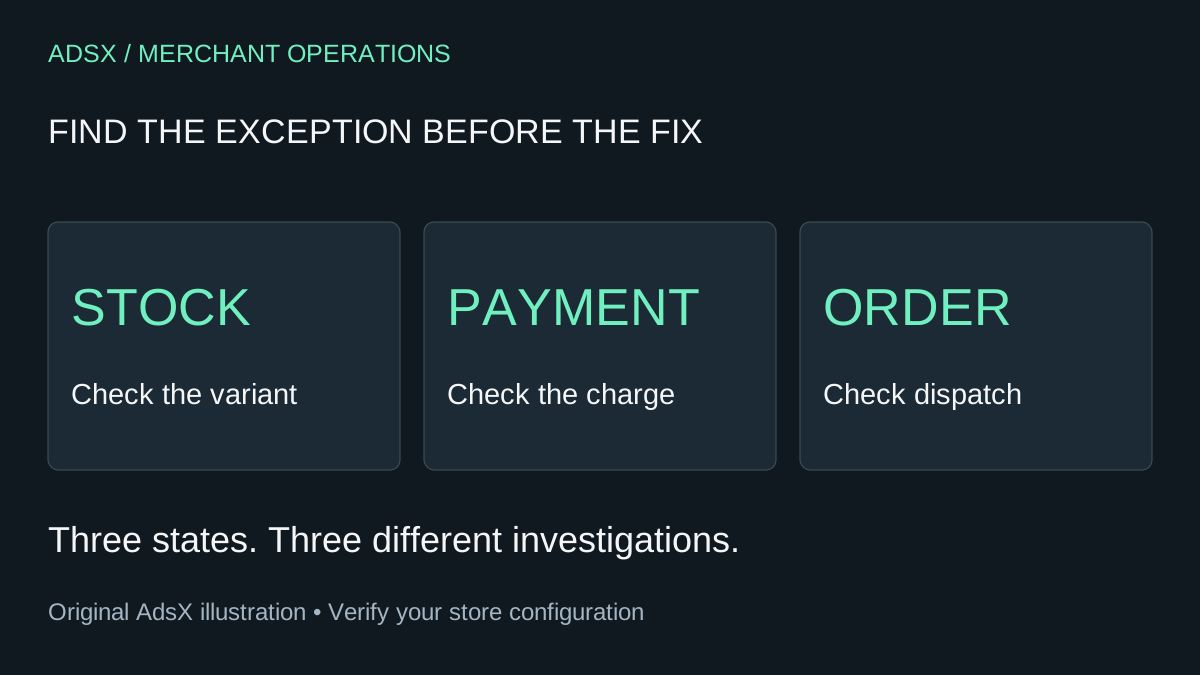
Original AdsX subscription-exception illustration.
Identify the state before taking action
Shopify's contract-management documentation says that insufficient stock can prevent an upcoming order from being created when inventory is tracked and the products are not set to oversell. The Contracts view includes an Inventory error filter and identifies affected products.
Start there when the issue is missing stock. Record the contract, the affected delivery, the exact variant, and the observed state. Do not label every missing delivery “payment failed” or assume every active subscription has an order ready for the warehouse.
| What you observe | First investigation | Avoid this shortcut |
|---|---|---|
| Inventory error and no order | Variant availability and contract details | Asking the customer to replace a working card |
| Payment failure | Billing state and supported payment recovery | Increasing inventory to solve a payment problem |
| An order already exists | Its payment, fulfillment, and location details | Creating a second order without checking the first |
| Customer paused or skipped | Contract schedule and customer action | Restarting a delivery the customer intentionally stopped |
Use the customer-portal checklist to understand the actions customers can take. A clear portal helps, but it does not replace the merchant's inventory investigation.
Resolve the inventory fact first
Suppose a coffee subscription contains one bag of decaf and one bag of a seasonal roast. The warehouse has decaf, but the seasonal roast is unavailable. Checking only the total number of coffee bags would miss the relevant shortage.
Confirm the variant, sellable quantity, fulfillment location, and whether a restock is physically received or merely expected. A purchase order promising stock next week is not the same as stock available for today's order.
Shopify describes two recovery paths in the contract guide: after restocking, a merchant can request another billing attempt or await the configured retry; creating the order without correcting inventory deliberately oversells the product. Treat overselling as a fulfillment commitment, not an error-clearing button. This guide does not recommend using it to make the warning disappear.
If you cannot meet the original offer, determine what alternatives you can actually provide. Do not silently replace a product or change a subscription's terms. Confirm an appropriate customer-approved resolution and use the app's supported process.
Make retry settings match the business
The Shopify Subscriptions settings guide documents separate controls for payment-method failure and insufficient inventory. Merchants can configure retry counts, intervals, and the action after retries are exhausted, including skipping, pausing, or canceling.
Review those settings alongside the restock process. A retry tomorrow is useful only if something relevant may have changed by tomorrow. Repeated attempts are not an inventory-replenishment strategy.
For example, an illustrative merchant expects a supplier delivery on Thursday but has not yet confirmed its arrival. The internal plan could be: check receipt on Thursday, update sellable inventory after verification, then review the pending renewal before taking another action. This is an example decision sequence, not a recommended retry configuration for every store.
Record the settings before changing them and explain the expected customer consequence. If the final action is cancellation, do not treat that as equivalent to a temporary pause. Choose deliberately rather than accepting an unfamiliar default.
Keep an exception log with an owner
A small team can use a shared table to prevent two people from resolving the same renewal independently. Keep personal and payment details out of broadly shared notes; use internal record identifiers and appropriate access controls.
| Field | Illustrative entry |
|---|---|
| Affected delivery | October 12 renewal |
| Observed state | Inventory error; order not yet created |
| Missing item | Seasonal roast, 250g variant |
| Next evidence needed | Warehouse receipt confirmed |
| Owner and review time | Operations owner, Thursday afternoon |
| Chosen action | Pending stock check and customer resolution |
| Completion evidence | Linked order or documented schedule change |
Do not close the exception because someone clicked a button. Close it when the resulting state has been checked and the next person in the workflow knows what happens next.
Reconcile the resulting order
Once an order is created, review its payment state, quantities, shipping details, and fulfillment instructions. Shopify's subscription-fulfillment guide covers recurring shipments and the relationship between inventory and subscription orders.
Before dispatch, confirm that the warehouse is working from the intended order and that another staff member has not already processed a retry or manual workaround. If the outcome is a skipped or paused delivery, record that outcome instead of manufacturing an order to satisfy the log.
Customer communication should match the evidence: what is delayed, which delivery is affected, what happens to the charge, and when the next update is due. Verify the actual payment state before making a statement about whether money was collected.
Review causes after resolving the exception
Count inventory exceptions, payment failures, and fulfillment delays separately. Track how long each remains unresolved and whether the same variants recur. Combining them into one “failed subscriptions” total conceals the work that would prevent the next problem.
Use the app cost audit if a missing workflow creates significant manual work. Before buying another app, establish whether the cause is incorrect stock, an unsuitable replenishment promise, unclear ownership, or a capability the current system genuinely lacks. Better inventory records may solve a problem that another dashboard would only display differently.