A subscription app's customer portal should let a buyer understand the next charge and make the changes your offer promises. Evaluate it with actual customer tasks: finding a subscription, skipping a delivery, changing an address, updating payment information, and ending future renewals.
Do this before comparing retention dashboards or promotional features. If customers need support to complete routine tasks, your team inherits that work every billing cycle.
This is a buyer's checklist based on Shopify's public documentation, reviewed October 7, 2026. It is not a hands-on ranking of subscription apps. The scenarios are original examples you can use in a demo or supported test environment.
Original AdsX subscription-management illustration.
Establish the native baseline first
Shopify's subscription overview describes its first-party Shopify Subscriptions app and third-party alternatives. Start by writing down what your business needs beyond the baseline, rather than assuming every subscription business needs the most extensive app.
The Shopify Subscriptions customer-experience guide documents account access, payment and shipping-address updates, past and upcoming orders, skipping, pausing, resuming, and cancellation. Those are documented capabilities of that app; do not assume a competing app exposes identical controls or terminology.
Read the built-in features versus apps guide if you are still deciding whether an additional tool solves a real gap. Product swaps, custom bundles, unusual delivery schedules, and advanced support workflows deserve specific verification.
Use a customer story instead of a feature checkbox
Consider an illustrative coffee subscription: two bags every four weeks. The customer will be away for the next delivery, expects to move later, and sometimes wants a different roast. That story creates several distinct requirements.
“Subscription management: included” is too broad to evaluate. Ask the app provider to demonstrate each task with a representative product and explain any plan, account, or gateway requirements.
| Customer task | What to inspect | Evidence to retain |
|---|---|---|
| Find the subscription | Store navigation, account entry, and a phone-sized screen | The path a customer can follow without staff help |
| Skip one delivery | The affected order and the next expected charge | Before-and-after dates and confirmation wording |
| Pause | What stops and how resumption works | The visible paused state and restart instructions |
| Cancel | The confirmation and future billing state | A completed cancellation record |
| Change delivery address | Which future shipments inherit the change | Updated subscription details and existing-order handling |
| Replace payment method | The supported customer-facing update flow | Confirmation without exposing payment details to staff |
| Change roast or quantity | Availability for the exact subscription product | A verified result or a documented limitation |
Treat a blank result as an unanswered question, not a pass. Keep screenshots in your own evaluation notes with sensitive customer information removed.
Keep skip, pause, and cancel separate
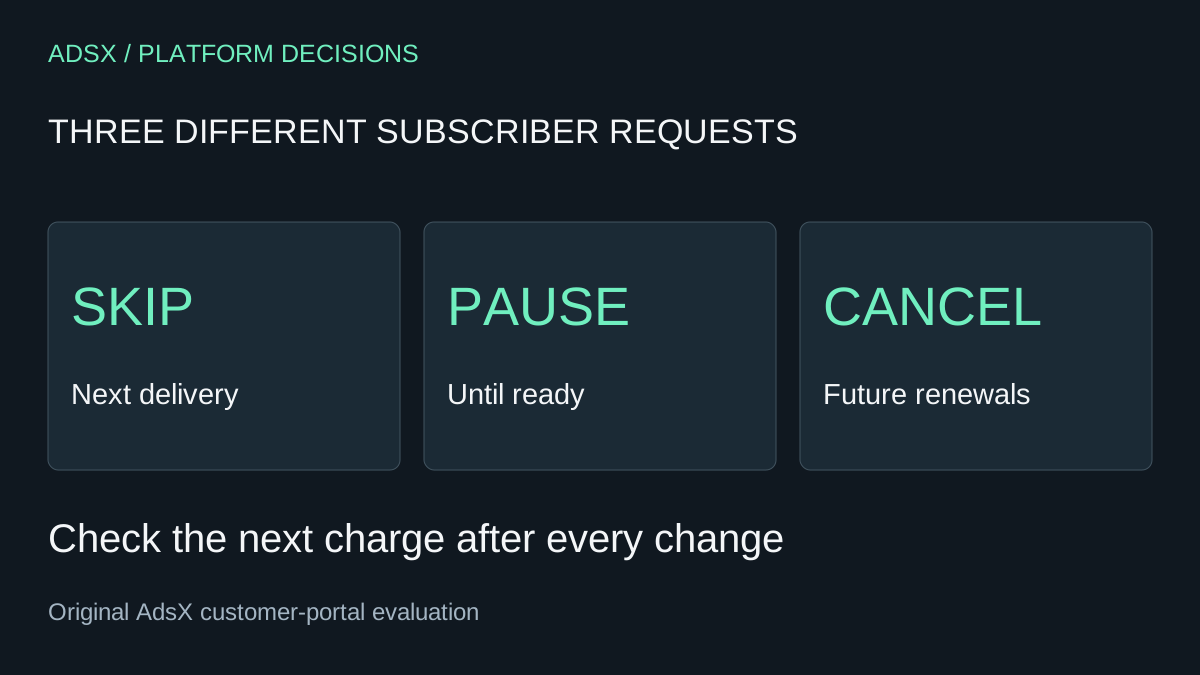
For Shopify Subscriptions, Shopify documents skipping an upcoming order, pausing with the ability to resume, and cancellation that cannot be undone. That makes these three different outcomes, not interchangeable labels for “stop for now.”
In your evaluation, ask what the customer sees after each action. Can they tell whether the next charge is still scheduled? Does resuming present a clear next date? What happens if they attempt a change after an order has already entered fulfillment?
These are acceptance questions, not claims that every app behaves the same way. Your support wording should match the behavior you verify. A cancellation confirmation should not leave someone guessing whether another renewal will occur.
Check the contract and the order separately
Shopify's subscription contract documentation describes the continuing agreement created after purchase and the merchant controls used to manage it.
That continuing agreement and an order already created from it are different things to inspect. When evaluating an address change, for example, check both the future subscription details and any order already awaiting dispatch. Do not promise that one edit will automatically update every record.
For the coffee example, write a support instruction such as: “Confirm the subscription's future shipping address, then check whether an order has already been created and handle that order separately.” Replace this with the exact supported process once your chosen app's behavior is verified.
Include payment and failure cases
Shopify's subscription considerations covers gateway and payment-method limitations. Compatibility must be checked for the actual store, region, and app configuration.
Ask the provider how a customer fixes a failed renewal, where staff can see the state, and what happens while payment remains unresolved. Also ask how the app handles missing inventory. Do not assume an attractive portal explains operational failures well.
Use our payment-method selection guide to separate market eligibility from recurring-payment support. A successful one-time checkout does not verify a renewal flow.
Make the buying decision from unresolved work
Compare two or three candidates with the same scenarios. Mark each requirement as demonstrated, documented but not yet verified, unavailable, or needing a paid tier. Record who will handle any manual work and how often that work might occur.
An illustrative support estimate can help: if 40 monthly requests take eight minutes each, that is 320 minutes, or five hours and twenty minutes. It is not a prediction of app savings. It is a way to decide whether a missing self-service action matters enough to investigate.
Then compare the actual app charges using the Shopify app cost audit. Include usage charges and the cost of any required companion tools. Ask about subscription migration and export before choosing; uninstalling an app should never be your migration plan.
Choose the app that can deliver your subscription promise clearly, at a cost and workload your business can support. Recheck the portal after material app or account changes, using the same customer tasks so the result remains comparable.