Disclosure: AdsX may earn a commission from qualifying Shopify referrals through signup links. Examples and worksheets are original editorial planning aids, not observed merchant results. Sources checked November 28, 2026.
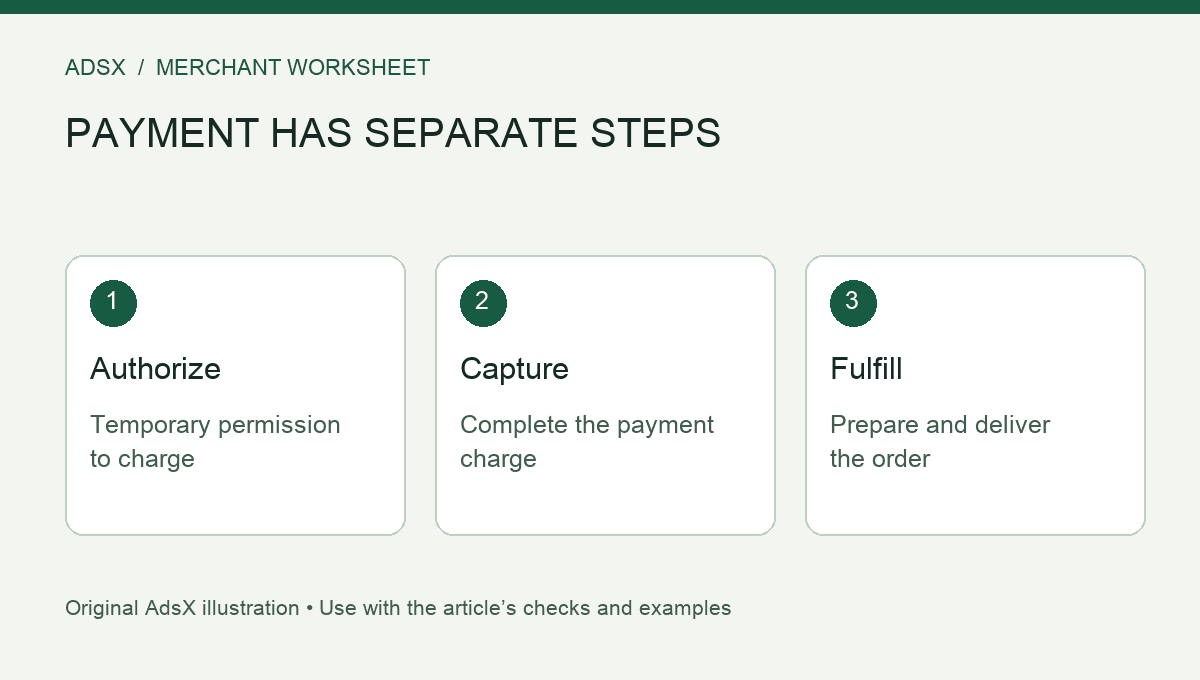
Original AdsX explanatory illustration.
Choose manual payment capture only if someone will reliably review authorized orders and capture or resolve them before their authorization expires. Automatic capture is often operationally simpler for a straightforward stocked-product launch, but the right choice depends on your payment provider and fulfillment process.
Neither setting guarantees that an order is legitimate, that inventory exists, or that funds have arrived in your bank. Treat payment review, capture, fulfillment, and payout reconciliation as separate jobs.
Understand what the setting changes
Shopify's payment authorization documentation distinguishes authorization from capture and describes automatic capture at checkout, capture on fulfillment, and manual workflows. Availability and behavior depend on the method and provider. Shopify Payments normally has a seven-day authorization period; verify the actual order deadline and applicable terms rather than treating that number as universal.
Manual capture is not the same as enabling bank transfer or cash on delivery. Those are separate manual payment methods. A credit card authorization is not an unpaid bank-transfer invoice, even if both need a human next step.
Compare the operating burden
| Choice | Useful starting situation | Responsibility you retain |
|---|---|---|
| Automatic at checkout | In-stock goods with a straightforward order flow | Review exceptions and manage refunds appropriately |
| Automatic on fulfillment, where supported | A workflow tied to fulfillment completion | Understand exactly which fulfillment event captures payment |
| Manual | A deliberate review step before charging | Monitor every authorization and capture before expiry |
Read Shopify's payment management instructions alongside your provider's instructions. Do not select a setting because its name sounds safer. A process nobody checks can create a new failure mode.
Automatic capture on fulfillment waits for the entire order within the authorization window. Per-fulfillment capture is a separate Shopify Plus feature. A fulfillment app that requires a paid status before starting can conflict with capture-at-fulfillment; resolve that dependency before launch. These settings concern online-store orders, not POS orders.
Make a deadline register before choosing manual capture
Consider a hypothetical store selling made-to-order display stands. Production takes 12 days. A merchant who assumes every authorization will remain valid until dispatch could discover the payment cannot be captured as planned. The answer is not to conceal the charge timing from the customer; it is to choose an appropriate payment and order process before selling.
For each authorized order, record an internal reference, the actual authorization deadline, review owner, decision, and capture status. Keep customer and payment details in the approved admin tools. Use a daily review time and a backup owner when the primary operator is away.
A practical register might have three states: needs review, approved for capture, and resolved. A row marked approved is not evidence that capture succeeded. Check the order's payment status after the action and investigate failures. Never ship solely because a spreadsheet says someone intended to capture.
Check for competing automation
Before installing a risk or fulfillment app, ask whether it captures payments. Two systems acting on the same order can produce behavior you did not intend. Document the owner of each step: Shopify setting, app, Flow workflow, or person.
If you later use a Flow workflow, validate its trigger, conditions, permissions, and failure handling in that specific store. A prompt that describes a payment workflow is not a deployed or tested automation. This launch decision does not require building a custom app.
Run tests that match the decision
Begin with the order-to-delivery test checklist. Add capture-specific cases: a normal order, an order requiring review, an order you will cancel, and a fulfillment path that differs from the normal one. Use the provider's supported test methods, and recognize that simulated orders do not establish real settlement timing.
Before opening the store, check that payment test mode is off and that the selected capture method matches the documented process. Review the first real orders while volume is small. Record what happened, rather than assuming that a successful test guarantees every payment method behaves identically.
Choose based on staffing as well as fees
Suppose manual review takes four minutes per order. At 15 orders per day, that is one hour of work before exceptions. At an illustrative $25 hourly labor value, it costs $25 per day in time. That does not make review unnecessary; it makes the workload visible.
For a new account, follow Start a Shopify Store, then make this decision before the first paid order. Revisit it when staffing, fulfillment timing, or the payment provider changes—not just when order volume grows.