Examples and worksheets are original editorial planning aids, not observed merchant results. Sources checked November 28, 2026.
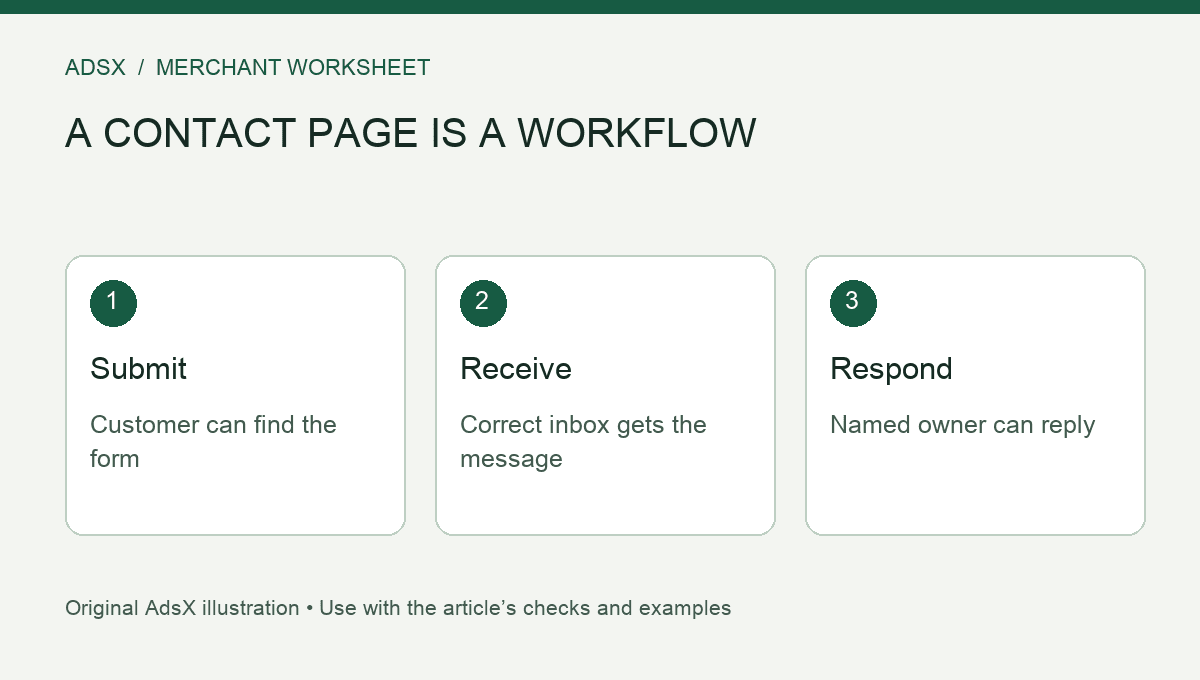
Original AdsX explanatory illustration.
A contact page is ready when a customer can find it, send a message, and receive a useful response from someone responsible for the inbox. A form that looks correct in the theme preview has only passed the first part of that test.
Shopify's contact page instructions describe the built-in contact template and explain that submissions go to the store's sender email address. Verify that destination before using a personal mailbox you rarely check.
Run one ordinary customer scenario
Use an address you control and submit a clearly labeled test message through the public contact page. Ask a simple pre-purchase question, such as whether a listed accessory fits a particular product. Do not send payment information, passwords, or customer records.
Record the page URL, test time, receiving inbox, and whether a reply can be sent successfully. Check spam folders if the message is missing, then investigate the configuration rather than assuming customers will try again. A successful message proves that specific test path worked; it does not guarantee all future delivery.
Make the page useful before the form
Include the information a buyer needs to set expectations: what the contact channel is for, when it is monitored, and what order reference helps with an existing purchase. Publish a response promise only if you can meet it during weekends, travel, and busy periods.
| Test | What to inspect |
|---|---|
| New visitor on mobile | Contact link is easy to find and form fits the screen |
| Empty required field | Clear validation without losing the message |
| Valid submission | A visible success state and received message |
| Reply | Correct sender identity and a monitored reply path |
| Staff absence | A backup owner or realistic response expectation |
Do not ask customers to submit full card details. If you need a photograph of a damaged item, use a suitable approved support channel and explain what is needed rather than asking for unnecessary personal information.
Verify the navigation separately
Creating a page does not prove the intended theme menu exposes it. Shopify's menu editing guide shows where menu destinations are managed. Check both the desktop footer and the mobile menu, especially after a theme change.
Our AI menu review workflow can help organize the link list. The final check still requires opening the real storefront and following the link.
Decide whether you need a support app
A low-volume launch may only need the native form and a reliable mailbox. Add a helpdesk when assignment, history, volume, or response coordination creates a specific problem. Account for subscription cost and the time needed to maintain its workflows; do not install an app simply to make the contact page feel more sophisticated.
Use Start a Shopify Store for the remaining launch steps. Keep your test record so you can repeat the same check after changing the sender address, domain, theme, or support tool.