Examples and worksheets are original editorial planning aids, not observed merchant results. Sources checked November 28, 2026.
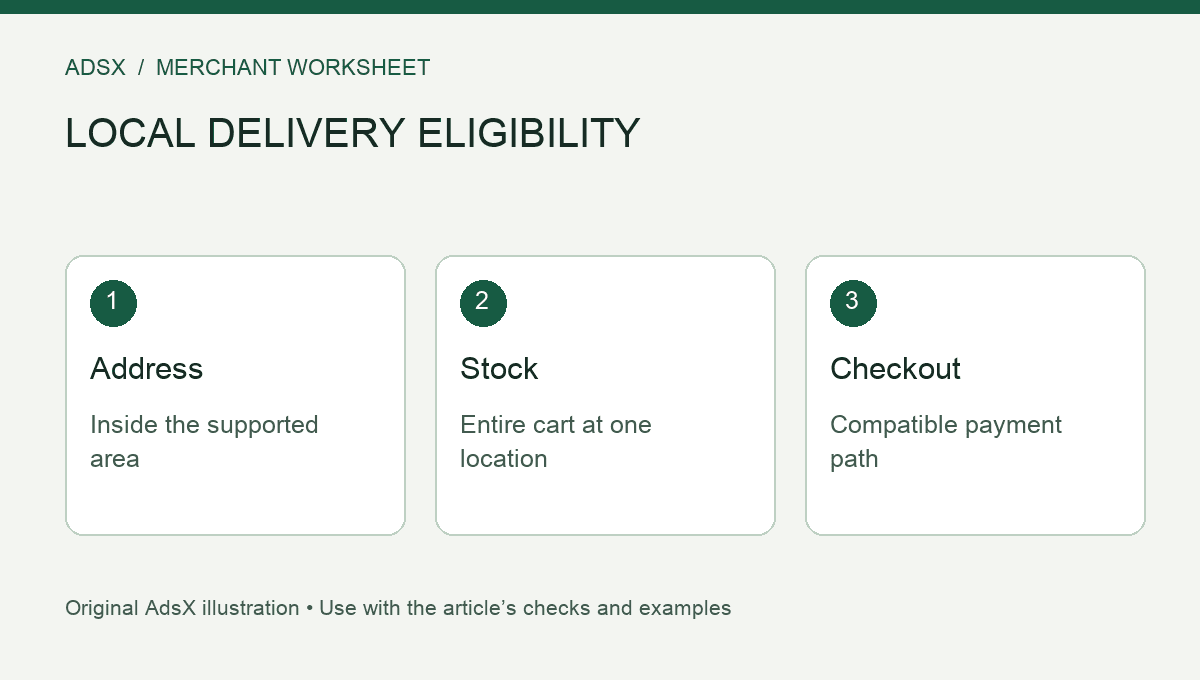
Original AdsX explanatory illustration.
If local delivery appears for one test customer but disappears for another, compare the address, basket, inventory location, and checkout path before changing the delivery radius. Eligibility is more specific than “the customer lives nearby.”
Shopify's local delivery documentation requires the physical cart to be fulfillable from one location with sufficient stock and a supported address. It also describes checkout compatibility: Shop Pay is supported, while other accelerated checkouts can prevent local delivery from appearing when selected at the first step.
Build a four-case test
Use addresses you are authorized to test and avoid collecting unnecessary personal information. Record the expected result before trying checkout.
| Case | Keep constant | Change |
|---|---|---|
| Baseline | One stocked item, ordinary checkout | Known supported address |
| Boundary | Same basket and checkout | Address outside the configured area |
| Inventory | Same supported address | Item stocked at another location |
| Checkout | Same supported address and basket | The accelerated checkout path |
The purpose is to identify which condition changes the result. If you change all four at once, a successful retry tells you little about the cause.
Inspect the actual configuration
Confirm local delivery is active for the intended location and that the location can fulfill online orders. Check postal-code or radius settings and minimum-order rules. Verify the complete basket, not just the first product on the page.
Shopify documents that customers cannot mix shipping and local delivery for different items in the same order. If your business needs that combination, decide whether separate orders are acceptable or whether a different operational approach is necessary. Do not promise the native checkout will split that choice automatically.
Distinguish delivery availability from fulfillment
Making the option appear does not assign a driver or schedule a route. Shopify's local delivery fulfillment guidance covers the subsequent order process. Confirm who prepares, delivers, and marks the order complete.
For example, a shop may serve a small area on Tuesday and Friday. The merchant still needs a realistic cutoff and enough capacity for those days. A wide radius can be technically accepted while being economically impractical. Check driving time and stop density before broadening coverage.
Escalate with a useful record
If the behavior remains unexplained, document the location, product references, available quantities, address-area category, checkout method, expected result, and observed result. Keep customer details out of public screenshots. Include any shipping app involved when contacting its developer or Shopify support.
Do not install a second delivery app merely because one test failed. First determine whether you need a feature the native option lacks or a correction to the existing setup. More overlapping controls can make diagnosis harder.
For a pickup-only model, use the first-store pickup guide. For the larger opening sequence, follow Start a Shopify Store. These delivery tests are one part of a launch decision, not evidence that every possible address is covered.