Examples and worksheets are original editorial planning aids, not observed merchant results. Sources checked November 28, 2026.
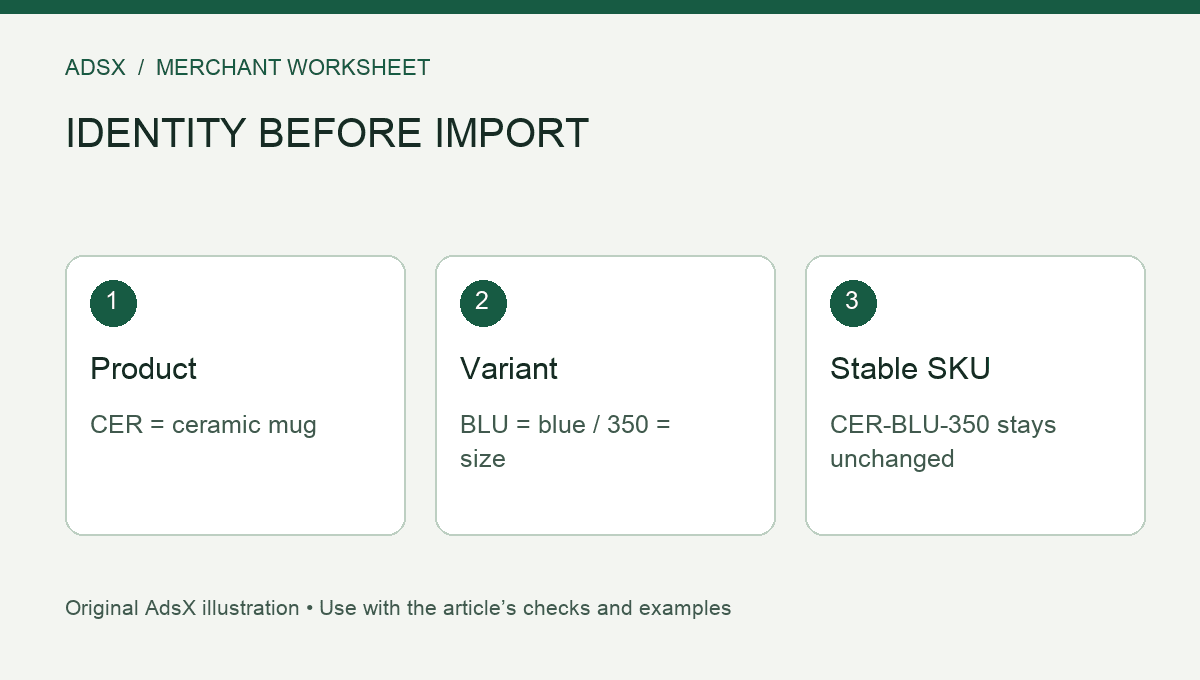
Original AdsX explanatory illustration.
A good SKU helps you identify a sellable variant without needing to remember its marketing name. For a first Shopify catalog, use a short, stable convention and a duplicate check. Avoid encoding every possible detail into a string that becomes difficult to maintain.
Shopify's SKU guidance recommends unique identifiers for variants. The identifier is an operational reference, not a persuasive product title and not automatically a registered barcode.
Make the convention before typing the catalog
For an illustrative mug range, CER-BLU-350 could mean ceramic mug, blue, 350 ml. The code only works if those abbreviations are documented and the same code never identifies a different item. A future product name change should not force a SKU change.
| Field | Example | Rule |
|---|---|---|
| Internal SKU | CER-BLU-350 | One sellable variant only |
| Public title | Blue ceramic mug | Written for the buyer |
| Supplier code | Vendor's reference | Retain separately for purchasing |
| Barcode | Verified identifier, if applicable | Do not invent or substitute the SKU |
Avoid embedding the selling price, the current supplier's name, or a temporary campaign into the SKU. Those can change without changing the physical product. If an item genuinely changes specification, decide whether it requires a new identity and document the transition.
Test the labels where work happens
Read a sample code on a shelf label, packing screen, and supplier reorder sheet. Distinguish confusing characters such as zero and the letter O. Check whether people use the full code or quietly shorten it in a way that causes collisions.
For a ten-variant range, a simple table is enough. For a larger import, run a duplicate and blank check before upload. The first-catalog CSV guide covers import preparation; this worksheet covers the naming decision that comes first.
Use AI only as a reviewer
The following prompt is untested. It proposes a review list, not permission to change live products:
Review these proposed internal SKUs and variant descriptions.
Flag duplicate codes, inconsistent abbreviations, ambiguous characters,
and codes that embed changeable prices or campaign names.
Keep every supplied identifier unchanged. Return questions for a human,
not replacement barcodes or an import file.
[Paste non-sensitive proposed catalog rows.]
Check every flagged pair yourself. Two descriptions can look similar while identifying different variants, and a model can miss a duplicate. Keep an exact mechanical duplicate check in your spreadsheet as well.
Shopify's inventory viewing guide shows how identifiers sit alongside quantities in operational views. Do not let a generated naming scheme blur SKU, title, barcode, or vendor into one field.
Save the convention with the catalog and choose who approves new codes. If you are still opening the account, use Start a Shopify Store for the broader sequence. Ten well-identified variants are a better starting point than a clever scheme nobody follows.