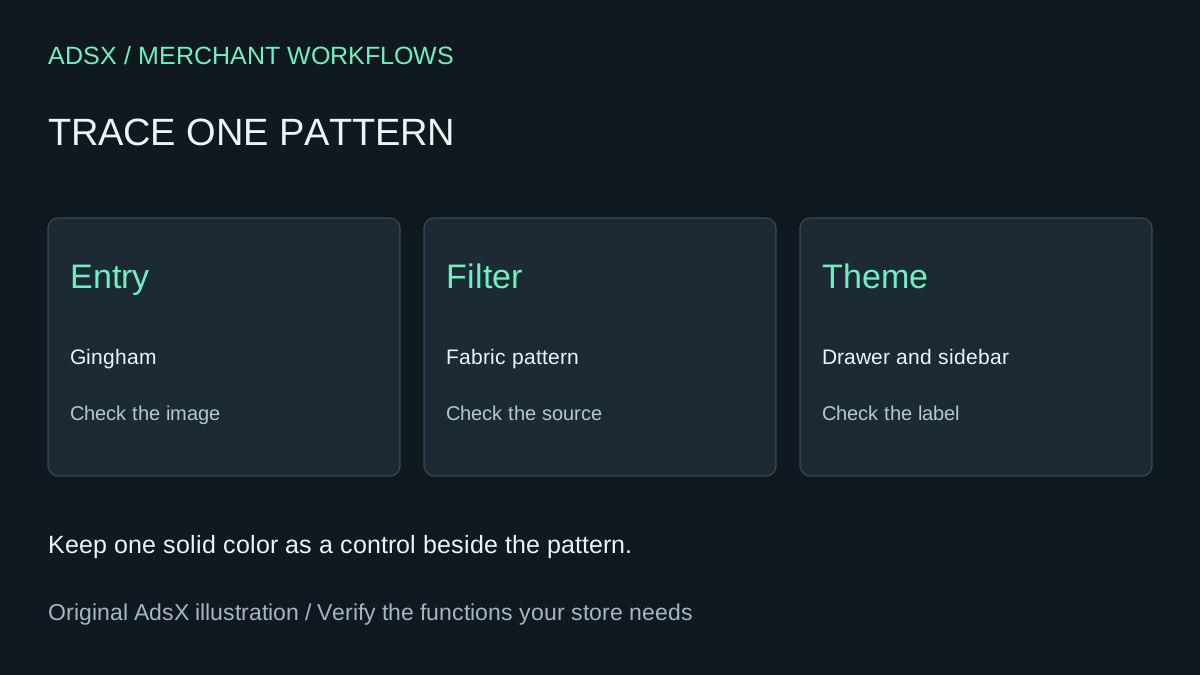
A shopper can still select “Gingham” on the shirts collection, but the checked fabric sample has become a plain text label. Before re-uploading every fabric photo, select the label. If the correct shirts come back, you have already narrowed the problem to how the value is displayed.
Original AdsX illustration.
Use two shirts to locate the fault
Choose one checked shirt and one solid shirt in the same collection. Write down the products you expect to see for each filter value. Preview the same collection in the previous and proposed themes with other filters cleared. If both themes return the wrong shirt, inspect the product assignments and filter source first. If the results match and only the new theme drops the image, focus on the theme.
In Search & Discovery, open the actual filter. A text option named Color and a filter sourced from a color entry can look identical in the drawer. Check the underlying source, its visual display settings and the entry's image. A flat blue chip cannot show the difference between navy gingham and navy pinstripe. Use a small repeat of the fabric pattern that remains recognizable at picker size. Shopify’s visual filter requirements
Follow one value through the theme
Shopify exposes a filter value's label and visual data to Liquid. Ask the theme developer to inspect how the drawer renders a value with an image, one with only a color and one with neither. Keep the readable label available in each case. The product-page variant picker uses a different buying interaction, so a working product swatch gives you little evidence about the collection drawer. Liquid filter value reference
Select Gingham on a phone. Check the resulting shirts, the active filter label, and the result after clearing it. Then repeat by keyboard on desktop. A good repair preserves the filtering behavior even when an image fails to load. If only one theme template fails these checks, estimate the cost of fixing and retesting that template before buying a filtering app for the whole store.
Try the worksheet prompt
Illustrative prompt, not execution-tested.
Given a filter source, two pattern entries, expected products and observations from two themes, group failures by assignment, visual data or rendering. Give the smallest next check for each. Keep missing evidence unknown and make no catalog edits.
Copy the prompt from the merchant library. For related work, see Can Native Shopify Filters Replace Your Paid Filter App?.