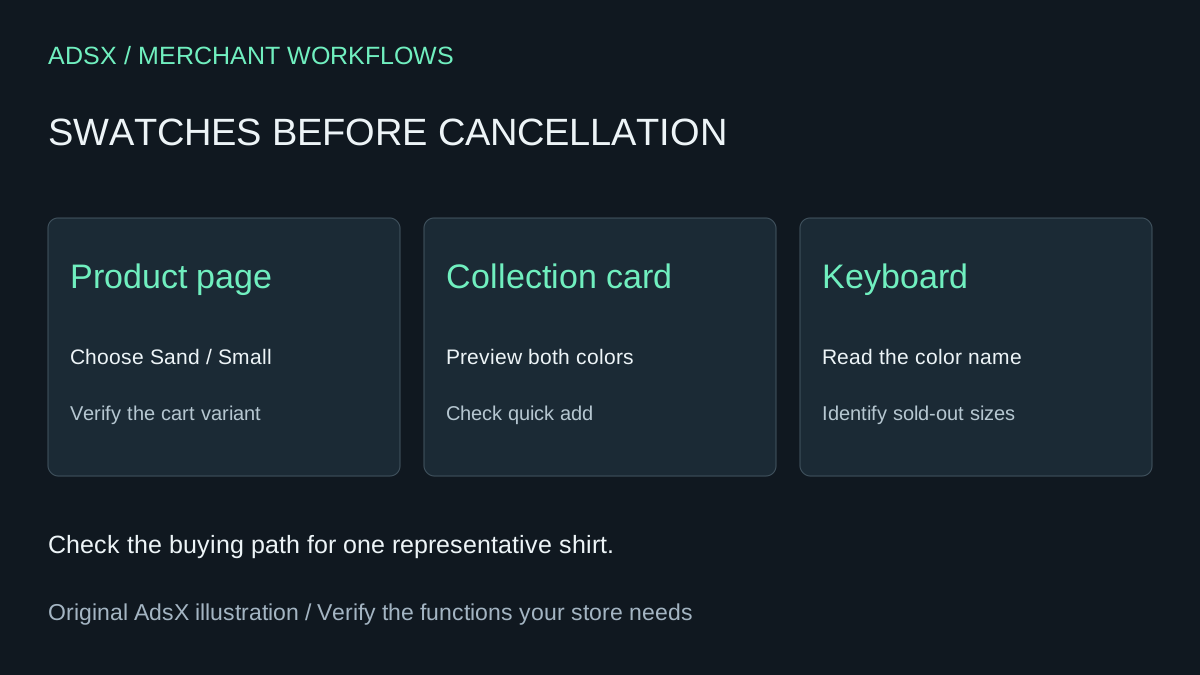
A shirt changes from navy to sand on the product page. On the collection grid, shoppers can also preview each color before opening the shirt. Those interactions look similar to a buyer, yet replacing the first can leave the second missing. Record both in a short screen capture before changing your theme.
Original AdsX illustration.
Try one existing product
Pick a shirt with two colors and two sizes. Use a duplicate theme for the storefront preview. Product data is shared across themes, so use a test product for catalog changes. Assign a category with a color attribute, connect the Color option to that category metafield, and map each existing value to its entry. Choose a theme that supports swatches and inspect its variant picker settings. A shared entry can affect several products when renamed. Shopify’s category metafield walkthrough
Set Sand / Small available and Sand / Large sold out on the test item. Select each combination with a keyboard. Can you identify the color by name, tell which option is selected and see why the large size cannot be ordered? Add the small to the cart and compare the line item with the variant you chose. Repeat from a collection card if shoppers use quick add.
Price the features you would lose
Color Swatch King lists collection-page swatches, badges and bulk CSV swatch uploads. A shop using all three should budget for merchandising work as well as theme changes. A shop using a single product-page picker has a smaller replacement to maintain. Check your actual subscription and plan before valuing a cancellation. Color Swatch King listing and pricing
Suppose your invoice is $20 per month. Two hours of setup at $35 an hour costs $70. Ten minutes per month to retest costs another $70 a year. First-year savings would be $100 on twelve monthly invoices, before any developer work. If removing the app also adds half an hour of collection upkeep each month, that costs another $210 per year. Keeping it would then be cheaper. A free subscription has no recurring fee to recover.
Disable the app integration in the preview where supported. Compare the same buying paths again before cancellation. Record the old settings and which staff member will check swatches after the next theme update.
Try the worksheet prompt
Illustrative prompt, not execution-tested.
Using this list of swatch placements, variant examples, staff rate and app invoice, build a keep-or-cancel worksheet. Give each placement a keyboard, sold-out and cart check. Calculate first-year savings after setup and recurring upkeep. Mark missing inputs unknown.
Copy the prompt from the merchant library. For related work, see A Minimal Shopify App Stack for Your First Physical Product Store.