Scheduling a Shopify collection is one part of launching a campaign. The products, navigation, promotion, and destination links also need to be ready. A collection appearing at the right time is not enough if customers cannot reach it or buy the featured items.
Treat the launch as a short sequence with an owner for each step. Write the intended date, time, and time zone at the top of the plan so staff are not coordinating around different interpretations of “Friday morning.”
Sources reviewed October 30, 2026. Examples and checks are illustrative; use the controls available in your Shopify admin.
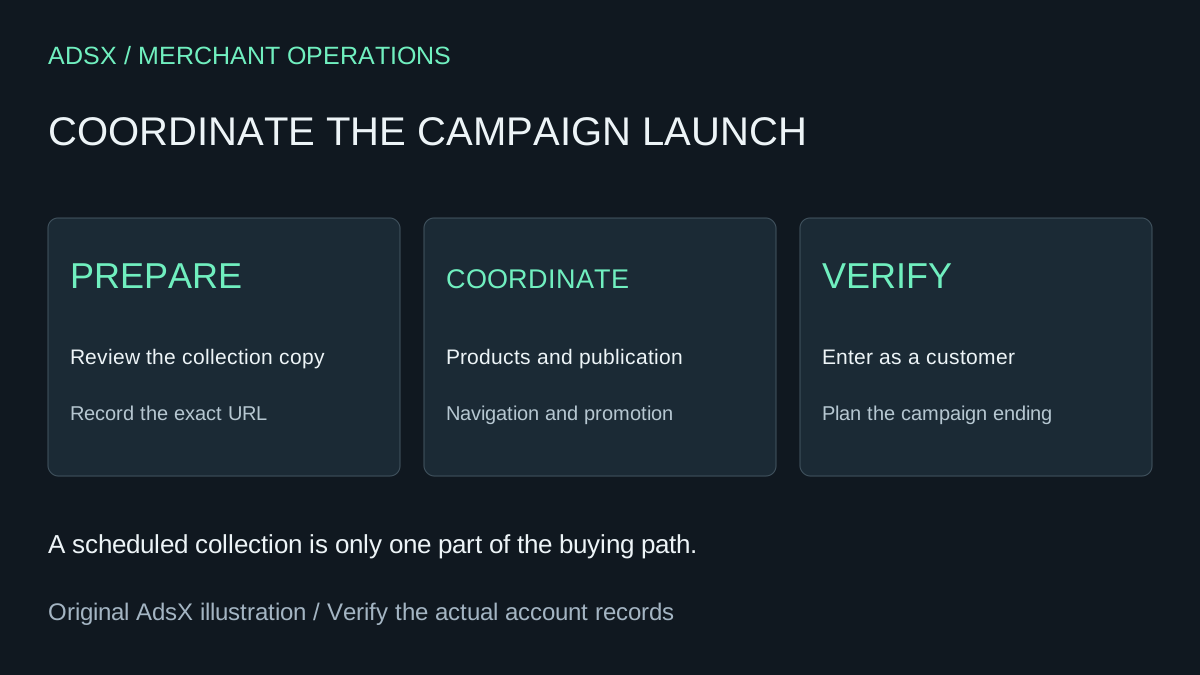
Original AdsX explanatory illustration.
Prepare the collection before scheduling it
Shopify's collection creation documentation explains that a duplicated collection is not automatically included in sales channels. It also distinguishes the newer collections model from legacy manual and smart collections. Use the controls available in your admin when preparing the campaign copy.
Review the duplicate's title, description, image, contents, sorting, and destination URL. Do not assume that an old seasonal collection is suitable because its products look familiar. Prices, available variants, and the promotion itself may have changed since the previous campaign.
Give the working copy an unmistakable internal identity. Two collections with nearly identical titles make it easy to schedule one and link to the other. Record the exact final URL alongside the admin reference.
Separate three availability decisions
Shopify's collection settings guide describes scheduling publication to the Online Store. It also makes two useful distinctions: collection availability does not change individual product availability, and publishing a collection does not add a menu link.
| Launch item | What to verify |
|---|---|
| Collection | Correct publication setting and scheduled moment |
| Products | Intended items and variants can be purchased through the required channel |
| Navigation | Menu or campaign placement opens the intended collection |
| Promotion | Public wording agrees with checkout behavior |
| Recovery | Someone can correct or remove the campaign route if necessary |
Keep these as separate checks. Otherwise, a team may mark “scheduled” complete while the actual storefront journey remains unfinished.
Example: a weekend ceramics collection
Imagine a maker reusing a spring collection for a weekend sale. The duplicate contains twelve products. Two are now unavailable, three have new finishes, and the homepage button still points to the original collection.
Before setting the schedule, remove or deliberately handle the unavailable items, review the new finishes, and confirm which address the button should open. Decide what customers will see before the campaign starts. Avoid a prominent link that leads to an unavailable destination without an explanation.
At launch, check a representative item with multiple options as well as a simple item. A customer should see the intended price, choose a valid option, and reach the correct purchase step. These are suggested acceptance checks, not results from a store we operated.
Coordinate the other campaign surfaces
A scheduled collection does not establish that every banner, advertisement, or third-party placement changes at the same moment. List the active destinations and assign responsibility for their timing. Keep paid-campaign decisions separate from the storefront configuration.
Review any discount's validity window and eligibility. A collection can be visible before its promotion starts, or a promotion can expire while the banner still advertises it. Our discount combination checklist can help review the checkout rules where applicable.
Do not introduce a large theme redesign during the same handoff unless it is necessary for the campaign. A smaller set of changes is easier to verify and reverse if something goes wrong.
Check the live path and close the campaign
After publication, enter through the same link a customer will use on a phone. Confirm the collection, product selection, and checkout path. If an item is missing, follow our collection troubleshooting guide rather than repeatedly changing the publication time.
Plan the end as carefully as the beginning: remove outdated claims, update active placements, and decide whether the collection remains a useful browsing destination. Keep its URL history in mind before deleting anything that attracts traffic. Save the final launch notes so the next campaign starts with a tested process rather than a remembered sequence.