Examples and worksheets are original editorial planning aids, not observed merchant results. Sources checked November 28, 2026.
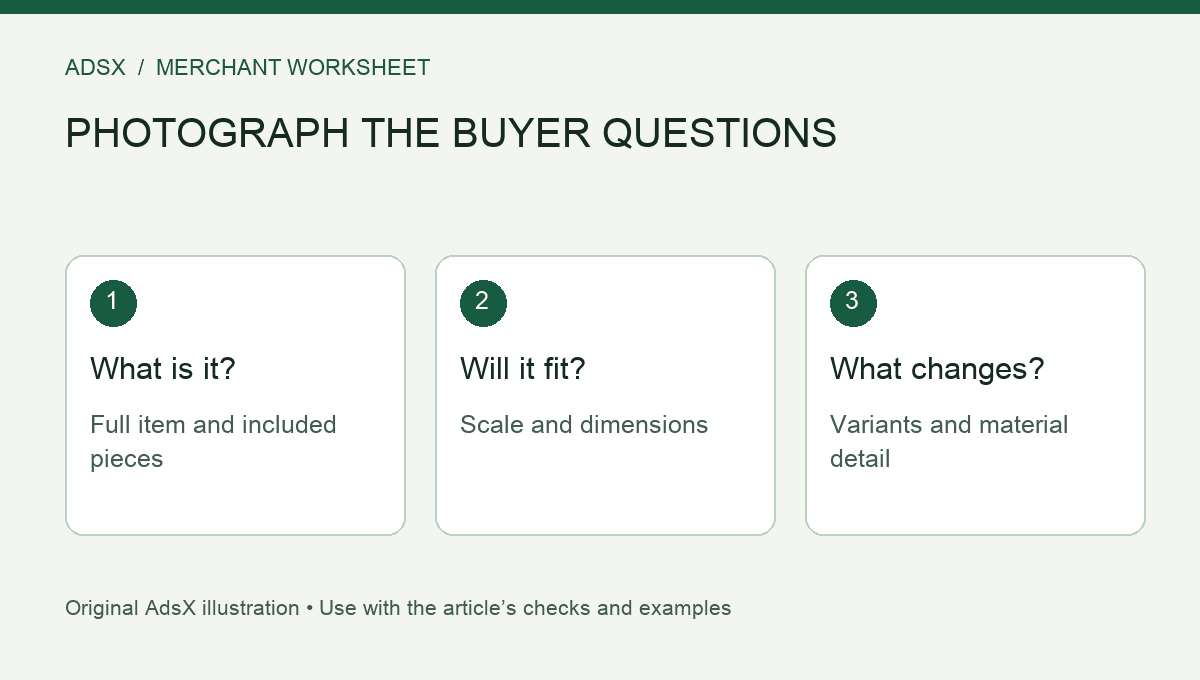
Original AdsX explanatory illustration.
Use AI to plan what you need to photograph, not to invent what the product looks like. A useful first-store shot list answers the questions a customer would ask while holding the item: how large it is, what is included, what the material looks like, and which version they are buying.
This workflow produces a photography brief. It does not claim that generated imagery is evidence of the actual product, and it does not require a paid image app.
Start with a real product and an approved fact sheet
For a hypothetical zippered tool pouch, list the verified dimensions, closure type, material, available colors, and included accessories. Resolve conflicting details with the supplier fact-check workflow before planning images around them.
Then map the shopper's questions to photographs:
| Buyer question | Proposed photograph | Accuracy check |
|---|---|---|
| What arrives? | All included pieces together | Exclude props that look included |
| How big is it? | Item beside a measured scale reference | Avoid misleading perspective |
| What does the fabric look like? | Close detail in consistent light | Do not retouch texture into a different material |
| Which version is this? | Each actual color or variant | Match the correct listing |
The goal is coverage, not a fixed image count. A simple item may need fewer photographs than a product with several configurations.
Ask for gaps rather than finished advertising
This prompt is untested:
Create a product photography shot list from these verified facts.
For each shot, state the buyer question, required view, props to avoid,
and the fact that must remain visually accurate. Flag missing facts.
Do not invent accessories, certifications, dimensions, uses, or results.
Do not generate images. Separate essential shots from optional styling.
[Paste approved product facts.]
Review whether the proposed shot can actually be made with the product you have. A suggested “waterproof demonstration” is inappropriate if waterproofing has not been substantiated.
Shoot first, then check presentation
Shopify supports different product media types. The current documentation gives upload limits and presentation guidance; the exact display depends on the theme. Check the image on a phone as well as a large screen rather than relying on the original file.
Keep source photographs and edit copies separately. Cropping, exposure adjustments, or background cleanup should not conceal damage, change color materially, or alter the product's shape. If an illustration explains dimensions, label it as an illustration and verify the numbers.
Upload only material intended to be public
Shopify's product media guidance warns that files uploaded for storefront use should be intended for public access. Do not include supplier contracts, private order documents, or customer photographs without the necessary rights and permission.
After upload, check variant associations, gallery order, and useful alt text. Our image optimization guide addresses performance; this brief addresses what the image needs to communicate.
Use the resulting approved set in your Shopify launch sequence. A trustworthy gallery helps a buyer understand the product. It is not a substitute for actual demand or a guarantee of conversion lift.