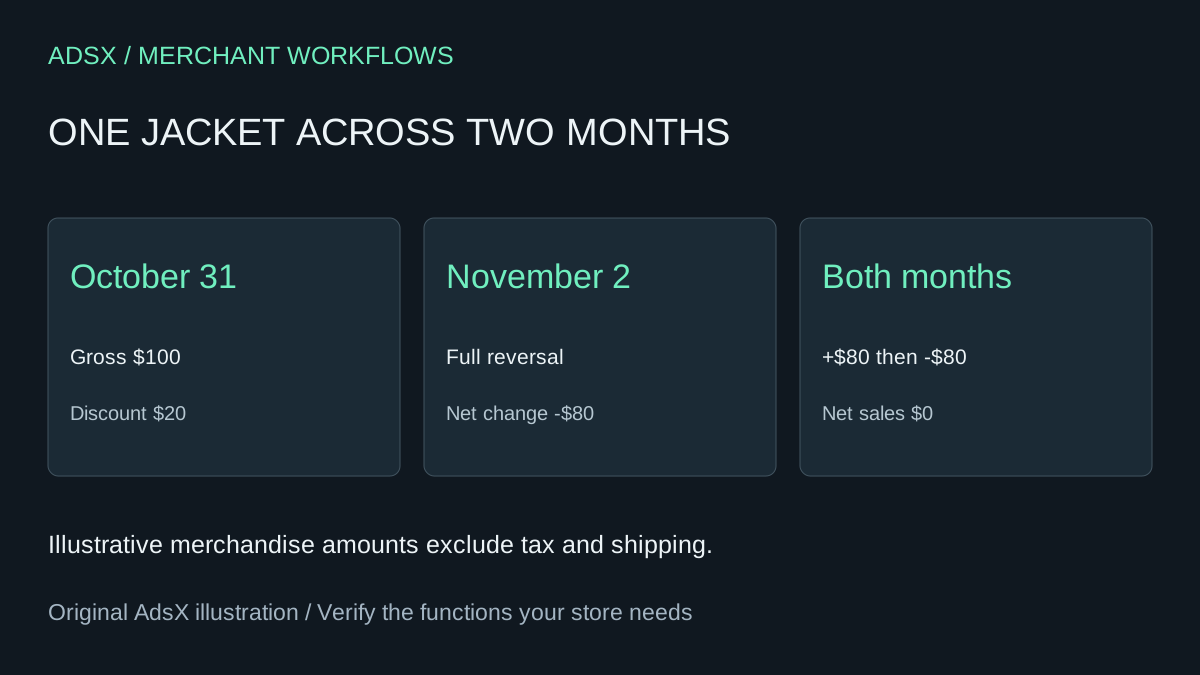
A jacket sells on October 31. The buyer returns it on November 2. The team sees negative November net sales for a jacket it never sold in November. Before correcting the catalog or blaming an ad campaign, follow the two dates in the sales report.
Original AdsX illustration.
Put the sale and the reversal on their own rows
Shopify records sales on the day they occur and reversals on the day they are processed. Sales reversals can arise from edits and cancellations as well as physical returns. Keep the report date, variant identifier, currency, order reference and adjustment description when you export. Replace customer details with an internal alias before sharing rows with an assistant. Shopify sales report definitions
Suppose the jacket sells for $100 with a $20 discount. Ignoring tax, shipping and fees, October net sales are $80. A full merchandise reversal in November contributes minus $80 to November. Combined net sales are zero. If your export breaks the reversal into components, sum the associated signed amounts once. Subtracting the original $20 discount from the already discounted $80 a second time will leave a spurious balance.
Give the assistant a control total
Export the same report twice, once for each month, using identical channel and currency filters. Supply the native net-sales totals alongside your rows. Ask the assistant to sum each month, match the two entries by reference and flag the residual between its sum and Shopify’s figure. If the totals disagree, look first for missing rows, mismatched filters and repeated order-level values on variant lines.
A payment payout can cross yet another date boundary. For this merchandise check, finish with the sales report. Bring in product costs only when the question shifts to gross profit. A matched return can explain a negative sales day without establishing whether a campaign earned money. Shopify profit reports
Try the worksheet prompt
Illustrative prompt, not execution-tested.
Using these fictional dated merchandise rows, preserve signed values and currency. Show net sales per month, pair each reversal with its original order reference and calculate the residual against each supplied control total. Flag unknown adjustments and duplicate values. Do not infer payout or profit.
Copy the prompt from the merchant library. For related work, see Why Shopify Gross Profit Can Leave Out a Best Seller.