Treat every Shopify app trial as a separate buying decision. Your store's trial, an app's trial, and the date a charge appears on an invoice are different things to record. A store that is still being built can accumulate app commitments before the merchant has demonstrated a need for them.
The practical fix is a short decision log: one job, one test, one deadline, and one person responsible for each app. This guide covers that evaluation workflow rather than Shopify's developer billing APIs or the platform's promotional trial offer.
Disclosure: AdsX may earn a commission from qualifying Shopify referrals through signup links elsewhere on the site. No app partnership or app referral commission is claimed here. Names and prices in the example are fictional. Documentation checked November 28, 2026.
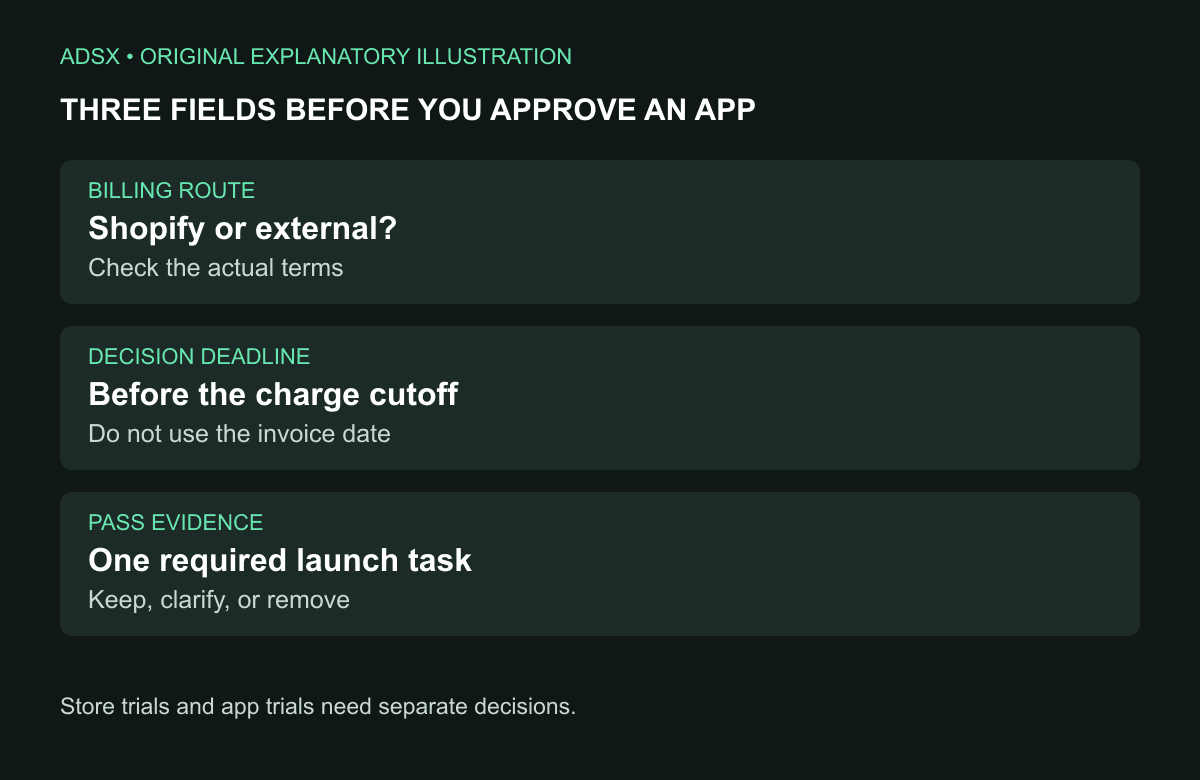
Original AdsX evaluation diagram; dates and prices must come from the actual approval screen and app terms.
Record the terms before approving a charge
Shopify's app billing documentation explains that app subscriptions can have billing cycles separate from the store subscription. Uninstalling prevents future billing cycles but does not necessarily remove a charge already generated. Do not use the next Shopify invoice date as your cancellation deadline.
Some apps bill outside Shopify. Those charges require separate management with the developer, as explained in About apps. Check the actual billing route rather than assuming every installed app appears on the Shopify bill.
Create this log before installing another paid tool:
| Field | What to write down |
|---|---|
| Required job | The launch task this app must perform |
| Billing route | Shopify billing or an external provider |
| Trial terms | Start, end, timezone if specified, and what starts a charge |
| Normal price | Recurring amount, usage component, and limits |
| Decision deadline | Your review time before the contractual cutoff |
| Pass evidence | A specific outcome you can inspect |
| Exit steps | Cancellation, uninstall, export, and storefront cleanup to verify |
Save the terms you actually accepted. If the cutoff or usage rules are unclear, ask the developer before assuming the trial is free for your intended test.
Test one launch-critical job
Consider a fictional product-options app priced at $12 per month after its stated trial. The merchant needs buyers to enter a short engraving message and have that exact text reach the fulfillment workflow.
A useful test has a small evidence set: the field appears on the intended product, required input is enforced, the order carries the correct message, and the person preparing the order can find it. Include an empty input and a long message to expose the boundaries. Use the store's appropriate test-order method and the checkout test guide; do not treat a storefront screenshot as proof that fulfillment receives the data.
The decision is then specific:
- Keep: the required workflow passes, the ongoing price fits, and no simpler suitable option has been identified.
- Extend the evaluation only if agreed: a material question remains and the developer confirms revised terms. Do not assume extra trial days.
- Remove: the requirement is unnecessary for launch, fails the test, or costs more than the merchant is willing to maintain.
A review app with nothing to import might wait. A tool needed to pass accurate order details to fulfillment might be essential. The distinction is the launch requirement, not which app has more features.
Include time in the keep decision
Suppose setup takes 90 minutes, valued internally at $20 per hour. The example's first-month evaluation cost is $30 of time plus a $12 subscription if retained: $42, before any usage charges or tax. Later months still require someone to check that the workflow works after changes.
Do not call an AI-generated replacement “free” merely because its first draft costs nothing. Hosting, maintenance, testing, permissions, and failure recovery can exceed a small subscription. Use our app-function replacement guide when the proposed alternative is custom code.
Close the trial deliberately
Before removing a tool, identify data or settings you need to retain and check the developer's removal instructions. After cancellation or uninstall, inspect the affected product and order workflow again. Record the completion date and any billing confirmation. Do not assume removing an app reverses every storefront change it made.
If a charge has already been generated, review its status and contact the developer about the available credit or refund path. Do not promise yourself a refund as part of the budget; approval is not guaranteed under Shopify's documented process.
Keep only the tools that your launch needs, then return to Start a Shopify Store for the wider setup sequence. If you are still deciding whether Shopify fits at all, use the store trial scorecard before building an app stack around it.