Check your Shopify store currency while the catalog is still small and before taking real orders. Choose it deliberately around the business you are setting up, then verify prices and the buying experience. A currency-symbol change is not a pricing strategy or a bank-account change.
This is a pre-launch review, not a recommendation to switch the currency of an operating store. If you already have orders, balances or connected apps, a change needs a broader review than the simple example below.
Disclosure: AdsX may earn a commission from qualifying Shopify signup links. Examples and the worksheet are original planning aids, not a tested store migration. Official documentation reviewed November 28, 2026.
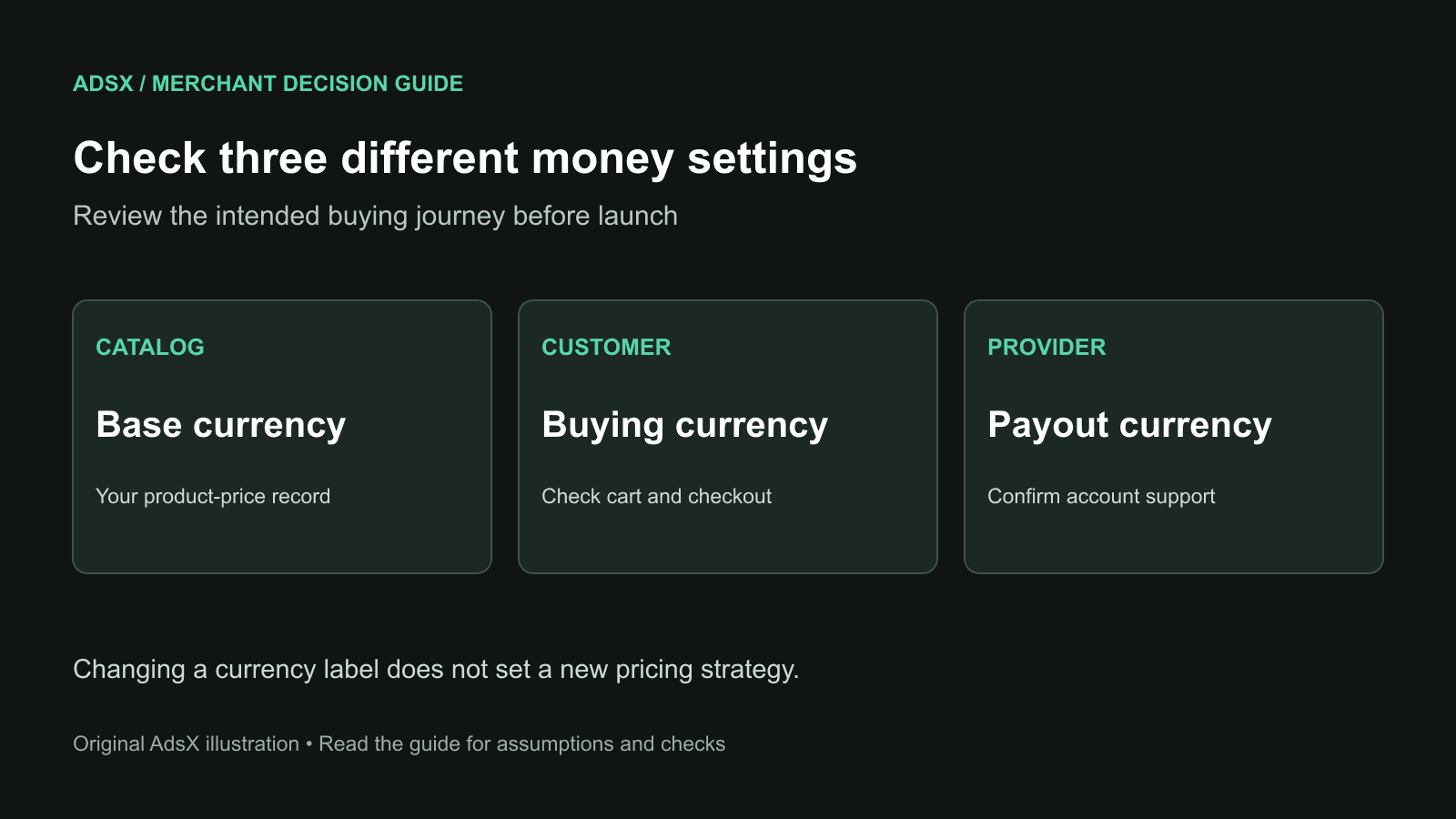
Original AdsX currency-review illustration.
Write down which currency you mean
Start with a three-line record, using currency codes rather than an ambiguous dollar symbol:
| Question | Example planning answer |
|---|---|
| What currency will the base catalog use? | CAD |
| What should a buyer in the first target market see and pay? | Verify the intended Canadian buying journey |
| What currency will the provider pay into the bank account? | Confirm separately with the provider and account settings |
Shopify's store-currency overview distinguishes the currency used for product prices from Shopify Payments payout currency. Available payout currencies depend on the store's location. A buyer-facing currency, a base catalog currency and a payout currency should not be assumed to be interchangeable.
For a first store, write the intended customer market beside these answers. If that decision is still unresolved, use the domestic versus international launch guide first. This worksheet checks the money labels and prices after that market decision; it does not select countries for you.
Do not mistake relabeling for conversion
Shopify's currency-change documentation says changing the store currency changes the currency of product prices without automatically converting their numeric amounts.
For an original example, imagine a draft product priced at 80 USD. After changing the store currency to CAD, an unchanged numeric price would be 80 CAD. That is not evidence that Shopify converted the price at an exchange rate or preserved the intended margin.
Suppose the merchant's independently chosen Canadian price is 110 CAD. The review should identify the 30 CAD difference between the intended price and the 80 CAD draft. That is a catalog correction to investigate, not an exchange-rate quote. The intended price must come from the merchant's costs and pricing decision.
Use a small worksheet before making a bulk change:
| Item reference | Old price and currency | Intended new price | Observed new price | Decision |
|---|---|---|---|---|
| SAMPLE-01 | 80 USD | 110 CAD | 80 CAD | Review before publishing |
| SAMPLE-02 | 24 USD | Not decided | Not checked | Hold until priced |
Keep undecided prices visibly undecided. Filling them with a guessed conversion creates a tidy spreadsheet and an unreliable launch plan.
Review more than product prices
Shopify documents separate consequences for shipping rates, discounts, gift-card balances, pending payments, refunds and app compatibility. Only the store owner can change the store currency. Review the full official checklist before using the currency control in Settings → General.
For a new store with no customers, make the review concrete: pick one inexpensive product, one expensive product and one product with a discount. Write down the intended price and delivery charge for each. If the store already issued gift cards or accepted money, stop treating this as a clean pre-launch exercise and resolve those dependencies first.
Export the relevant pricing records before changing settings. Give the person doing the review a named list of expected outcomes rather than an instruction to “make sure everything looks right.” Record who approves each unresolved amount.
Check the buyer's total before inviting customers
After the configuration and price review, walk through the supported purchase path using the pre-launch test-order checklist. Compare the product page, cart and checkout with the intended currency codes and amounts. Record the destination used, the delivery selection and the final total; a screenshot of a product price alone does not establish the checkout result.
If an amount differs, trace which input changed instead of correcting the total by intuition. The price, discount, shipping charge and tax calculation are separate inputs. Avoid using a real customer order as the first diagnostic exercise.
Keep the wider account setup in Start a Shopify Store, and use the startup cost calculator with a consistent planning currency. Complete this review before spending time polishing a launch announcement: the offer is not ready until the amount a customer will pay is understood.