For a unique vintage jacket or a specific graded collectible, the buyer expects the exact item pictured. Start with a record that identifies that physical item, an accurate available quantity and a clear process for removing it from sale when it leaves your possession.
A quantity of one is useful only when it represents one actual sellable item. Two listings, two locations or an unrecorded off-site sale can break that assumption. This guide covers the launch checks for unique stock, rather than the wider sourcing and branding work in our vintage-store guide.
Disclosure: AdsX may earn a commission from qualifying Shopify signup links. The sample ledger and workflow are original illustrations, not an AdsX store test or a guarantee against overselling. Official documentation reviewed November 28, 2026.
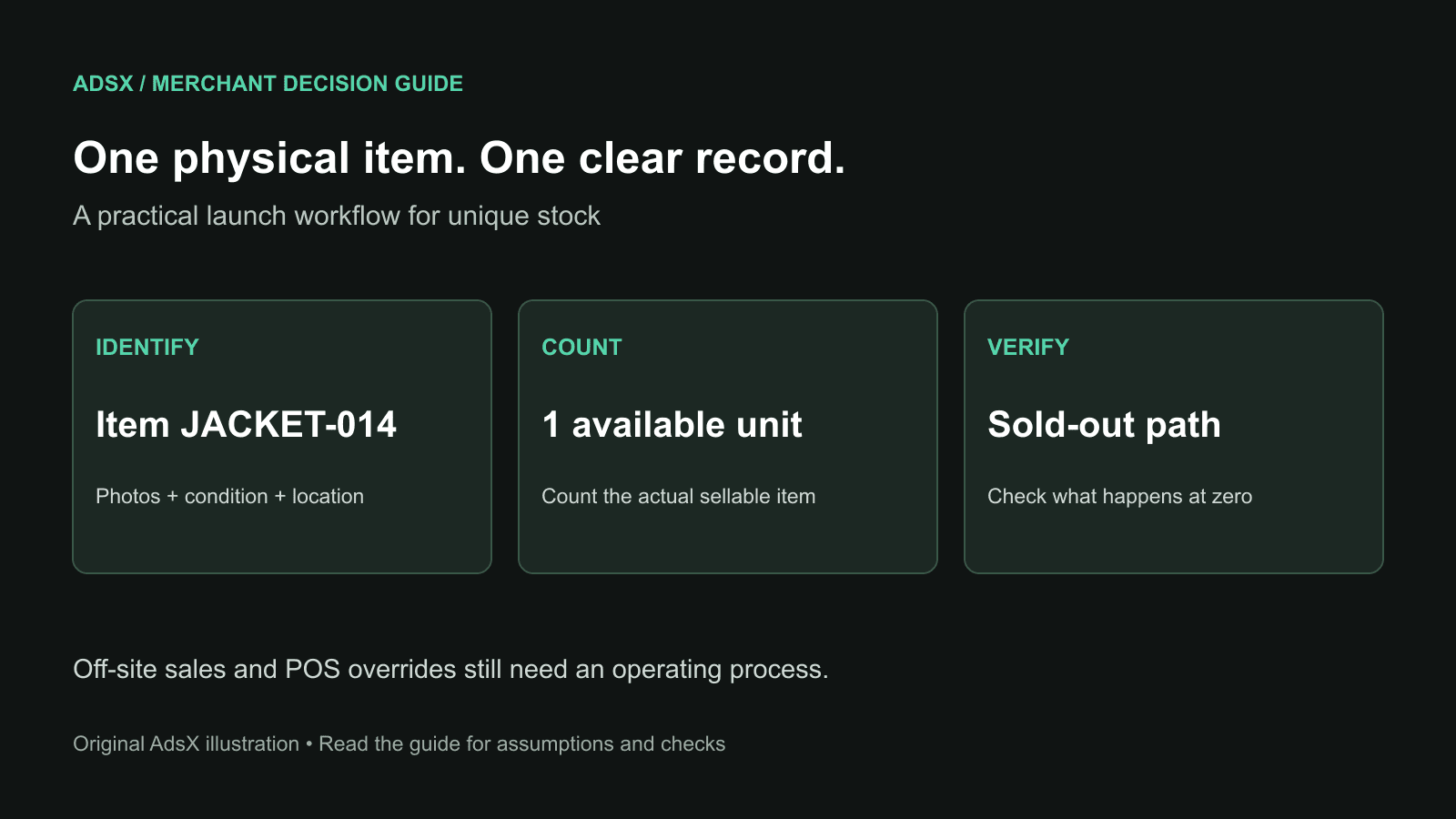
Original AdsX quantity-one workflow illustration.
Give the physical item a stable identity
Use an internal item reference that stays with the piece from photography through packing. A label such as JACKET-014 is enough for a small launch if it is unique and consistently used. Our first-catalog SKU guide explains how to keep those references manageable.
Create separate records when the condition, photographs or identity make two items materially different to the buyer. For example, two jackets in the same stated size are not necessarily two interchangeable units if one has a repaired sleeve and the other does not. Product-versus-variant organization should still give the buyer an unambiguous choice and the packer an unambiguous item.
| Physical reference | Buyer-facing distinction | Sellable units counted | Storage reference |
|---|---|---|---|
| JACKET-014 | Blue jacket, repaired left cuff | 1 | Rack A, slot 4 |
| JACKET-015 | Blue jacket, no cuff repair | 1 | Rack A, slot 5 |
| COIN-021 | The specific photographed graded coin | 1 | Tray B, slot 2 |
These are hypothetical records. Do not let AI invent condition, provenance, authentication or an item count from a product title. Photos can help identify a piece, but they do not replace a physical count or a supported condition description.
Track the right unit at the right location
Shopify's initial inventory setup guide explains quantity tracking and assigning stock to locations. For a unique stocked item, activate tracking and enter its actual available quantity at the location holding it. Do not enter one unit at each location to make the same physical piece appear available in more places.
Review the online out-of-stock setting. Shopify's selling-when-out-of-stock guidance explains that enabling continued selling permits purchases after tracked inventory runs out. That is usually the wrong promise for an irreplaceable item.
The same documentation notes that Shopify POS can still sell below zero with a warning. A staff process therefore matters even when online settings are correct. Do not describe the online setting as an absolute lock across every channel.
Run a sold-out check before the first drop
Use a controlled test item or an appropriate test environment rather than experimenting with an active customer's order. Follow the test-order guide, then record what you actually observe:
- Confirm the item record, location and available quantity before testing.
- Check that the intended online purchase path works while the test unit is available.
- Verify the inventory result after the test order and inspect the sold-out buying path.
- Check search results, collections and any other listing that could still imply the item is available.
- When undoing the test, verify the intended restock result before making the real item available.
A passed check is evidence about that configuration at that time. It does not establish that an unrelated marketplace integration or a staff override will behave the same way.
Decide who records an off-site sale
If the same piece is offered at a market stall, through direct messages or on another marketplace, choose a single owner for availability updates. Native inventory settings cannot resolve an external sale that never reaches the relevant inventory record.
For a small launch without a verified synchronization workflow, the simplest operating choice may be to offer a unique piece through one sales route at a time. If you use several routes, document the update sequence, expected delay and response to a synchronization failure. Check the actual integration rather than assuming that an app installation makes every listing share stock.
For example, after an off-site sale of JACKET-014, the responsible person records the sale in the agreed system, checks the online availability and confirms that the stored piece is no longer in the sellable rack. “I sent someone a message” is not a completed availability check.
Finish with an exception list
Before launch, separate items with missing photographs, uncertain condition or unresolved counts from the ready-to-sell list. A shorter accurate catalog is easier to operate than a larger catalog with hidden exceptions.
An optional untested AI prompt can help review a redacted ledger: “Find duplicate item references, available quantities above one for items labeled unique, and missing storage references. List inconsistencies only. Do not infer condition or change quantities.” Review every finding against the physical item before editing Shopify.
Use Start a Shopify Store for the broader setup, then begin with a small catalog you can reconcile. The useful launch milestone is knowing exactly what each buyer can purchase and how the team will keep that promise after a sale.