Migrating a Whop integration starts with identifying which API it calls. A newer-looking version number, a renamed documentation page, or a working checkout link cannot tell you whether a scheduled job still depends on an older endpoint.
Whop's V2 migration guide states that V2 is deprecated and gives November 13, 2026 as its sunset date. Check the current notice against your actual requests. The guide maps V2 to the Current API, whose base URL contains /api/v1; don't choose an API by comparing the digits alone.
Disclosure: Dennis Hegstad works at Whop. AdsX may earn compensation from qualifying referrals through our partner link. This checklist uses public documentation reviewed October 20, 2026. The scenarios below are illustrative; we have not migrated your integration or processed test payments.
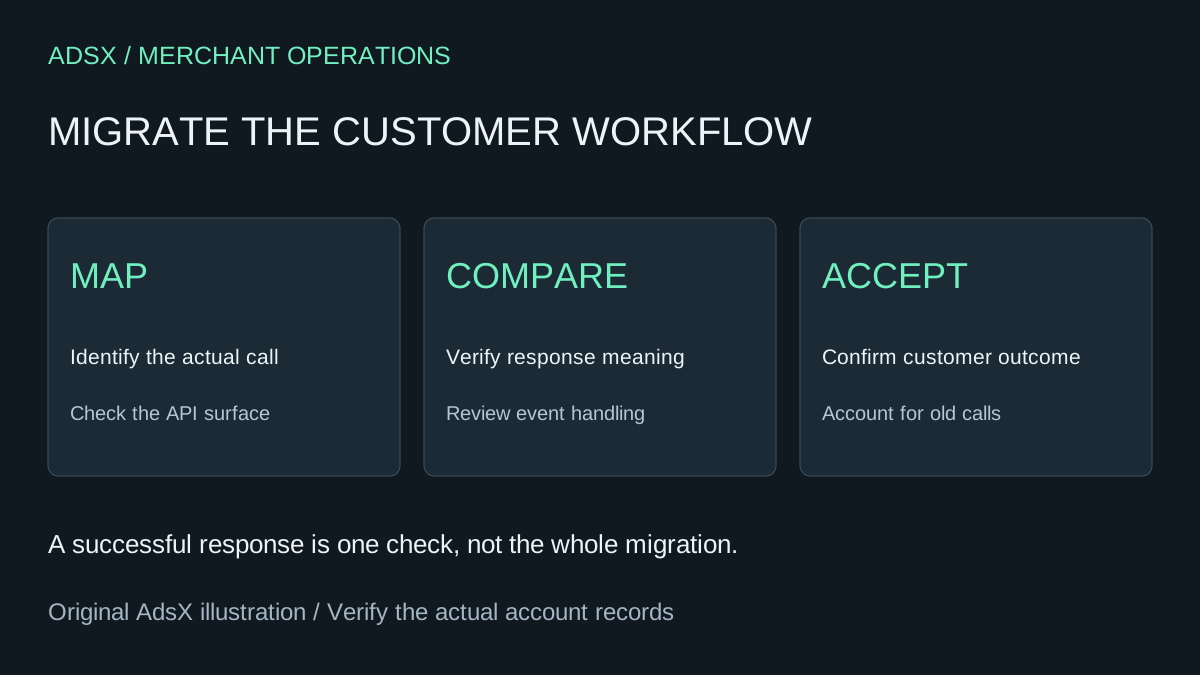
Original AdsX migration-review illustration.
First, identify the affected calls
Make an inventory from application code, scheduled jobs, server logs, and integrations owned by contractors. Record the base URL, resource, method, SDK version, and the business task each call supports. Redact credentials and customer data from any shared review.
Whop's stability page distinguishes Current and Legacy surfaces and says some Legacy resources remain supported. That broad description should not replace the specific V2 migration notice. If you cannot establish which surface a dependency uses, resolve that uncertainty before treating it as safe or broken.
A fictional course business might identify three owners: its developer owns checkout creation, operations owns a nightly member export, and support owns cancellation requests. Each needs a separate acceptance condition. A checkout that loads correctly says nothing about whether the export includes every member.
Map the resource and its behavior
The migration guide maps plans to variants, while retaining plan_ identifiers. Checkout sessions become checkout configurations. It also changes pagination and some update methods. Use its route map for the exact operation you found rather than applying a global text replacement.
Keep a small review table:
| Business task | What to inspect | Evidence needed before release |
|---|---|---|
| Create a purchase path | Resource, request fields, returned URL | Correct offer opens with expected terms |
| Read member records | Filters and pagination | Complete, deduplicated expected set |
| End future billing | Cancellation timing and access outcome | Behavior matches the customer's request |
| Process a payment event | Event format and handler | One correct operating action |
For each row, retain a sanitized before-and-after example. A successful HTTP response is useful evidence, but it is not the acceptance condition. A response with fewer records or a different interpretation of cancellation can still look technically successful.
Our Whop API and CLI storefront guide is a separate starting-store workflow with an explicitly pinned CLI version. Do not mix its command flags with SDK methods copied from another release.
Pin the integration you intend to deploy
Read Whop's API versioning reference alongside the installed SDK's documentation. Record the exact SDK release and requested API version in the migration record. Review those values as part of the change, not after an unexpected response appears.
Keep development, review, and production configuration identifiable. “Works on my laptop” is weak evidence if the deployed service uses a different dependency lockfile or account. Confirm the intended account without exposing its key in a screenshot or copying it into browser code.
If permissions differ, ask the authorized owner to review the specific required scope. Broadening every permission just to clear an error makes it harder to understand what the integration actually needs.
Test a small set of consequential scenarios
Start with controlled response fixtures and read-only comparisons where possible. For the fictional course business, use an export spanning more than one page, a member scheduled to cancel at renewal, and a payment event delivered twice. Define the expected outcome before running the check.
The migration guide says V2-created webhooks retain their V2 payload format. Treat event migration as its own task. Avoid running two fulfillment handlers that both act on the same purchase while you compare formats.
Any real payment, cancellation, refund, or resource creation needs a deliberate authorized test plan. A preview website does not establish a sandbox. Keep test records distinguishable, and document who will reconcile any real business effects.
Use the multi-product checkout test plan when the storefront has a cart. Its buyer-facing checks complement API validation: selected items, quantities, final totals, and the fulfillment record must agree.
Switch with a clear stop condition
Choose a low-risk release window and identify the person who can stop the rollout. Preserve the previous deployment and record what reverting code would—and would not—undo. Reverting a handler does not reverse a payment or restore a cancelled membership.
Watch the business outcomes you listed, including the next scheduled export. Close the migration only when those tasks pass and the old calls are accounted for. Keep unresolved third-party dependencies visible with an owner and next action.
If you are choosing Whop for a new business, begin with its Current API guidance and a small purchase workflow. You can create a Whop business through the AdsX partner link, then confirm account terms and implementation requirements before committing to a larger build.